Check the network before a transfer
Prevent address and network mismatches before the sender broadcasts.
Guide checked for Oath 5.1.2 (112).
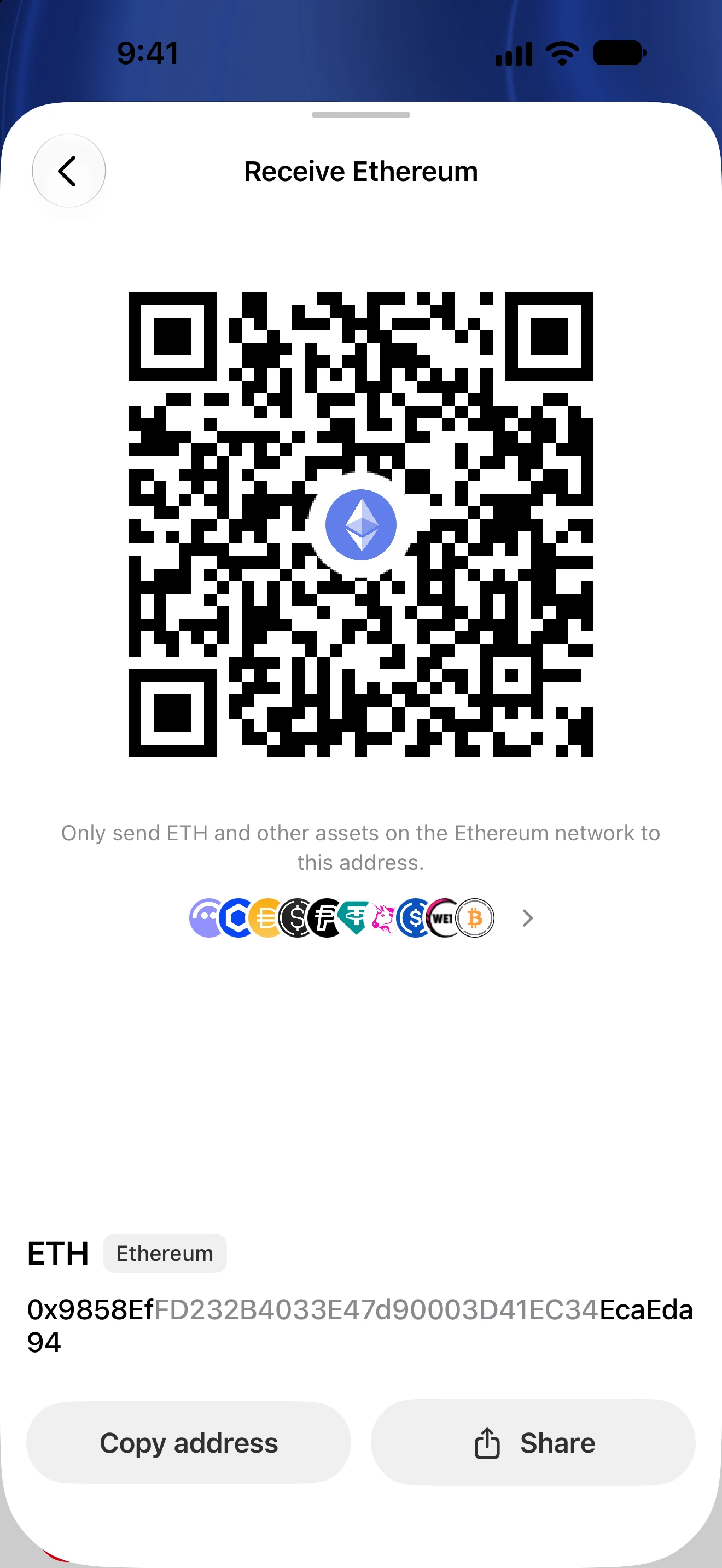
Receive → network notice
How to do it
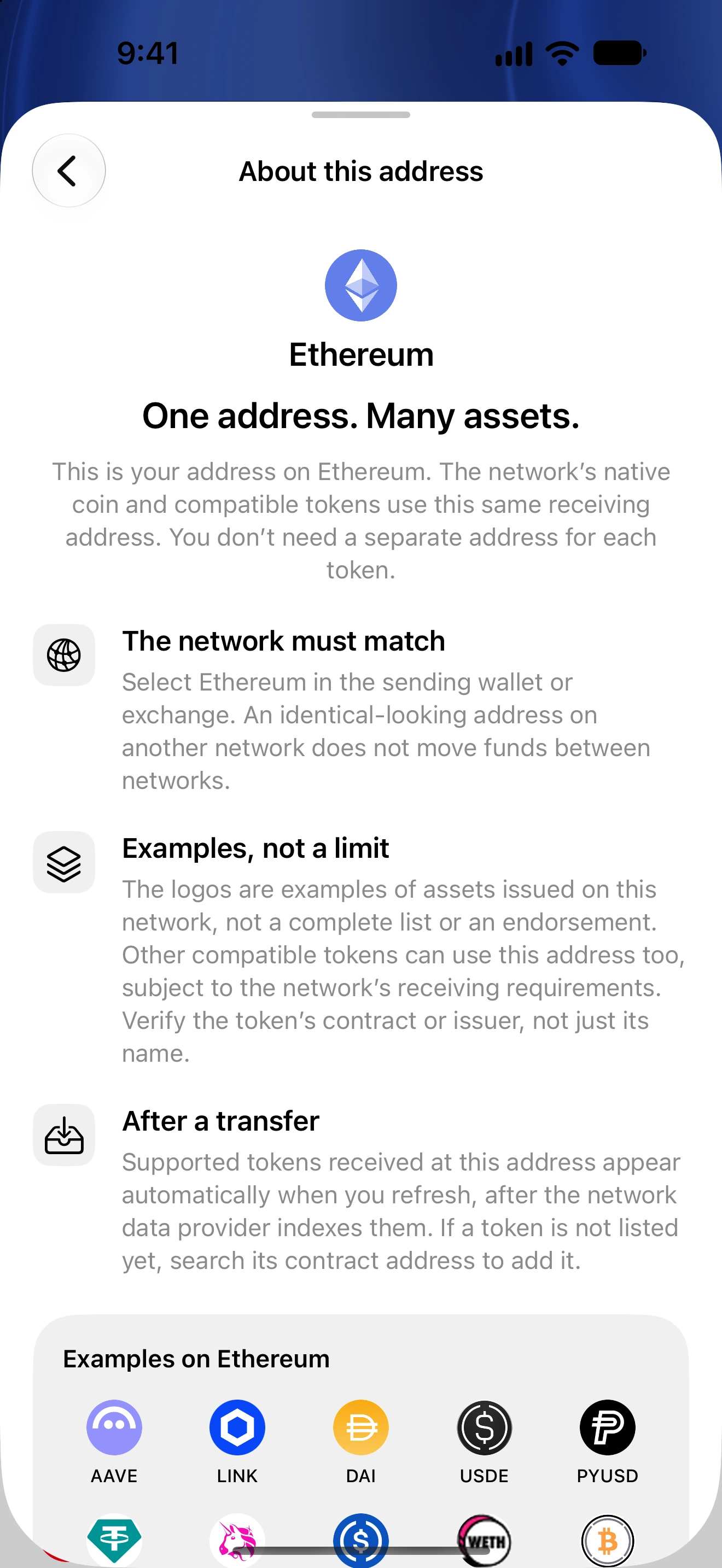
- Compare the network named in Oath with the network selected by the sender or exchange.
- For tokens, confirm that the contract or mint belongs to that same network.
- If the sender asks for a memo or tag, verify its requirements for the actual destination instead of inventing one.
- If a transfer already used the wrong network, keep the transaction ID and contact support with public details only.
Public addresses can share a format across different networks. That does not make the chains interchangeable or prove a deposit service can recover the transfer.
If already sent, retain the transaction ID and contact the receiving service using official channels. Do not pay an unsolicited recovery service or disclose keys.
Receiving shares a public destination; it does not sign a transfer. The sender must select the same network and asset deployment as the address you are showing.
Follow along in Oath
Real app screens with illustrative demo data from historical captures. Current release: Oath 5.1.2 (112); appearance and available options may differ from the images. No live funds were sent, swapped or revoked for these examples. Never send funds to an example address. Tap an image to inspect it at full size.