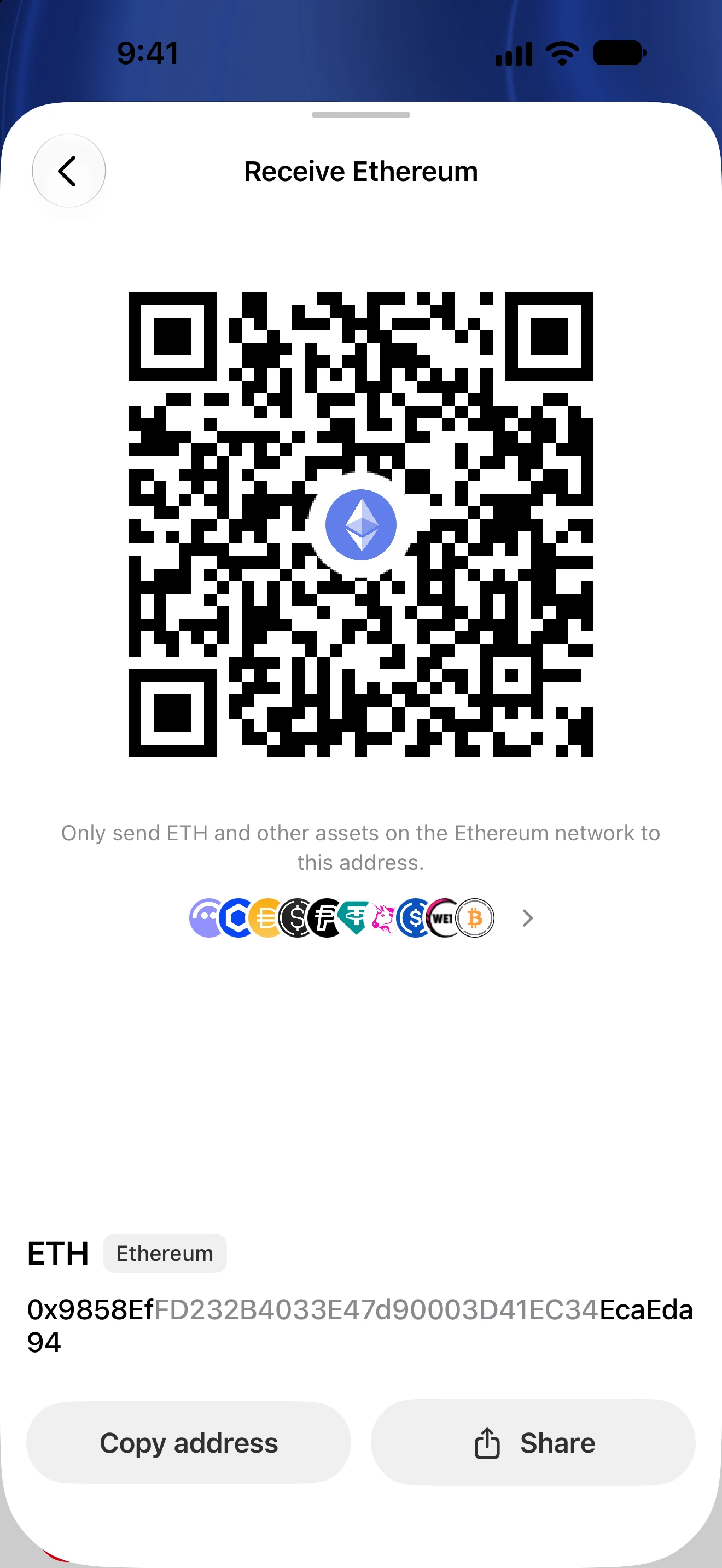
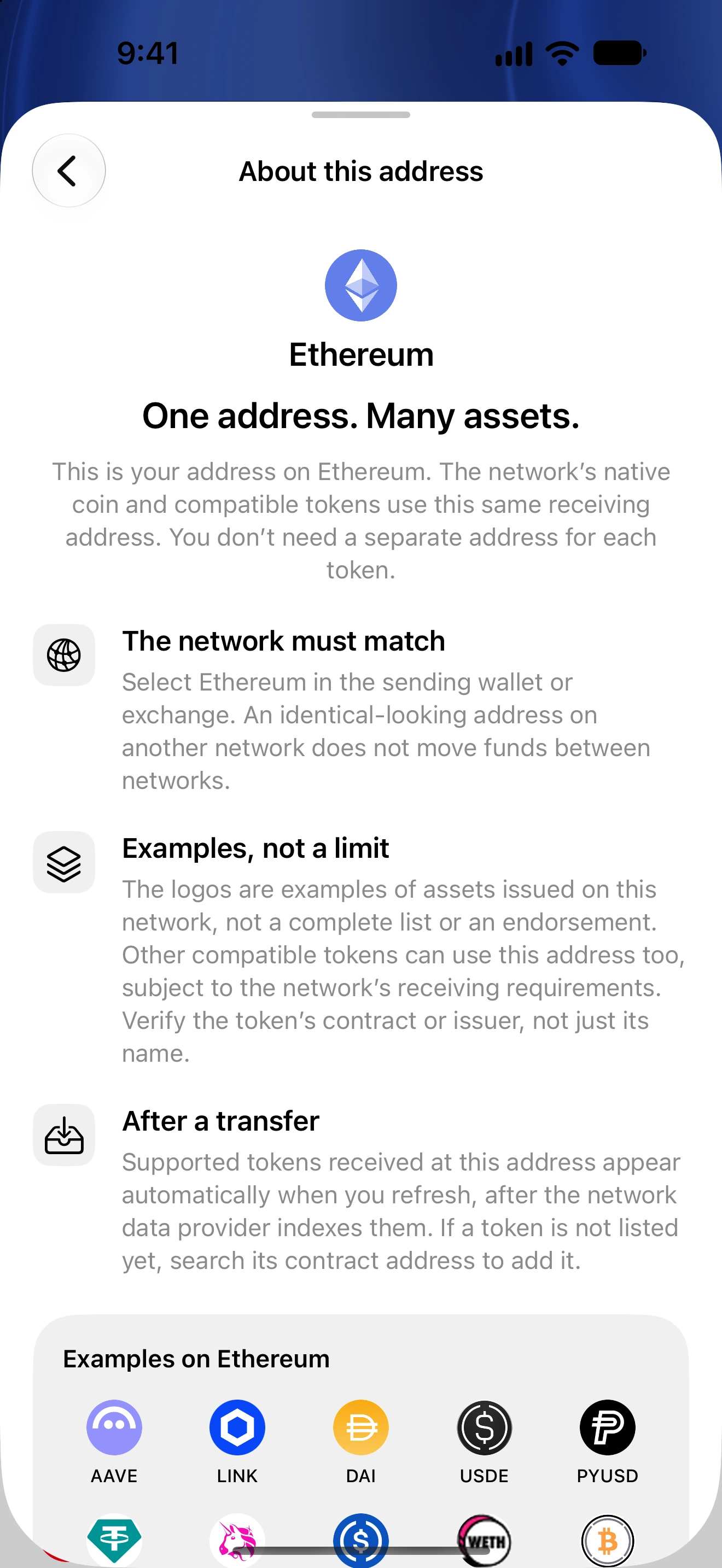
What does “and more” mean on Receive?
The example logos illustrate tokens on a network; they are not a limit on what its address can receive.
Guide checked for Oath 5.1.2 (112).
Receive → assets row or About this address
How to do it
- Open Receive for the intended network and read the sentence below the QR.
- Tap the supported-assets row or About this address.
- Read the network-specific explanation and compare the token’s actual contract or mint with the one you intend to receive.
- Return to the QR and copy/share the address for that same network.
- After a transfer, use asset search to add a supported token by its exact identity if discovery has not listed it.
Receiving shares a public destination; it does not sign a transfer. The sender must select the same network and asset deployment as the address you are showing.
A token on Ethereum and the similarly named token on another chain have separate balances. Match the actual deployment and network at the sending service.
The list is explanatory rather than an exhaustive worldwide token registry. An unknown asset can require manual discovery, and unsupported standards may not offer a send flow.
Follow along in Oath
Real app screens with illustrative demo data from historical captures. Current release: Oath 5.1.2 (112); appearance and available options may differ from the images. No live funds were sent, swapped or revoked for these examples. Never send funds to an example address. Tap an image to inspect it at full size.