
Choose a Bitcoin address type
Select the receiving format compatible with the service sending you BTC.
Oath Atmosphere · 1.0 (56)
Where to find it
Bitcoin → Receive → address type
How to do it
- Open Bitcoin from Home and tap Receive.
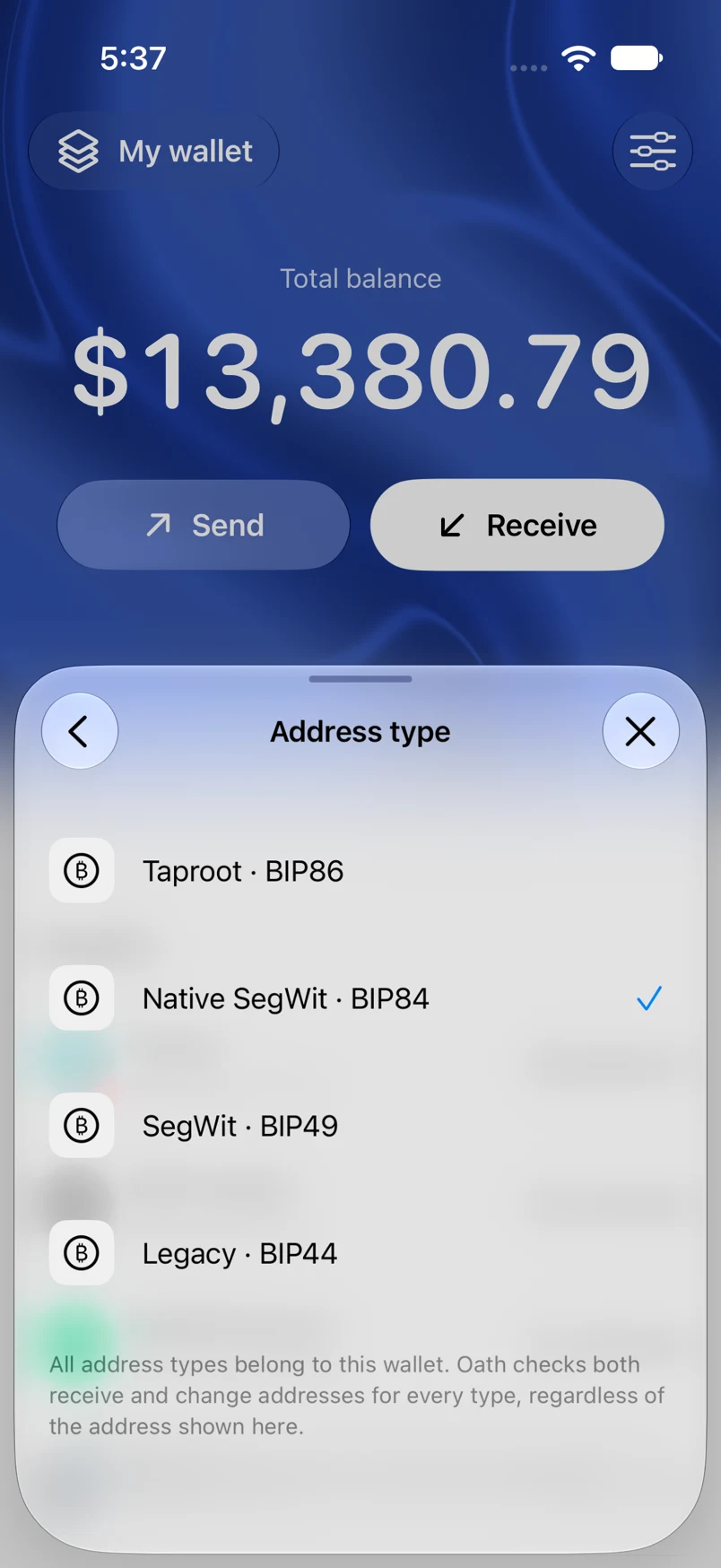
- Tap the address-type control.
- Choose Taproot (BIP86), Native SegWit (BIP84), SegWit (BIP49), or Legacy (BIP44), where your imported material supports it.
- Copy the newly displayed address or use its QR. Check the sender supports that format.
Example addresses are for illustration. Do not send funds to them.