
Receive crypto with a QR code
Share the receiving address for the wallet and network you intend to use.
Oath Atmosphere · 1.0 (56)
Where to find it
Home → Receive, or asset screen → Receive
How to do it
- From Home, tap Receive and select the network. From an asset screen, Receive opens that network directly.
- Check the network name above the QR code and the address shown below it.
- Let the sender scan the QR, or use Copy and share the address.
- Ask the sender to use that exact network. After broadcast, refresh Home and inspect Activity.
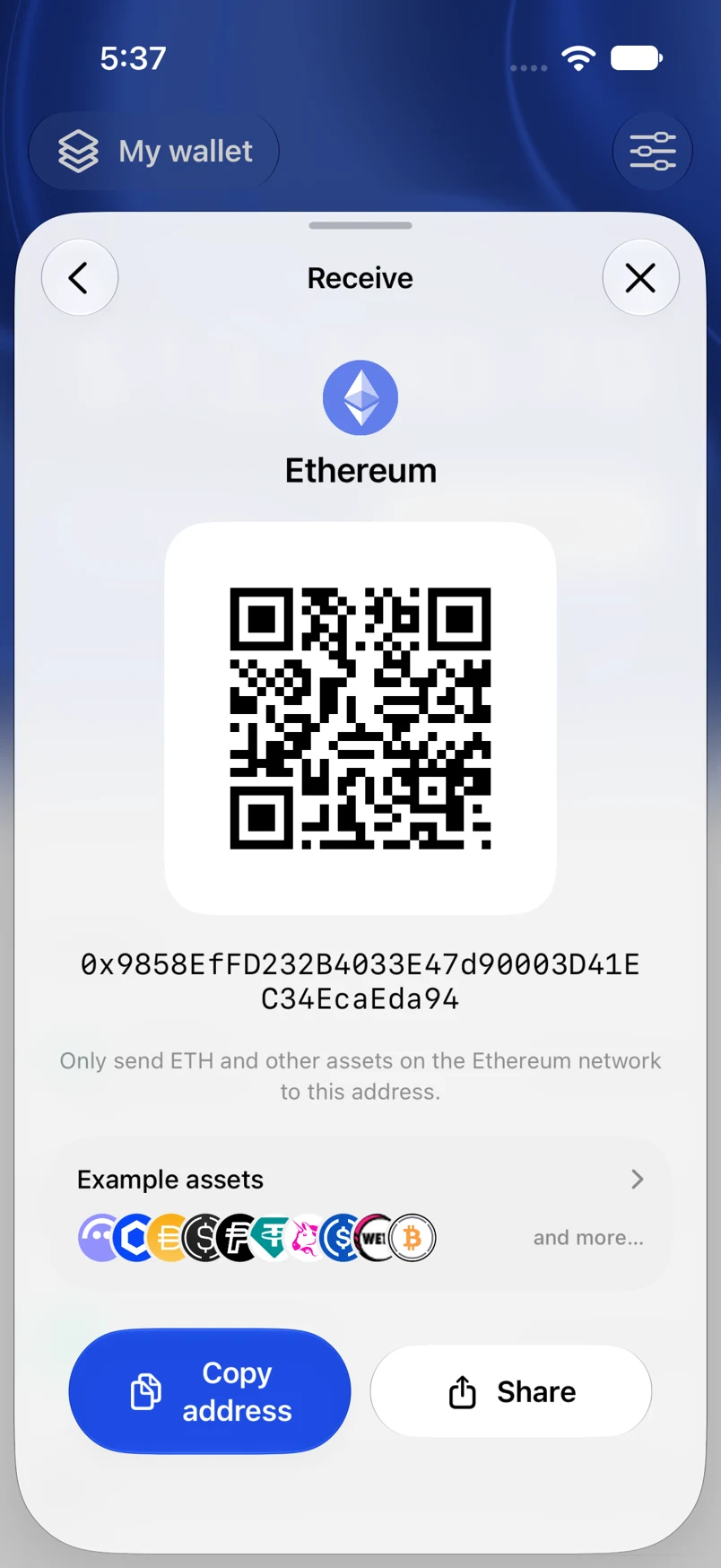
Example addresses are for illustration. Do not send funds to them.