
Copy or share your receiving address
Use Oath’s receive actions instead of retyping a long address.
Oath Atmosphere · 1.0 (56)
Where to find it
Receive → Copy or Share
How to do it
- Open Receive for the intended wallet and network.
- Tap Copy to place the address on the clipboard, or Share to open the iOS share sheet.
- Send it using the destination you choose.
- Verify the network and the full address with the sender before they transfer.
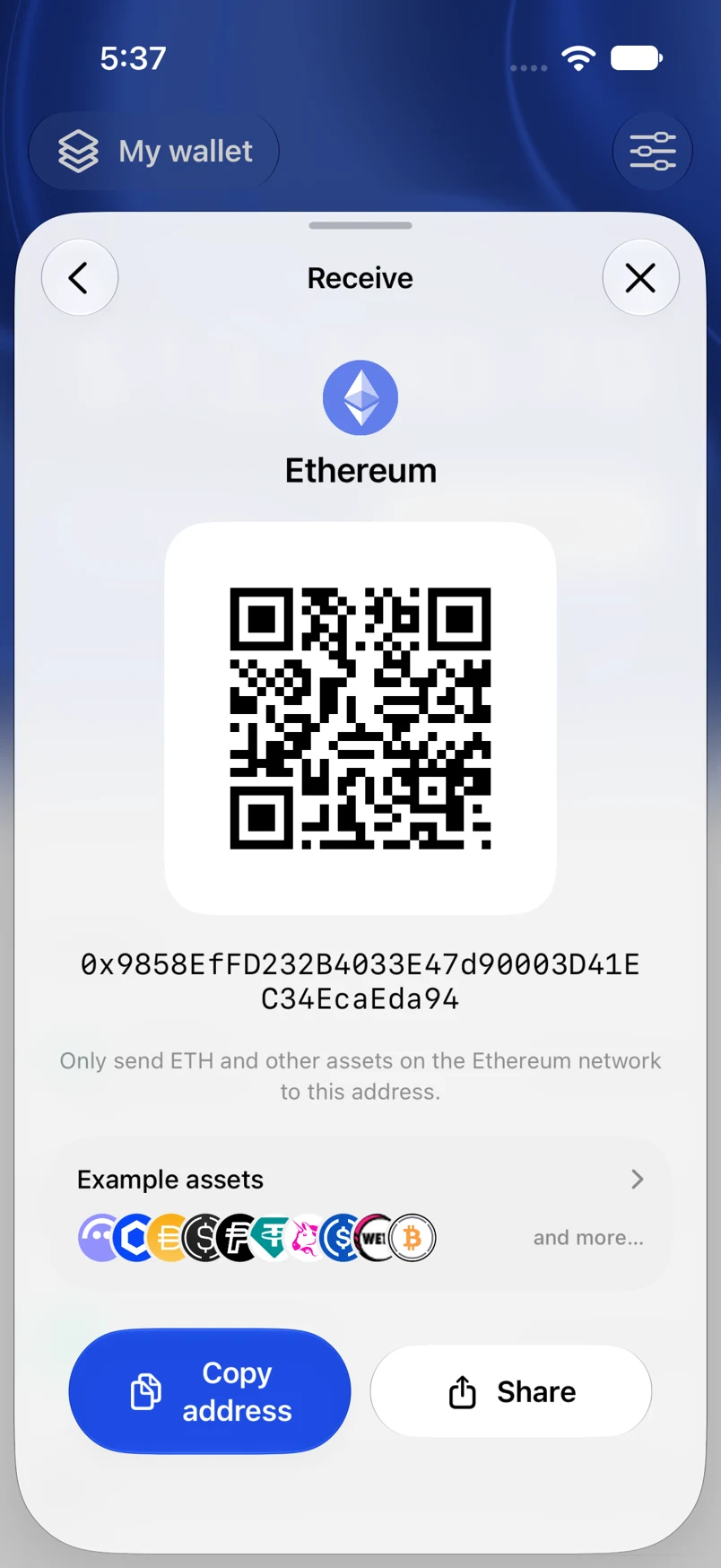
Example addresses are for illustration. Do not send funds to them.