
View your recovery phrase
Open the recovery words for a phrase-based wallet when you need an offline backup.
Oath Atmosphere · 1.0 (56)
Where to find it
Settings → Wallets → wallet → View Recovery Phrase
How to do it
- Choose the correct wallet and tap View Recovery Phrase.
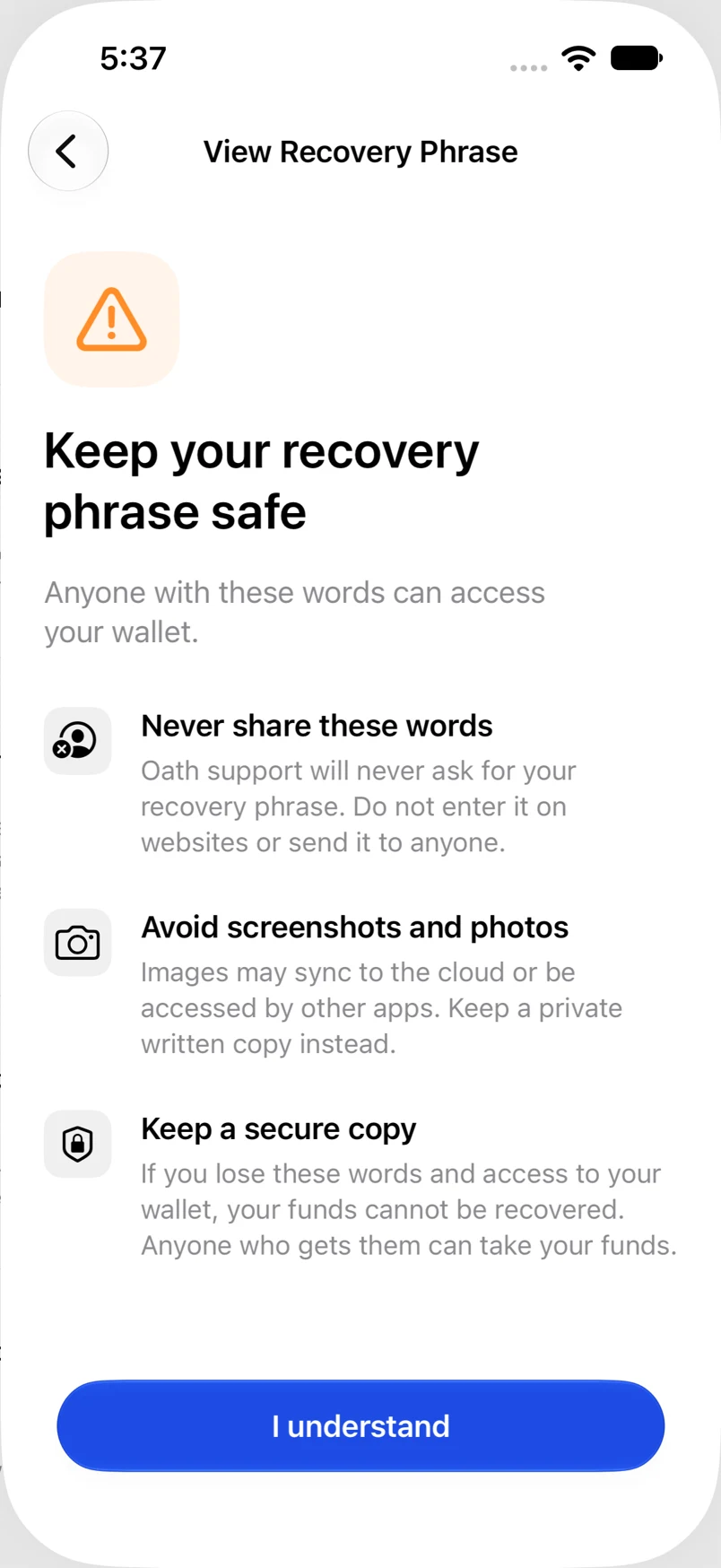
- Read the warning in a private place and acknowledge it.
- Complete the requested authentication.
- Write down the words in their displayed order and keep them offline. Leave the screen when finished.
Example addresses are for illustration. Do not send funds to them.