
Back up one wallet to iCloud
Create an encrypted recovery file for a particular wallet.
Oath Atmosphere · 1.0 (56)
Where to find it
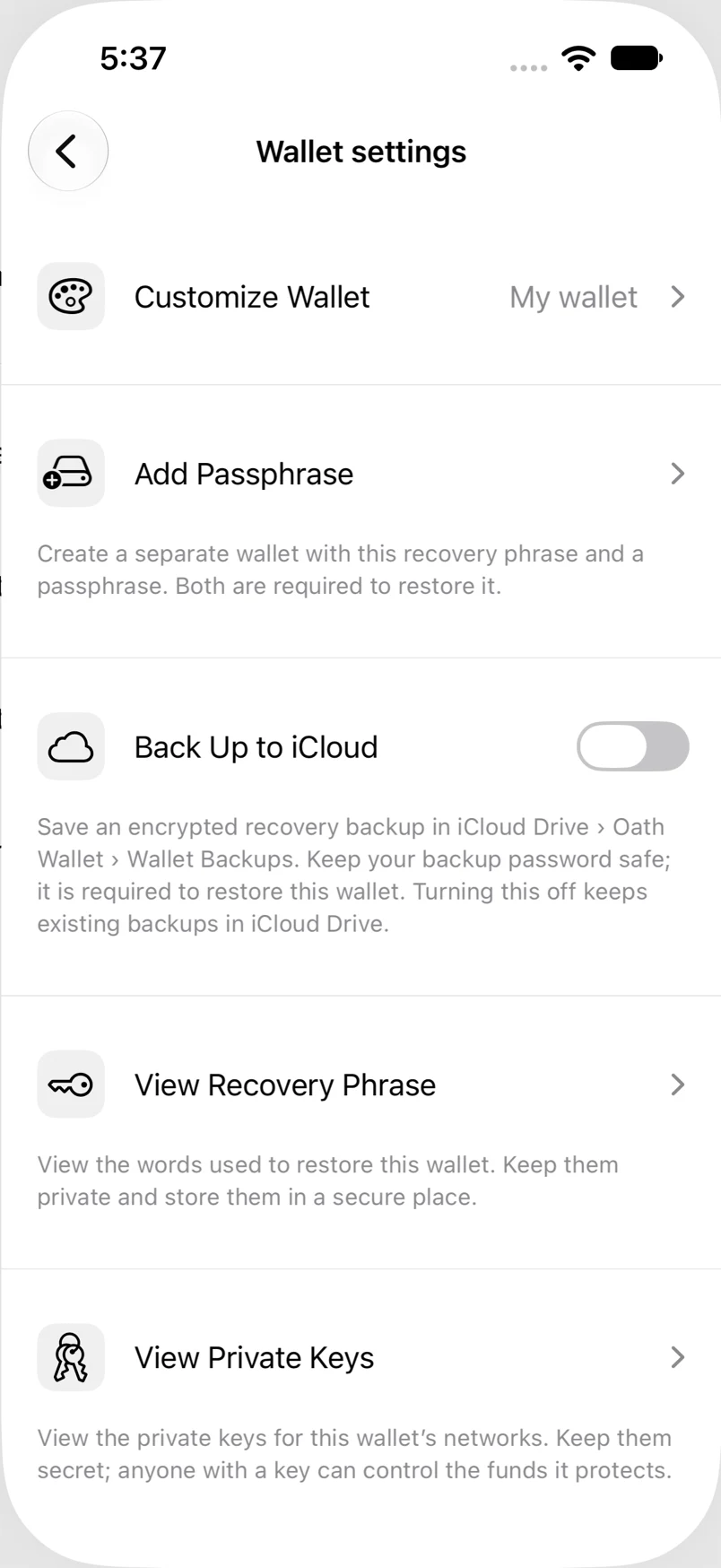
Settings → Wallets → wallet → Back Up to iCloud
How to do it
- Open the wallet’s settings and turn on Back Up to iCloud.
- Enter and confirm a backup password with at least eight characters.
- Tap Back Up, then wait for the upload status to complete.
- Keep the password safe; the app cannot recover a forgotten backup password.
Example addresses are for illustration. Do not send funds to them.