
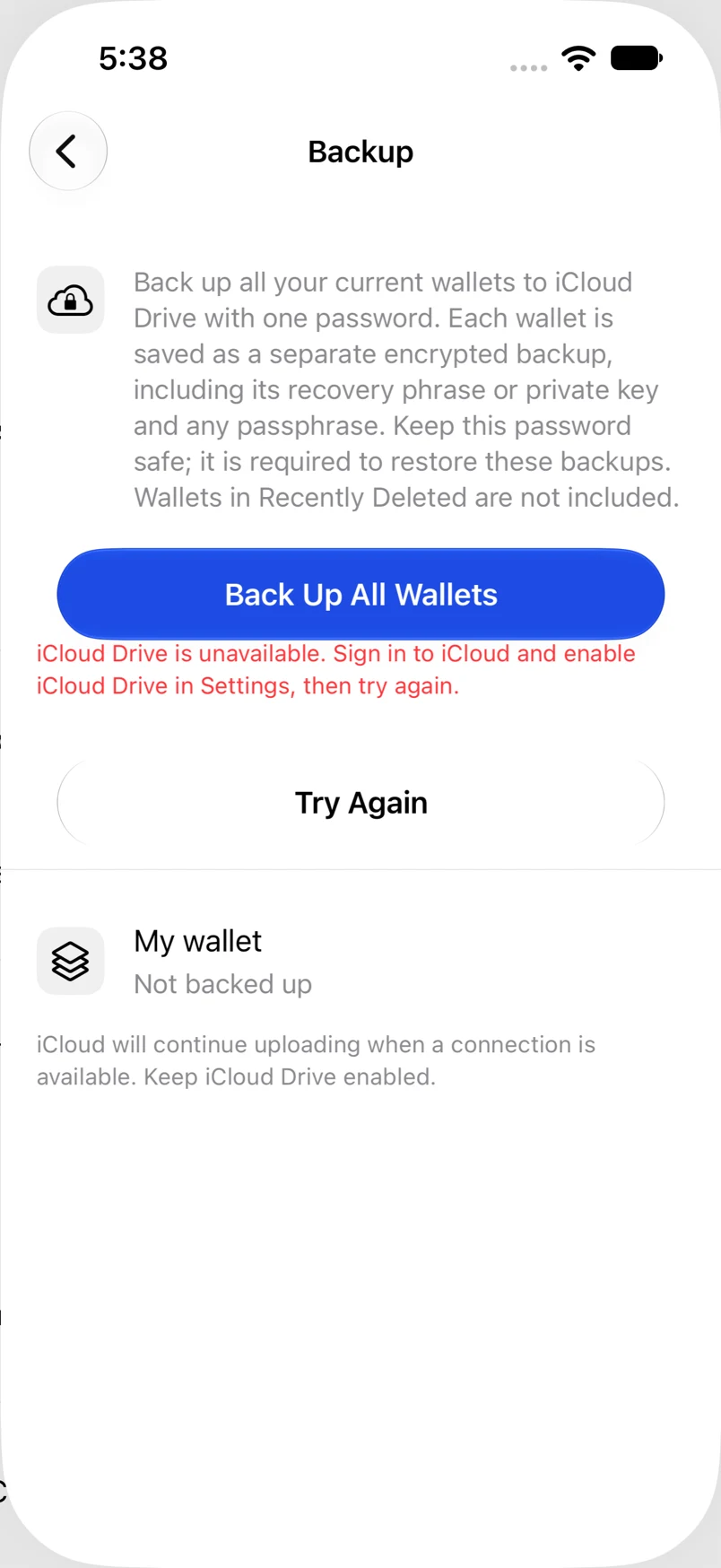
Back up all wallets to iCloud
Start an encrypted backup for every active wallet from one screen.
Oath Atmosphere · 1.0 (56)
Where to find it
Settings → Backup
How to do it
- Tap Back Up All Wallets.
- Choose a backup password of at least eight characters and confirm it. Keep it somewhere safe.
- Tap Back Up and keep Oath open while it prepares the encrypted wallet files.
- Check every wallet’s status. Preparation or uploading is not the same as a completed backup.
Example addresses are for illustration. Do not send funds to them.