
View or copy a private key
Reveal the recovery key for a selected account only when you need it.
Oath Atmosphere · 1.0 (56)
Where to find it
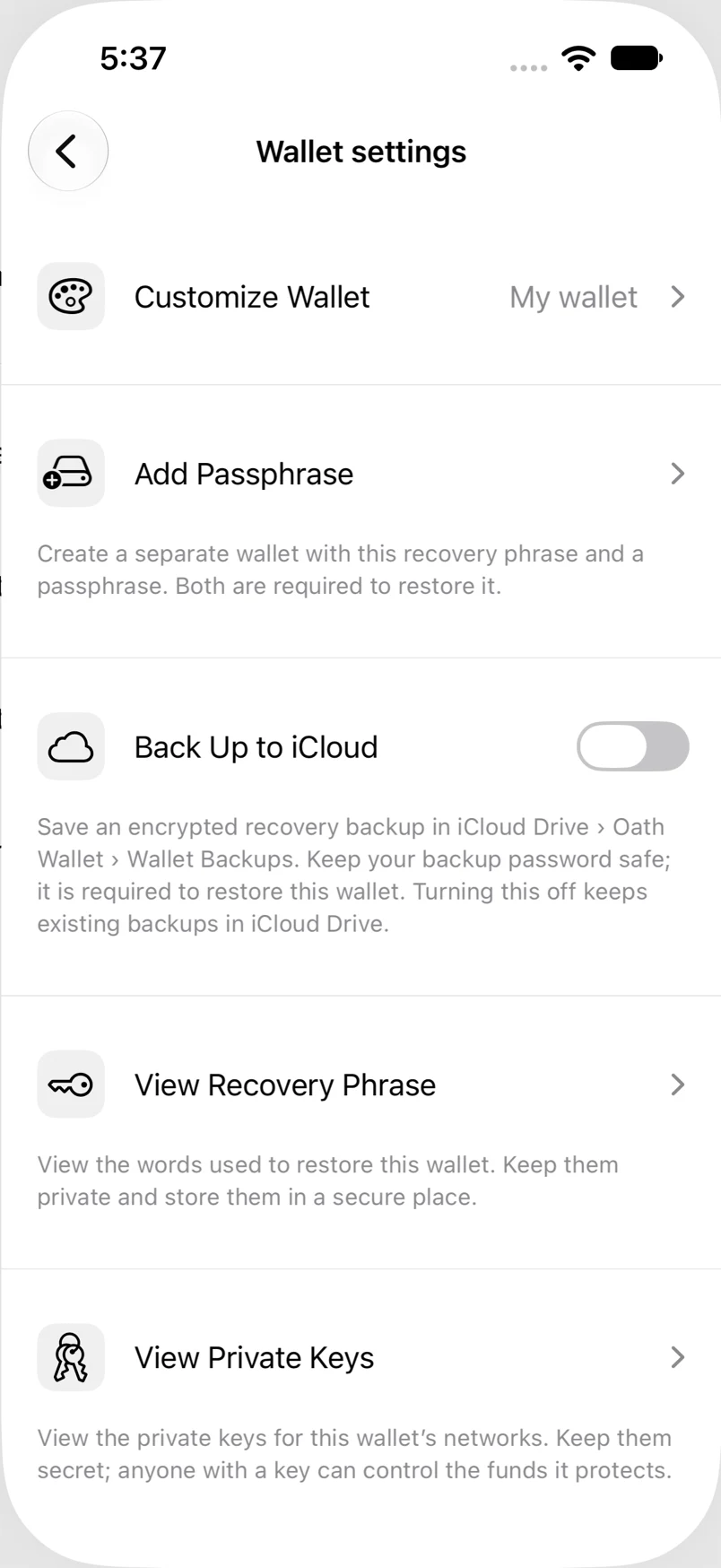
Settings → Wallets → wallet → View Private Keys
How to do it
- Open View Private Keys and select the network/account.
- Complete the required authentication.
- Read and acknowledge the private-key warning.
- Review the key’s format and copy only if necessary. Leave the screen promptly when finished.
Example addresses are for illustration. Do not send funds to them.