
Switch the active wallet
Choose which wallet Home and its asset screens display.
Oath Atmosphere · 1.0 (56)
Where to find it
Home → wallet icon
How to do it
- Tap the wallet icon in the top bar.
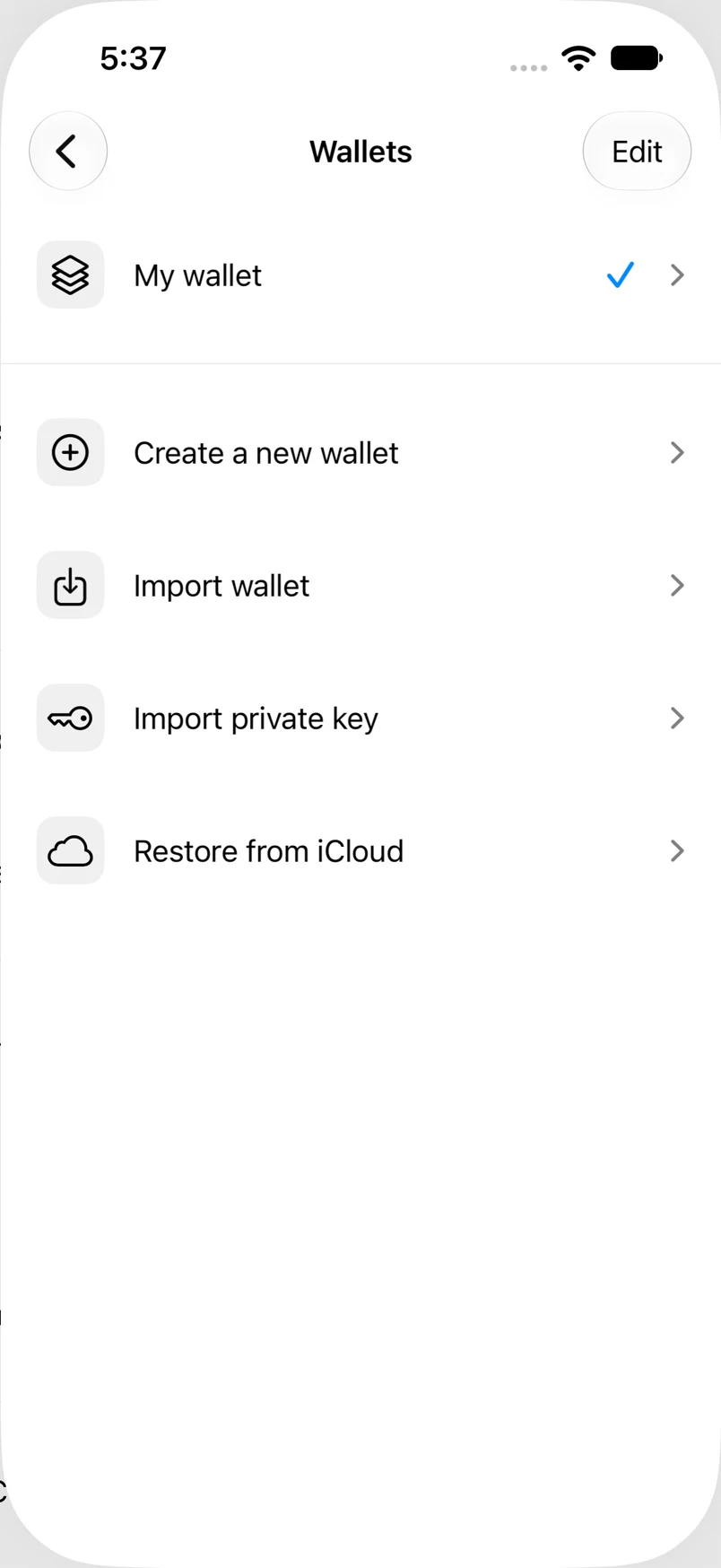
- Find the wallet by its name; the current wallet is marked.
- Tap another wallet and wait for Home to display it.
- Before copying a receiving address, check that the intended wallet is active.
Example addresses are for illustration. Do not send funds to them.