
Add another wallet
Keep separate wallets in the same app without replacing the one you already use.
Oath Atmosphere · 1.0 (56)
Where to find it
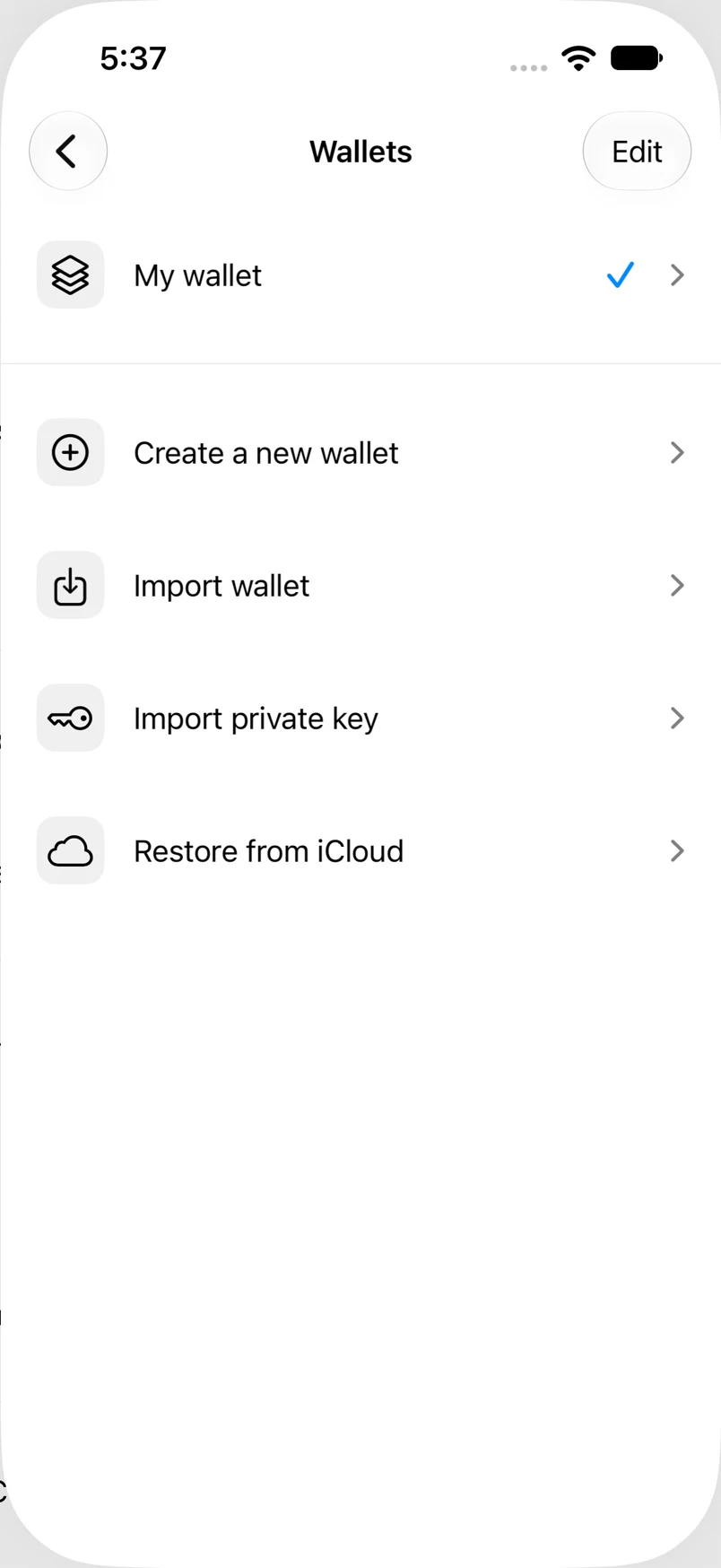
Settings → Wallets
How to do it
- Open Wallets from Settings, or open the wallet switcher on Home.
- Choose Create a new wallet, Import wallet, Import private key, or Restore from iCloud.
- Complete the selected flow and choose a recognizable wallet name and color.
- Return to the wallet switcher to move between wallets.
Example addresses are for illustration. Do not send funds to them.