
Change a wallet’s name and color
Give each wallet a visual identity that is easy to recognize.
Oath Atmosphere · 1.0 (56)
Where to find it
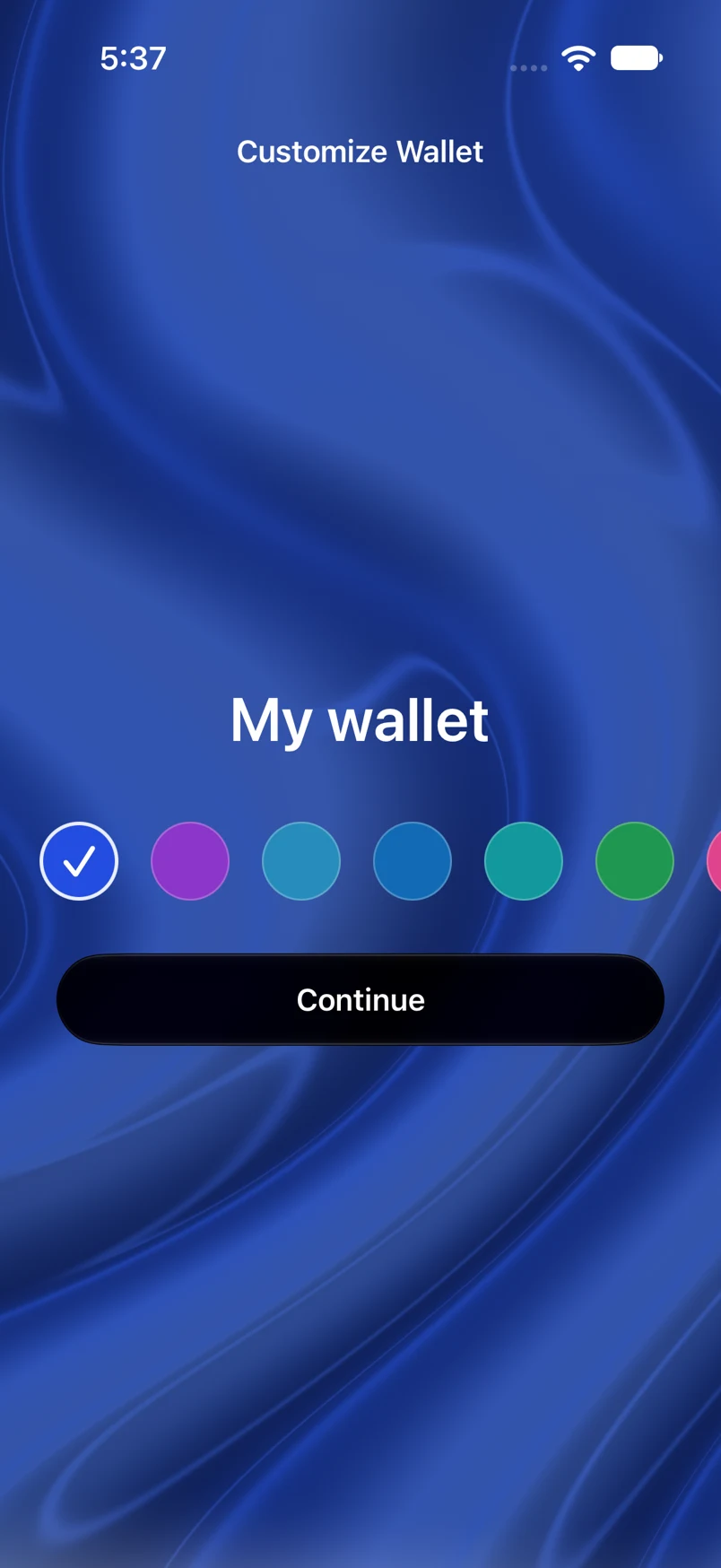
Settings → Wallets → wallet → Customize Wallet
How to do it
- Open the wallet you want to customize.
- Tap Customize Wallet and edit its name.
- Choose a preset color or open the color picker.
- Tap Apply. When creating, importing or restoring a wallet, the same action is labeled Continue.
Example addresses are for illustration. Do not send funds to them.