
Reorder your wallets
Put frequently used wallets where you want them in the list.
Oath Atmosphere · 1.0 (56)
Where to find it
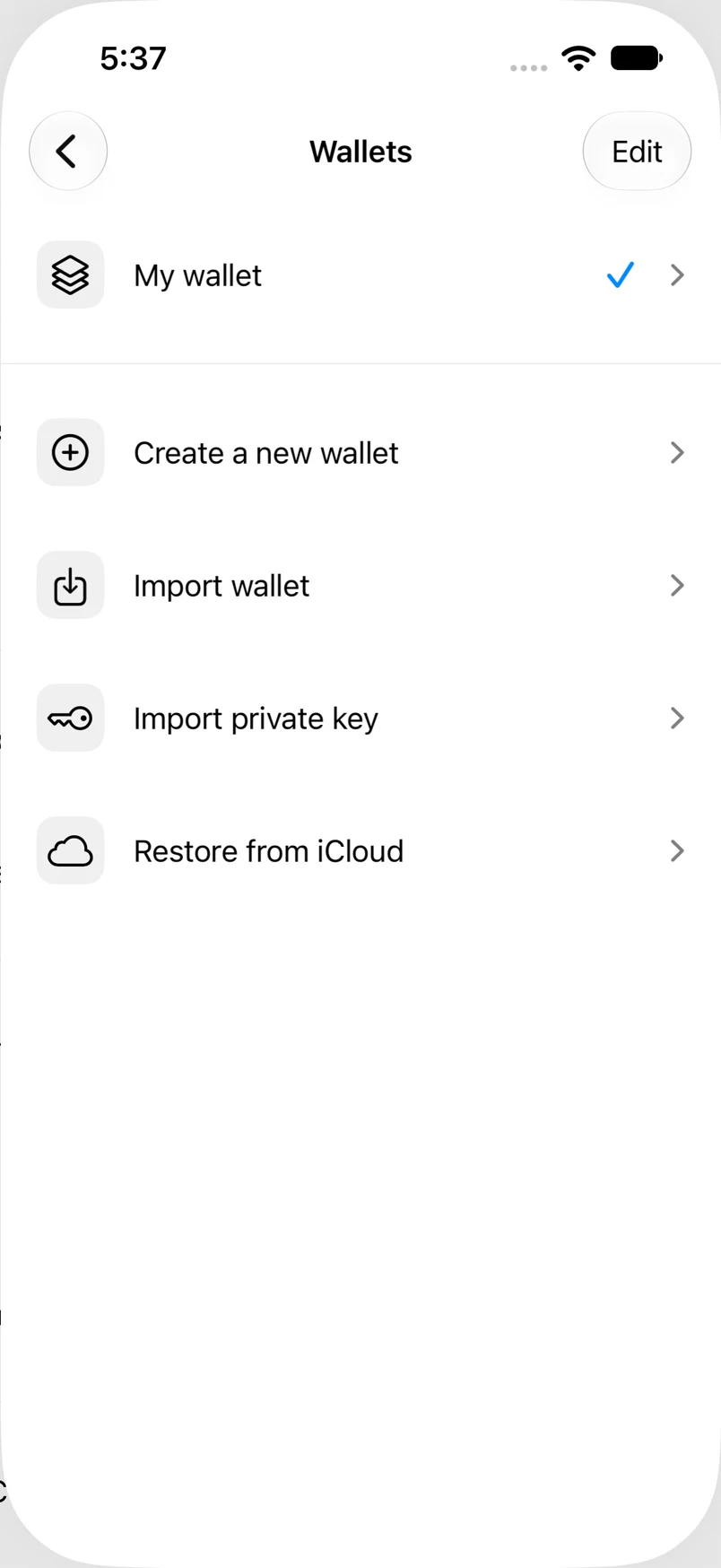
Settings → Wallets → Edit
How to do it
- Open Settings → Wallets and tap Edit.
- Drag a wallet using its reorder handle to a new position.
- Repeat for other wallets and tap Done.
- Reopen the wallet list to use your saved order.
Example addresses are for illustration. Do not send funds to them.