
Move a wallet to Recently Deleted
Remove a wallet from the active list while keeping a short recovery window.
Oath Atmosphere · 1.0 (56)
Where to find it
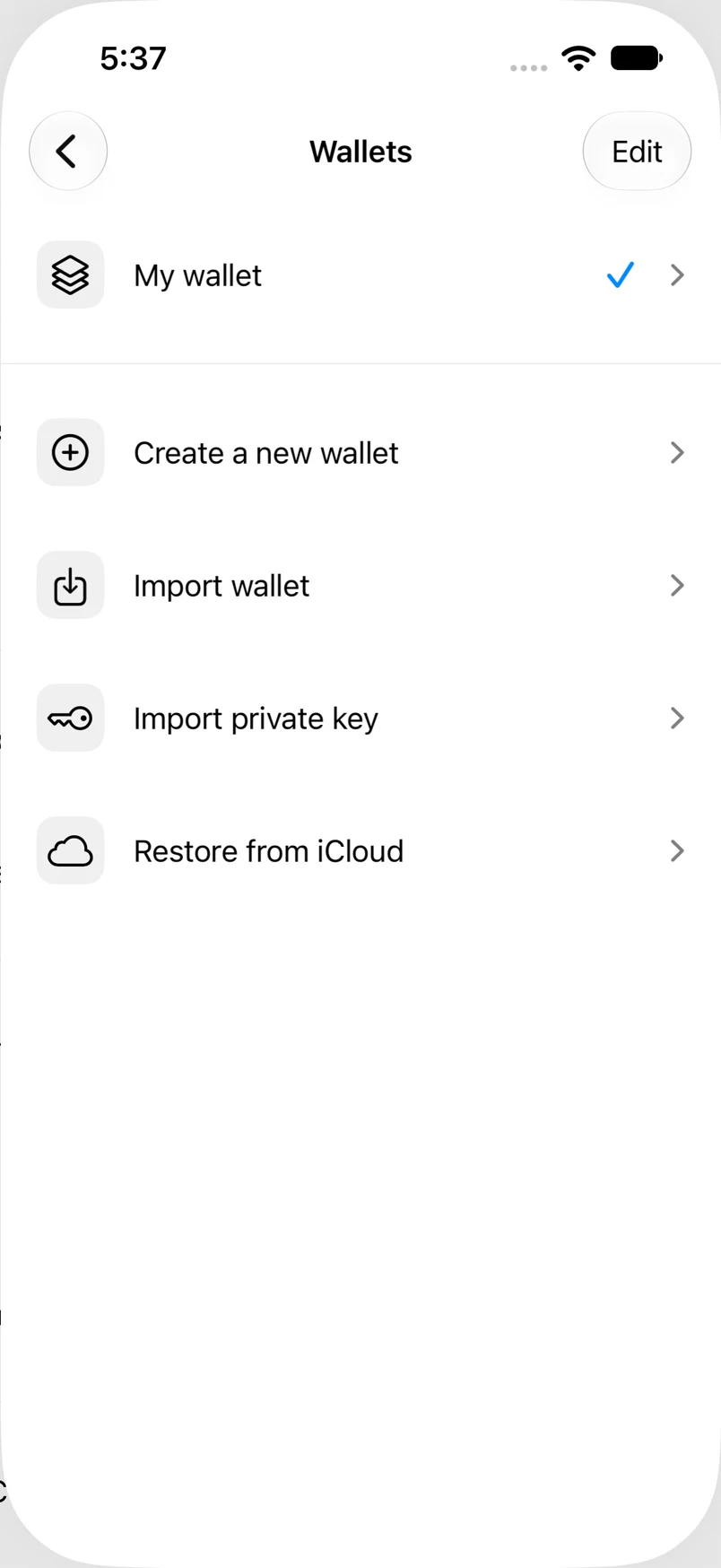
Settings → Wallets → Edit
How to do it
- Tap Edit and use the remove control for the wallet.
- Authenticate with enabled biometrics or your app passcode when requested.
- Read the native confirmation dialog and confirm removal.
- Find the removed wallet under Recently Deleted in the Wallets screen.
Example addresses are for illustration. Do not send funds to them.