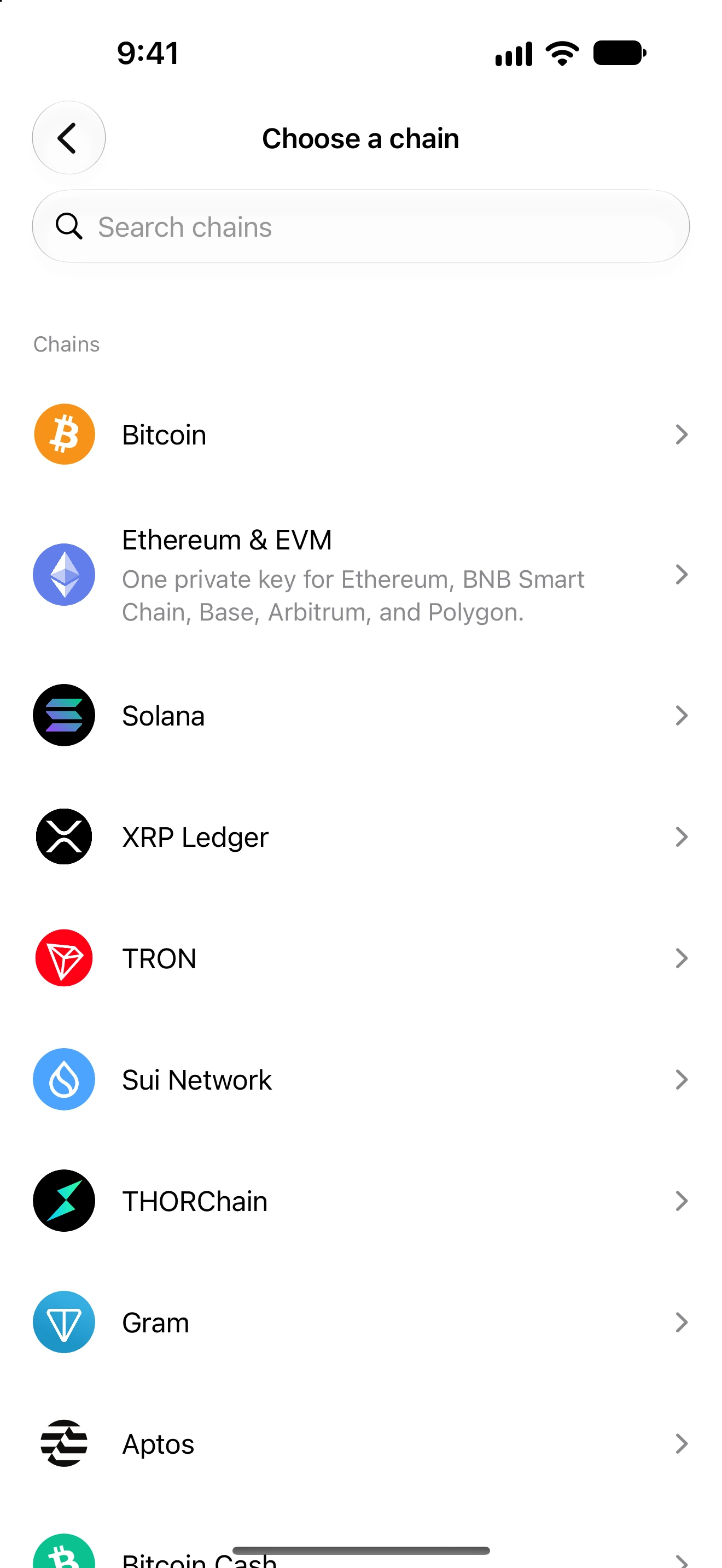
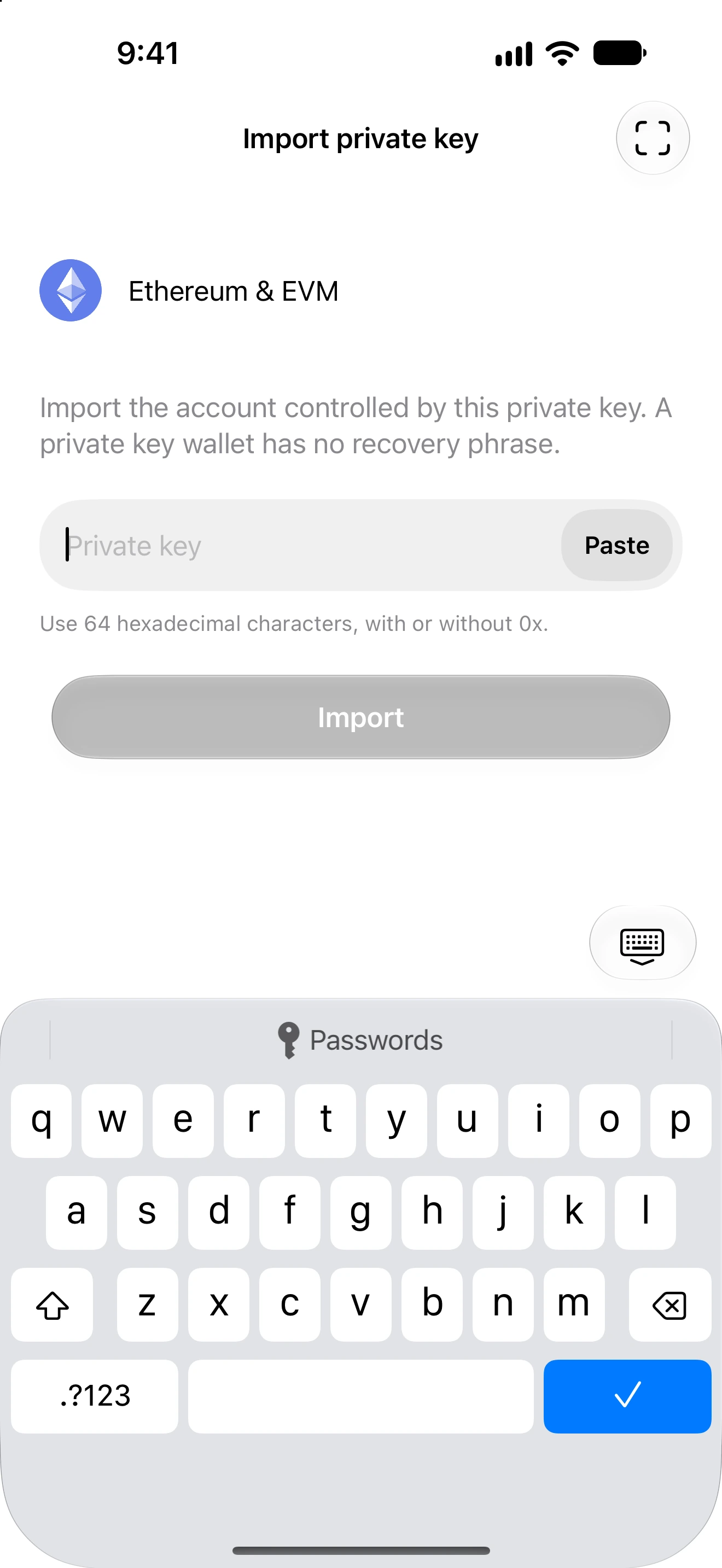
Which private-key formats can I import?
Choose the correct network before entering key material. Oath validates both format and key structure.
Guide checked for Oath 5.1.2 (112).
Settings → Wallets → Import private key
How to do it
- For Bitcoin-family networks, use the supported WIF, raw key or extended private-key form for that network. An account-scoped extended key only recovers the addresses within its scope.
- For Ethereum & EVM or TRON, use a 32-byte hexadecimal key. Solana accepts its Base58 keypair or a JSON byte-array keypair.
- NEAR expects an ed25519: keypair; Stellar uses an S-prefixed secret StrKey. Sui uses an Ed25519 suiprivkey value.
- Aptos accepts an Ed25519 hexadecimal or AIP-80 key. XRP Ledger uses a supported secp256k1 key; Gram uses a supported Ed25519 hexadecimal key.
Do not convert formats by manually trimming characters or discarding bytes. Use the original supported export and correct network choice.
If Oath rejects a format, stop and identify the original wallet’s export type. A public address, extended public key or keystore password alone is not a private key.
Verify the wallet name and intended public address after setup. A newly generated wallet and an imported wallet can have the same label while controlling different accounts.
Follow along in Oath
Real app screens with illustrative demo data from historical captures. Current release: Oath 5.1.2 (112); appearance and available options may differ from the images. No live funds were sent, swapped or revoked for these examples. Never send funds to an example address. Tap an image to inspect it at full size.