
Import a recovery phrase
Bring an existing wallet into Oath using its BIP-39 recovery words.
Oath Atmosphere · 1.0 (56)
Where to find it
Welcome → Import wallet
How to do it
- Tap Import wallet. If you already use Oath, open Settings → Wallets → Import wallet.
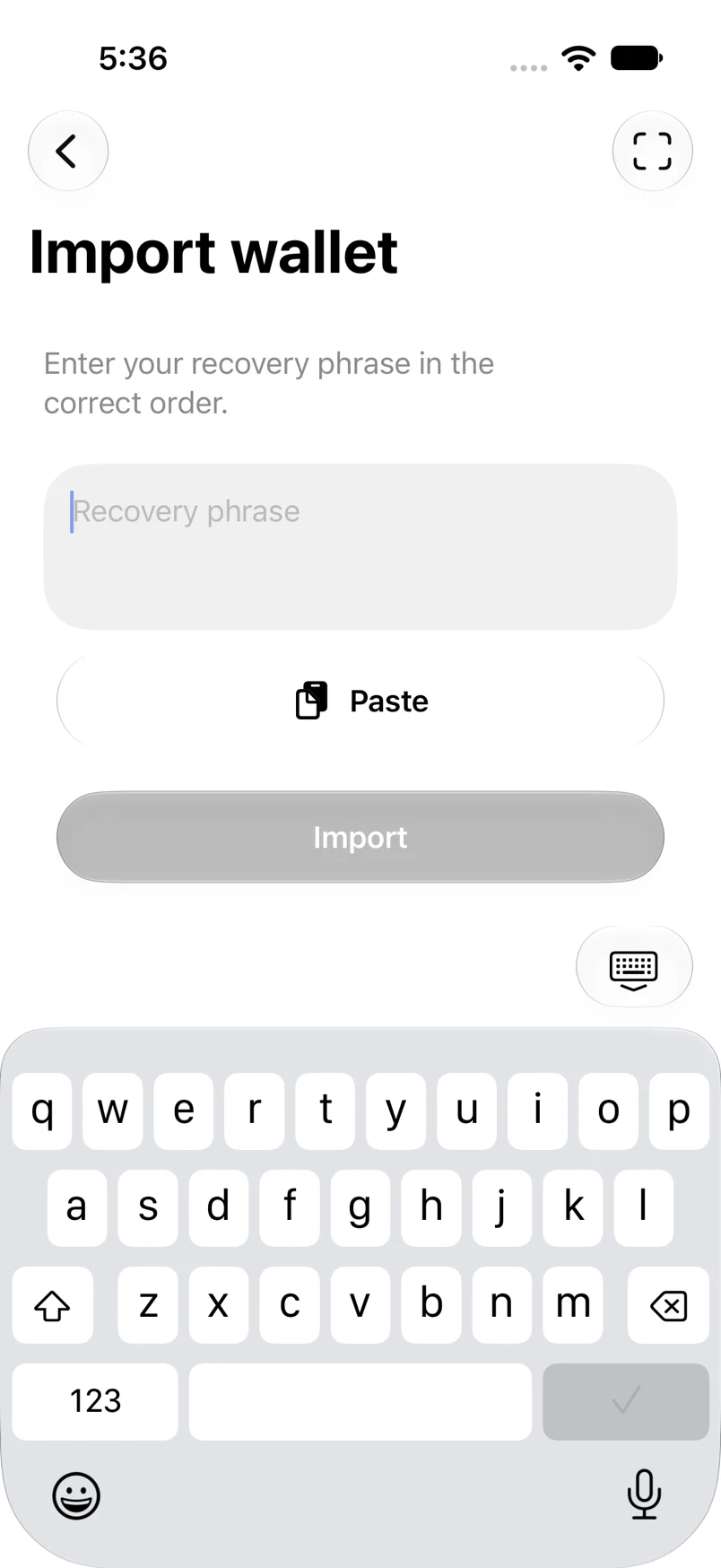
- Enter the words in their original order, use Paste, or use the scan button for a compatible recovery QR.
- Review any word-count, unknown-word or checksum message. Correct the original phrase rather than guessing new words.
- Tap Import. On first setup, create and confirm your app passcode. Name and customize the wallet, then tap Continue.
Example addresses are for illustration. Do not send funds to them.