
Create your first wallet
Start with a new wallet, then give it a name and color you recognize.
Oath Atmosphere · 1.0 (56)
Where to find it
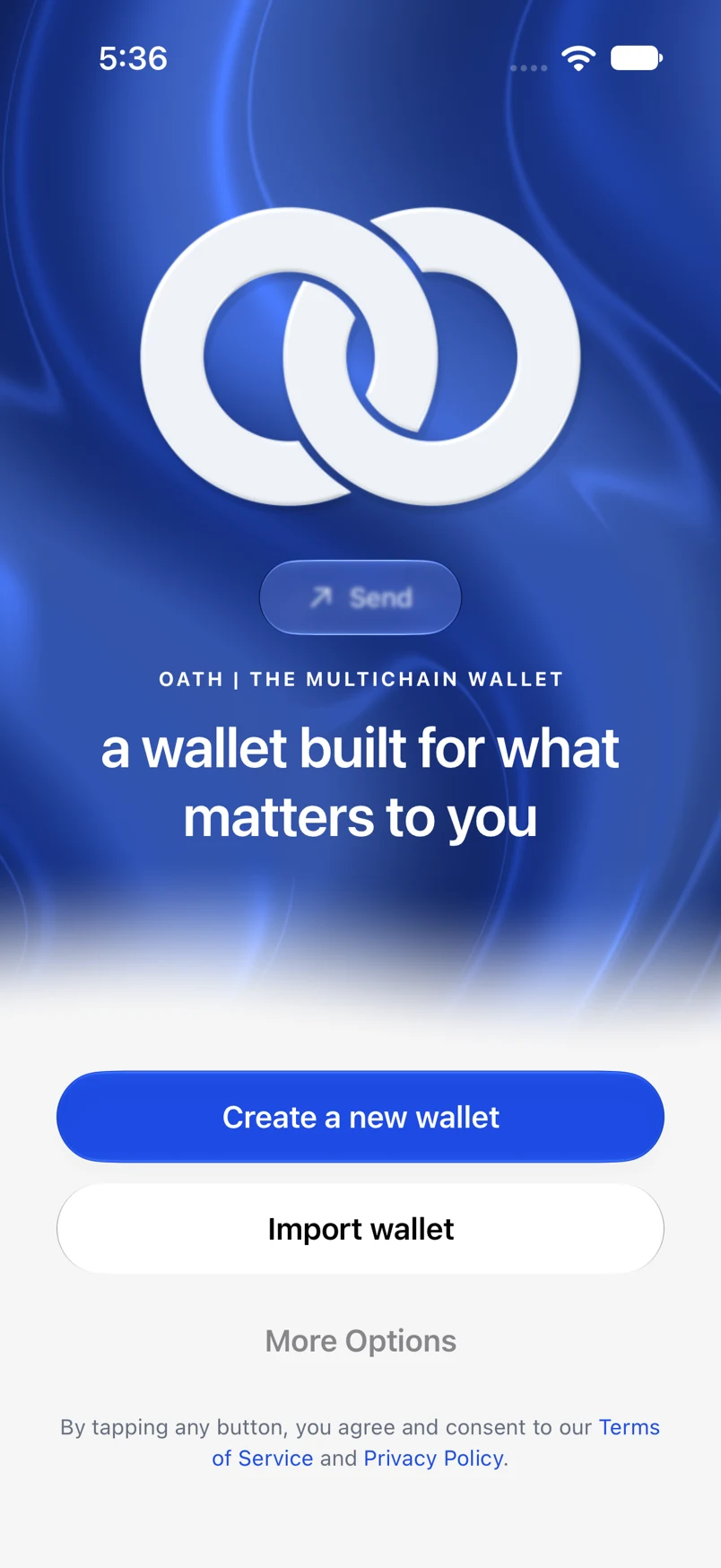
Welcome → Create a new wallet
How to do it
- Tap Create a new wallet on the welcome screen.
- Choose a six-digit app passcode, then enter it again to confirm. If supported, Oath offers biometric setup after confirmation.
- On Customize Wallet, choose a name and color, then tap Continue.
- Before receiving funds, open Settings → Wallets → your wallet and make a recovery backup.
Example addresses are for illustration. Do not send funds to them.