
Scan a recovery-phrase QR code
Use the camera to import a compatible recovery phrase without typing every word.
Oath Atmosphere · 1.0 (56)
Where to find it
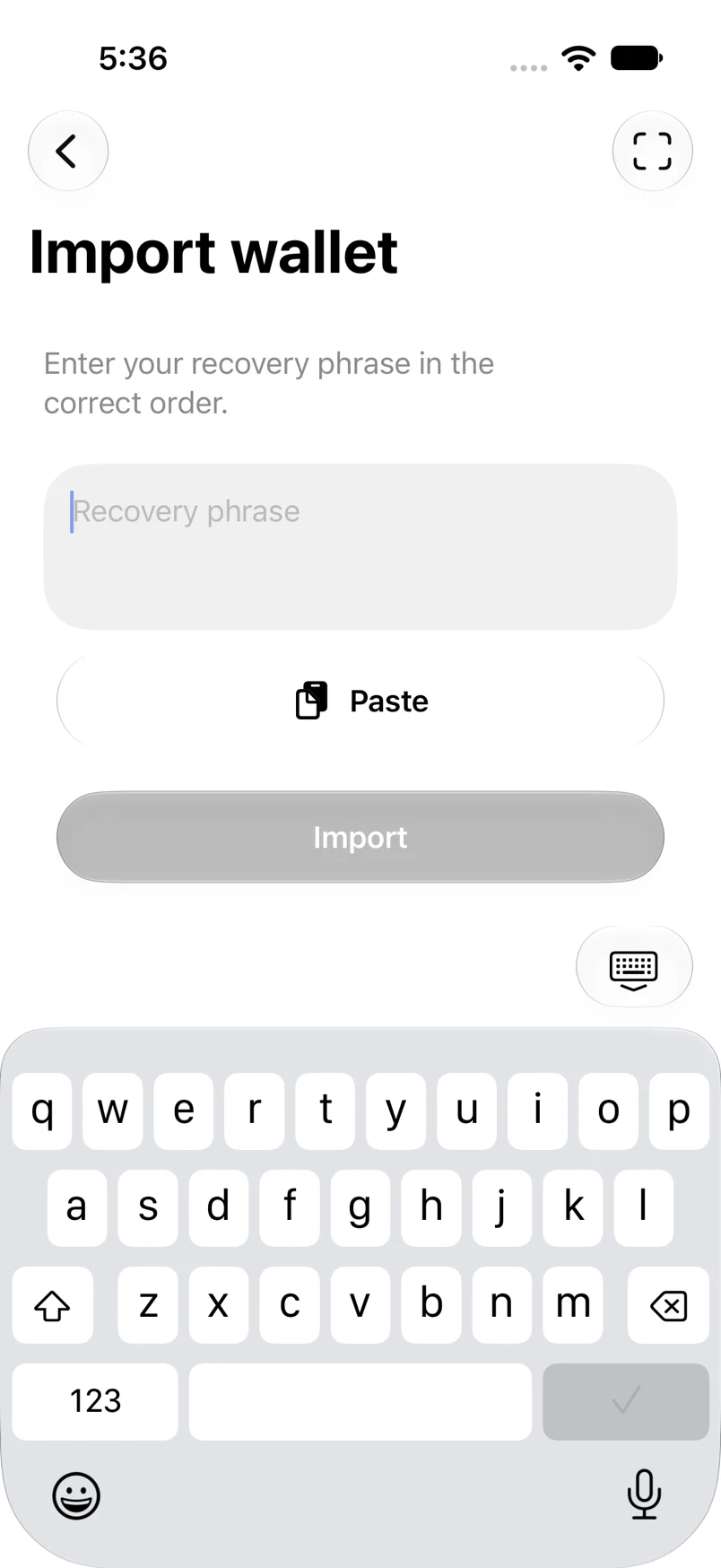
Import wallet → scan icon
How to do it
- Open Import wallet and tap the scan icon in the navigation bar.
- Allow camera access when iOS asks. Point the camera at a recovery QR you trust.
- After a recognized phrase fills the field, review validation and tap Import.
- If camera access was denied, use Open Settings in the error message, enable Camera for Oath and try again.
Example addresses are for illustration. Do not send funds to them.