
Set your first app passcode
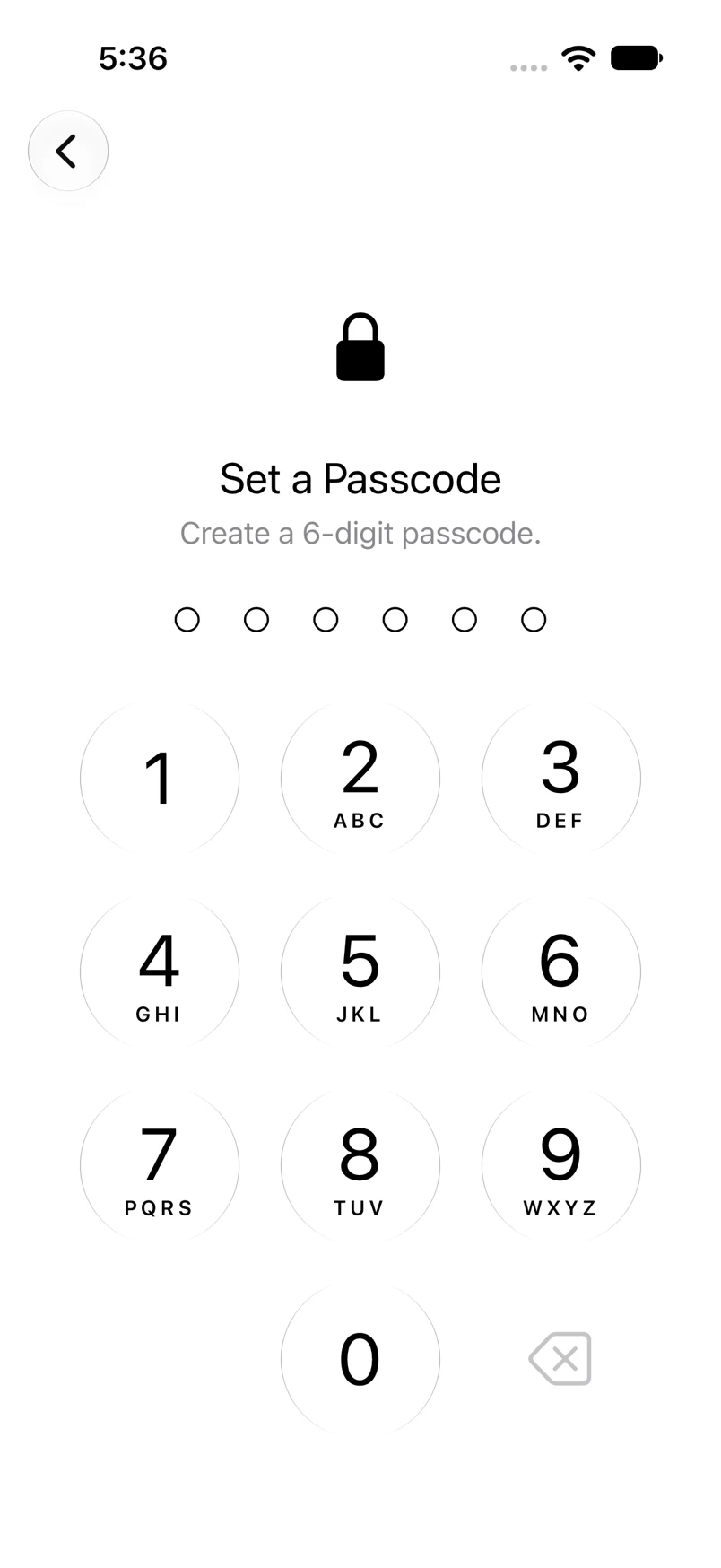
Protect entry to Oath with the same six-digit keypad used to unlock it.
Oath Atmosphere · 1.0 (56)
Where to find it
First wallet setup → Set Passcode
How to do it
- Enter six digits on the keypad.
- On Confirm Passcode, enter the same digits again.
- If biometric authentication is available, complete the Face ID or Touch ID prompt to enable it.
- Continue to wallet customization. Keep your recovery backup independently of this passcode.
Example addresses are for illustration. Do not send funds to them.