Disconnect a dApp safely
End a WalletConnect session and separately review any on-chain permissions you granted.
Oath 4.0.3
Where to find it
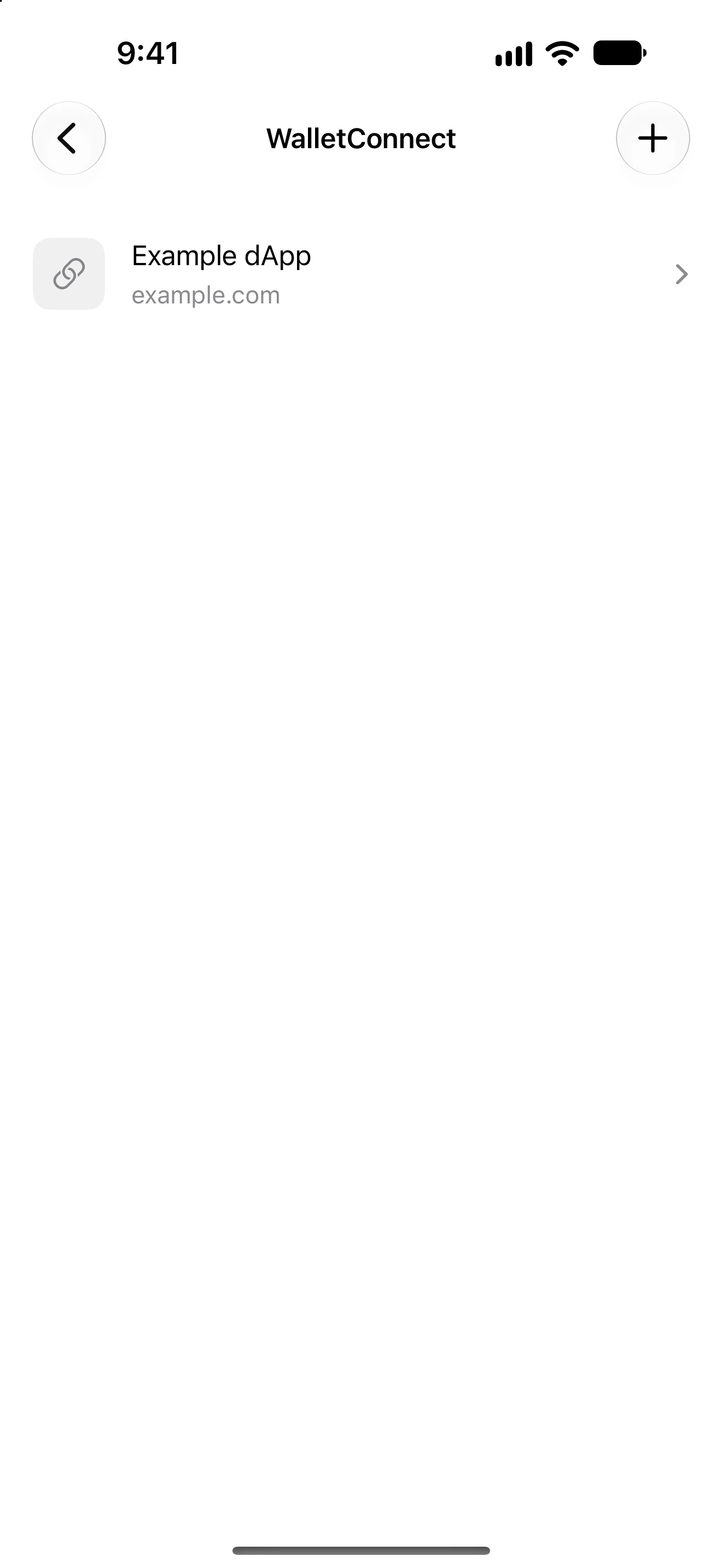
Settings → WalletConnect, or Permissions → Connected DApps
How to do it
- Open the connected-apps list and choose the wallet whose sessions you want to inspect.
- Identify the session by its website and approved accounts/networks.
- Open its controls and disconnect the intended session.
- Return to the list and verify that it is no longer connected. Reconnect from the dApp if you later need it.
- Open Permissions → Token access or Collectible access if you also want to revoke previously granted allowances.
- Review and confirm those revocations separately, then check their results.
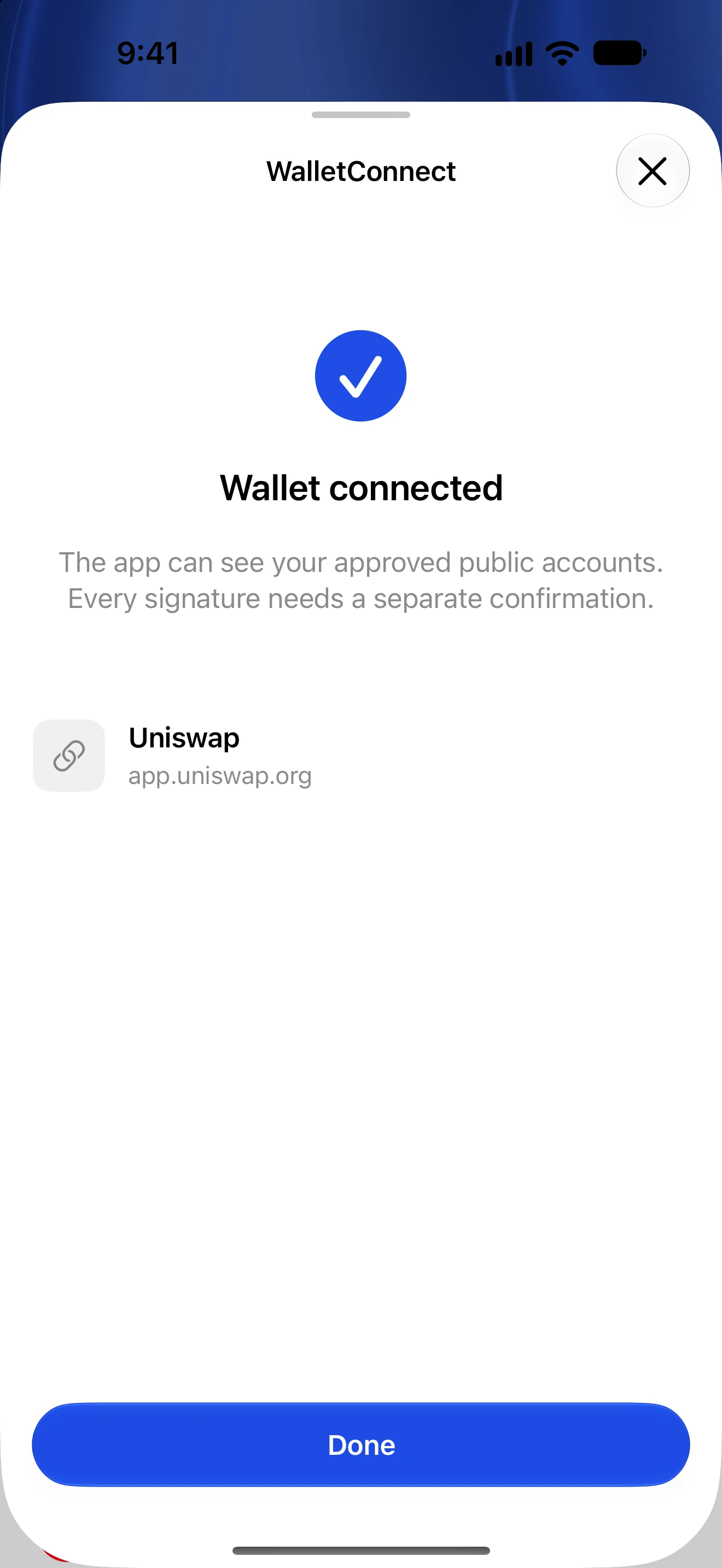
A WalletConnect session allows a dApp to request actions. Disconnecting removes that session’s access to this wallet connection.
Disconnecting does not revoke on-chain allowances. A previously signed permit may also remain usable until its expiry or an applicable invalidation.
Disconnecting is not an on-chain transaction and does not reverse a completed swap or transfer.
Follow along in Oath
Real app screens with illustrative demo data. No live funds were sent, swapped or revoked for these examples. Never send funds to an example address. Tap an image to inspect it at full size.