
Check whether a backup has finished
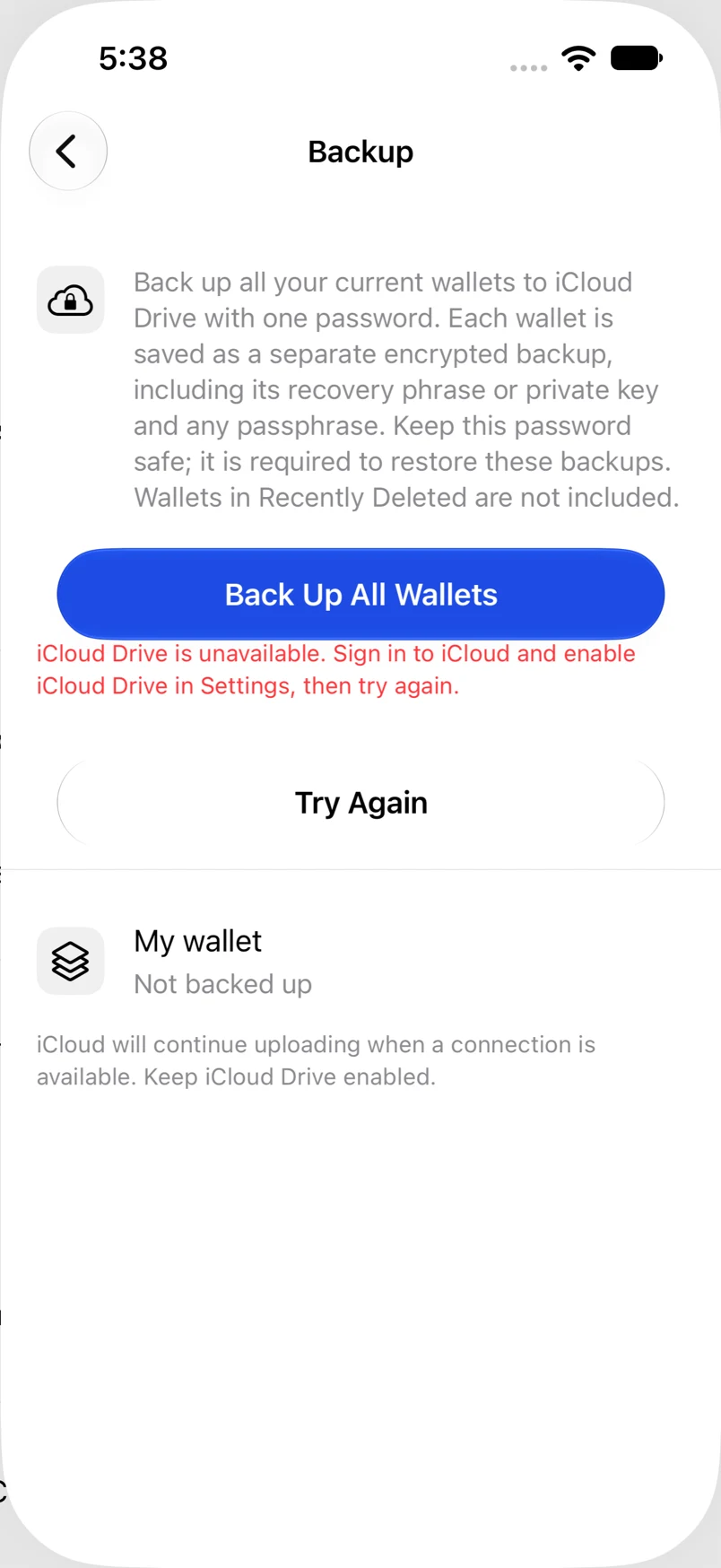
Read the per-wallet result instead of assuming a switched-on toggle means success.
Oath Atmosphere · 1.0 (56)
Where to find it
Settings → Backup, or a wallet’s iCloud section
How to do it
- Open Backup to see every active wallet’s state.
- Wait for preparation and uploading to finish.
- If a wallet shows a failure, read its message and use Try Again.
- Only treat the backup as complete after iCloud confirms the upload.
Example addresses are for illustration. Do not send funds to them.