
Create a wallet with a BIP-39 passphrase
Derive a separate wallet from the same recovery phrase plus an exact passphrase.
Oath Atmosphere · 1.0 (56)
Where to find it
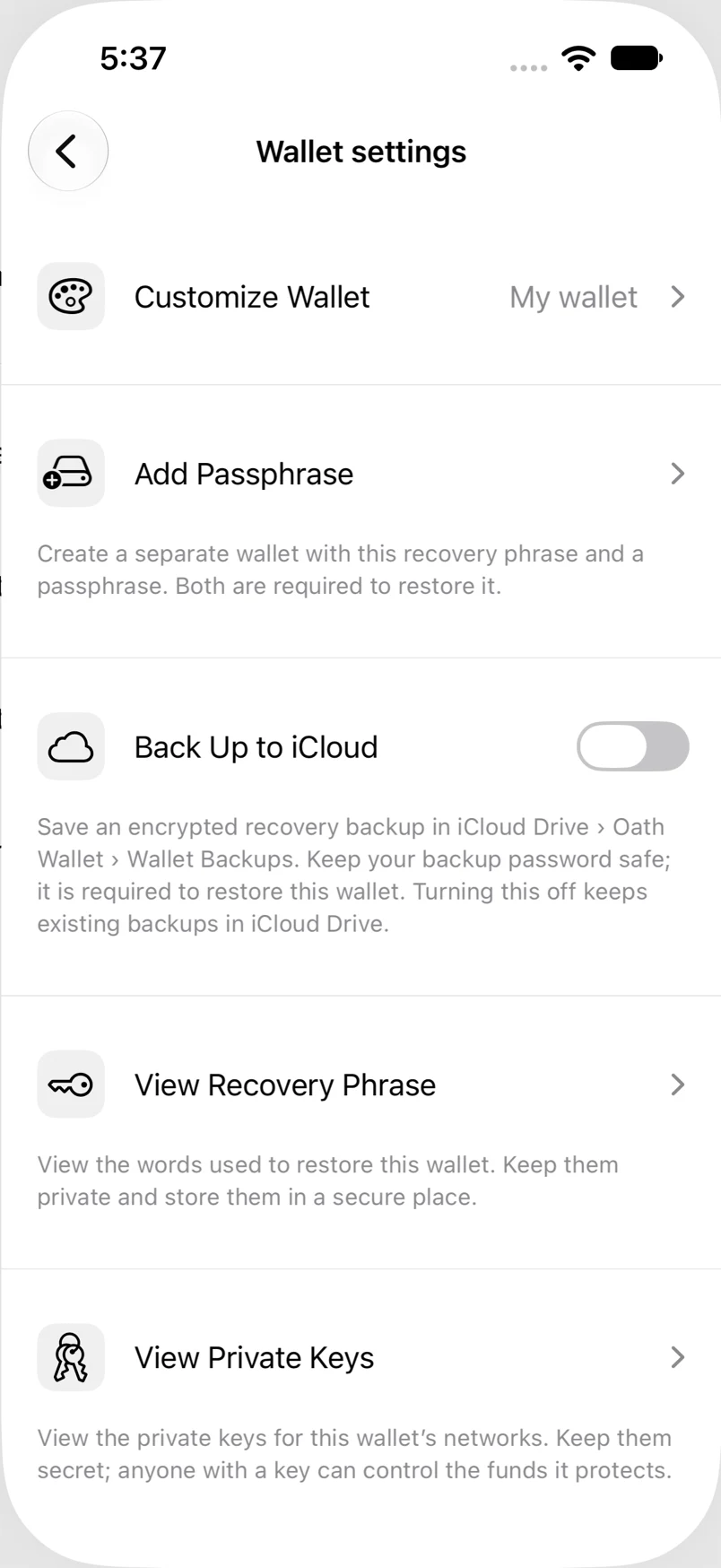
Settings → Wallets → wallet → Add Passphrase
How to do it
- Choose a recovery-phrase wallet and tap Add Passphrase.
- Read the explanation and continue.
- Enter the passphrase and its confirmation exactly, including capitalization and spaces. Use the eye control to check your entry privately.
- Create the wallet, then choose its name and color. Back up the new passphrase wallet too.
Example addresses are for illustration. Do not send funds to them.