Use THORChain and RUNE
Receive RUNE, send on THORChain and distinguish a direct transfer from a dApp swap.
Oath 4.0.3
Where to find it
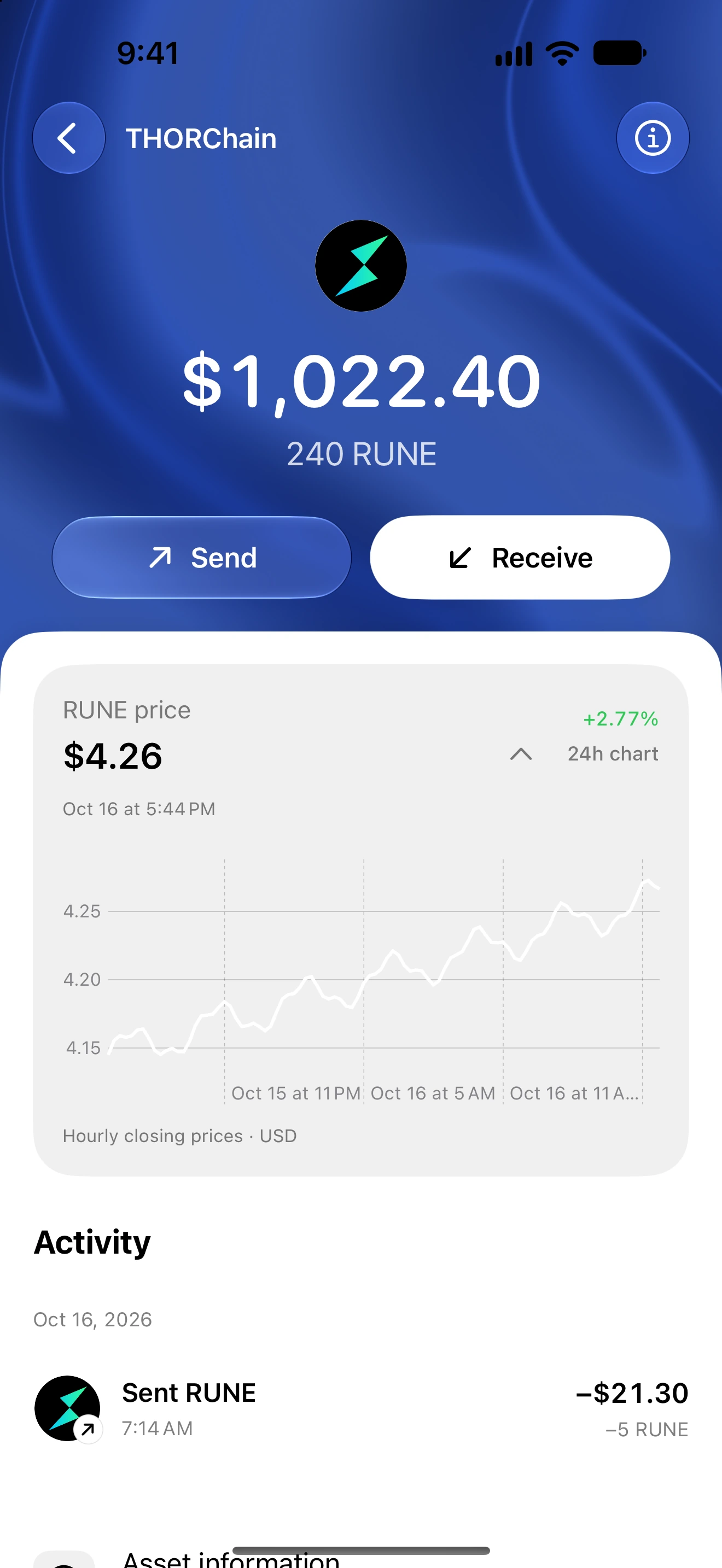
Home → THORChain
How to do it
- Open THORChain or search for RUNE in Wallet search.
- Check the native quantity and use Receive for the THORChain address.
- For a direct transfer, tap Send and enter the recipient and any required memo.
- Review the amount, network and fee before authorizing.
- After submission, check History and the public explorer record.
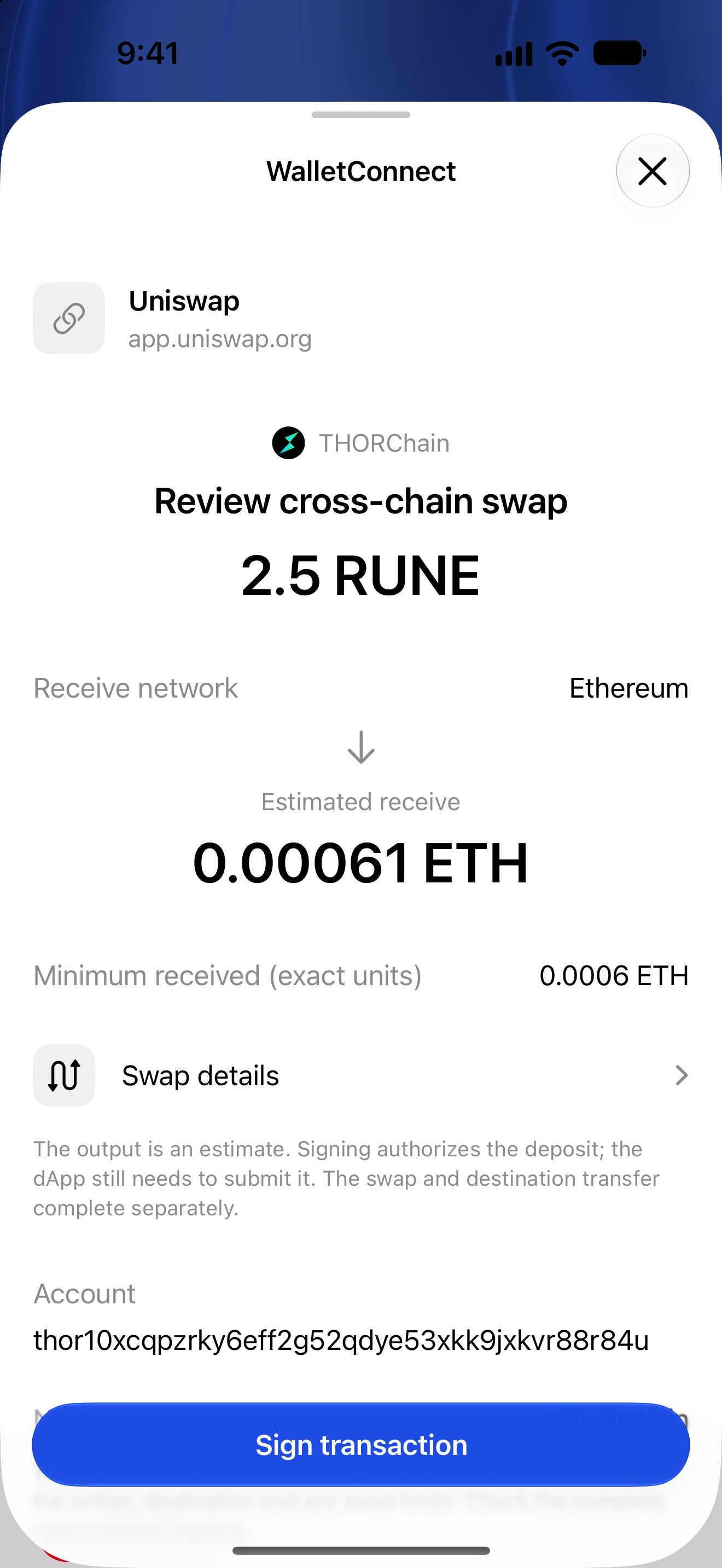
- For a dApp deposit or cross-chain swap, review that separate WalletConnect request and its destination chain.
The native RUNE balance belongs to THORChain. A token with the same ticker on another chain is a different asset.
A direct send does not automatically execute a cross-chain swap. The dApp request must specify its deposit and swap instructions.
Keep enough RUNE for applicable fees and review any memo carefully.
Follow along in Oath
Real app screens with illustrative demo data. No live funds were sent, swapped or revoked for these examples. Never send funds to an example address. Tap an image to inspect it at full size.