
Unlock Oath
Use your app passcode or enabled biometrics to open the app.
Oath Atmosphere · 1.0 (56)
Where to find it
Launch Oath → unlock screen
How to do it
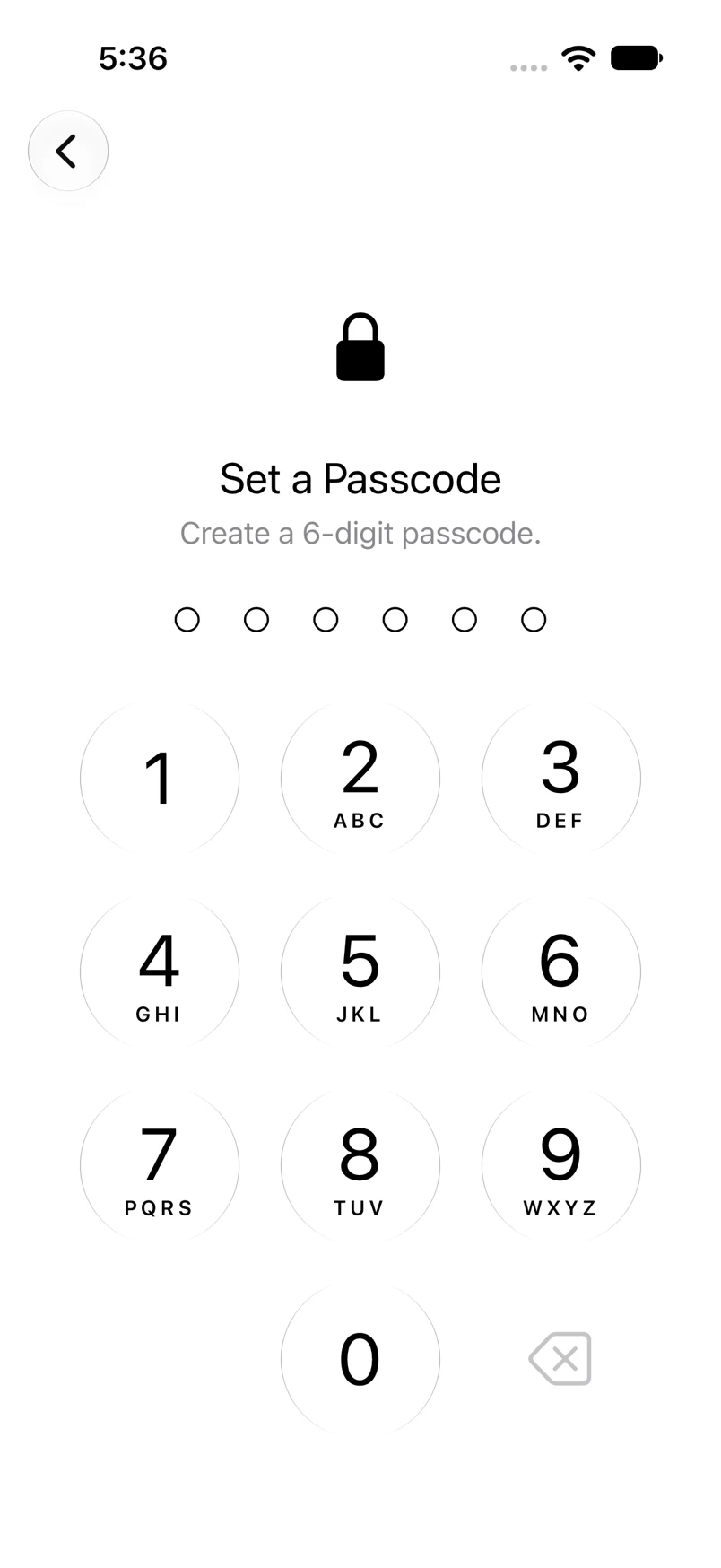
- Enter your six-digit app passcode, or complete Face ID or Touch ID when offered.
- If automatic biometric authentication is canceled, use the keypad or the biometric icon.
- If a passcode is incorrect, the dots turn red with an inline error. Try again carefully.
- If Oath asks you to wait after repeated failures, wait before another attempt.
Example addresses are for illustration. Do not send funds to them.