
Enable Face ID or Touch ID
Use the device’s biometric authentication for faster access.
Oath Atmosphere · 1.0 (56)
Where to find it
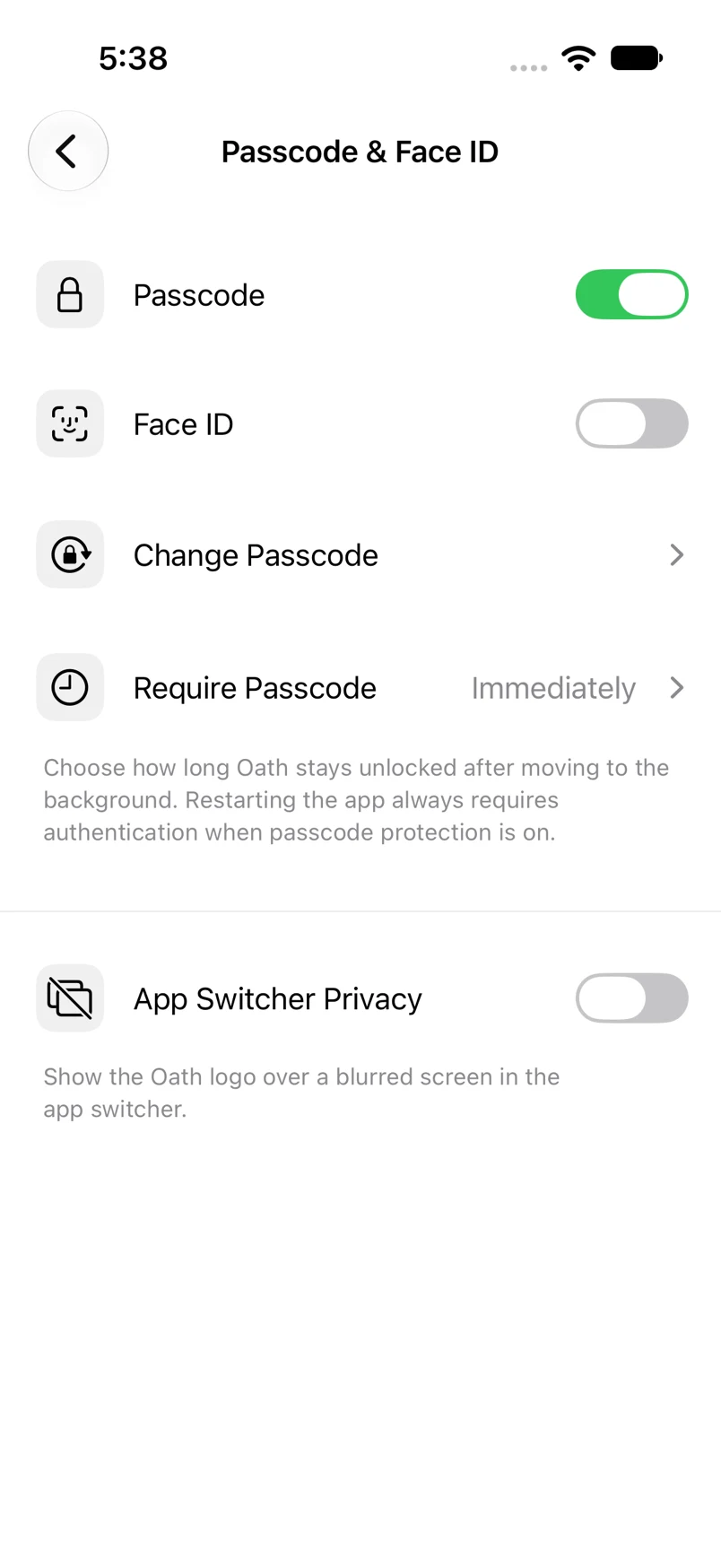
Settings → Passcode & Face ID
How to do it
- Ensure an app passcode is enabled and biometrics are configured on the device.
- Turn on Face ID or Touch ID.
- Complete the biometric prompt. Oath enables the option after successful authentication.
- Keep your app passcode available for fallback access.
Example addresses are for illustration. Do not send funds to them.