
Change your app passcode
Replace your Oath unlock code without changing your wallet addresses.
Oath Atmosphere · 1.0 (56)
Where to find it
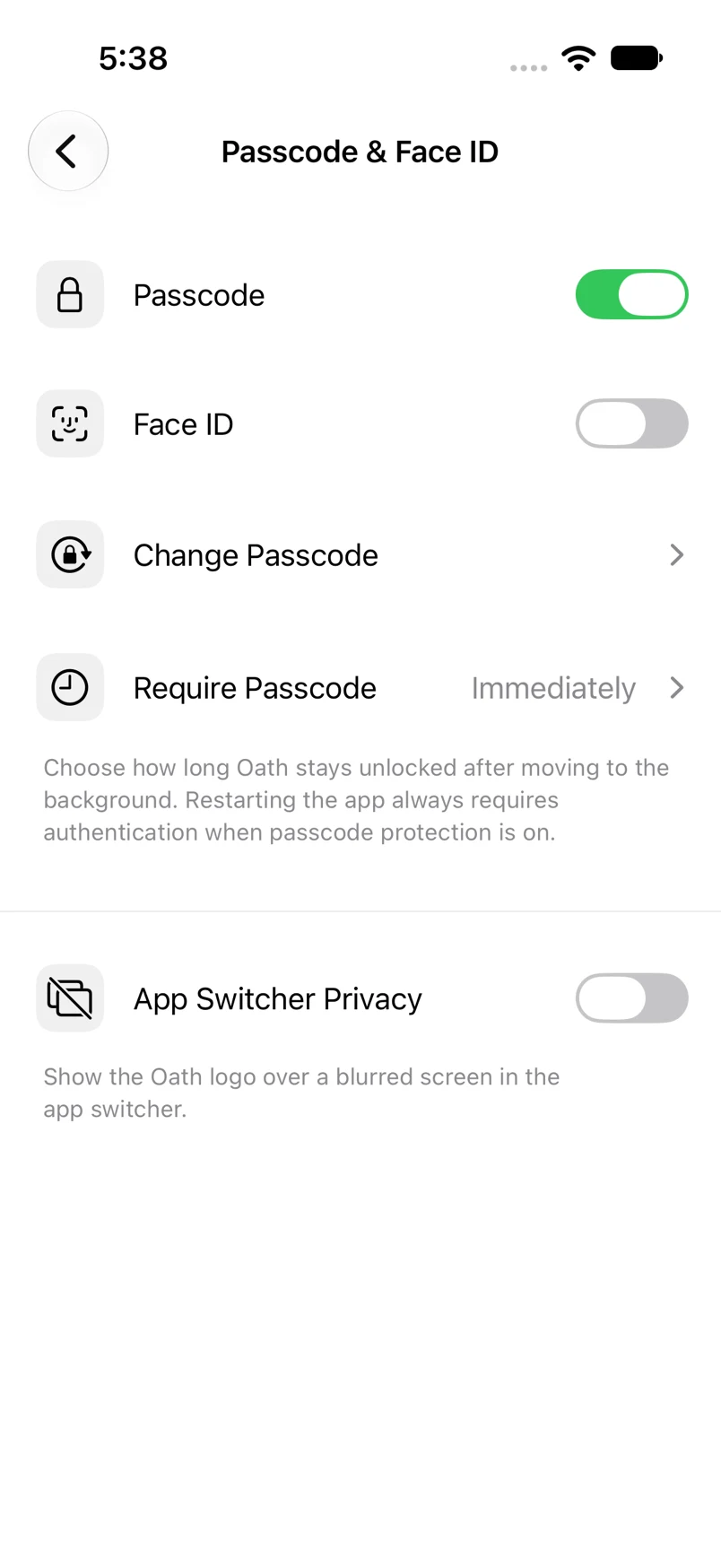
Settings → Passcode & Face ID → Change Passcode
How to do it
- Authenticate to enter the security screen.
- Tap Change Passcode and verify the current passcode when requested.
- Enter the new six-digit passcode.
- Confirm it by entering the same digits again.
Example addresses are for illustration. Do not send funds to them.