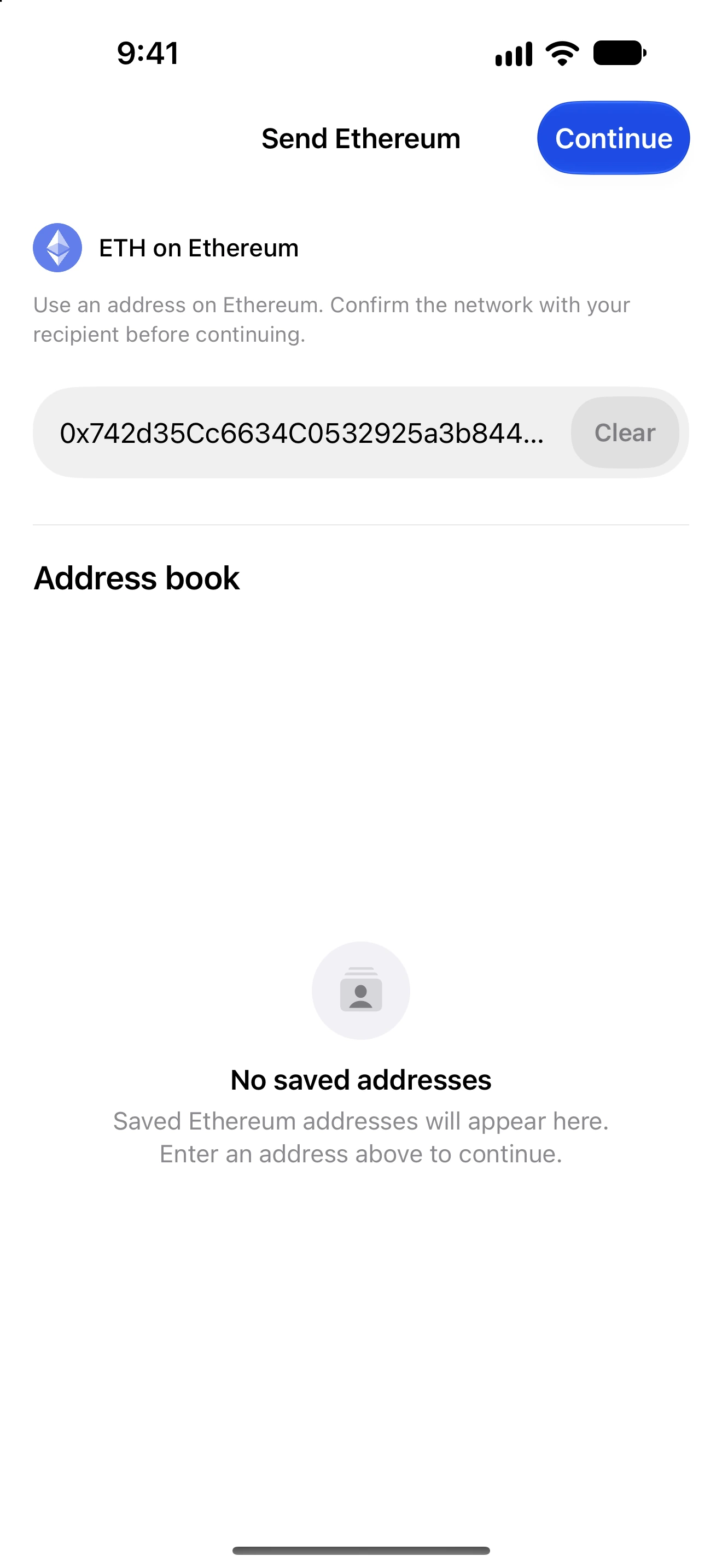
Enter destination tags and memos
Include the extra reference an exchange or shared receiving account needs to credit your transfer.
Oath 4.0.3
Send → recipient → memo or destination tag
How to do it
- Open the recipient’s deposit instructions and confirm the asset and network.
- In Oath, select that asset and paste the deposit address.
- For XRP Ledger enter the requested destination tag. For Stellar select the required memo type before entering its exact value.
- For other networks with a memo field, follow the recipient’s instructions exactly; do not invent a memo if none is required.
- Review the address, memo/tag, amount and network together on the final screen.
- After sending, retain the transaction ID. If an exchange does not credit it, contact that exchange with the public transaction details.
An exchange may use one address for many customers and distinguish deposits with a tag or memo. A valid address alone can therefore be insufficient.
Text memos, numeric IDs and hashes are different formats. Use the field and type displayed for the selected chain; leading characters and case can matter.
Oath cannot assign a missing deposit to your exchange account after broadcast. Do not resend a second payment merely to fix a tag on the first.
Follow along in Oath
Real app screens with illustrative demo data. No live funds were sent, swapped or revoked for these examples. Never send funds to an example address. Tap an image to inspect it at full size.