
Refresh balances and activity
Request updated data without leaving your wallet.
Oath Atmosphere · 1.0 (56)
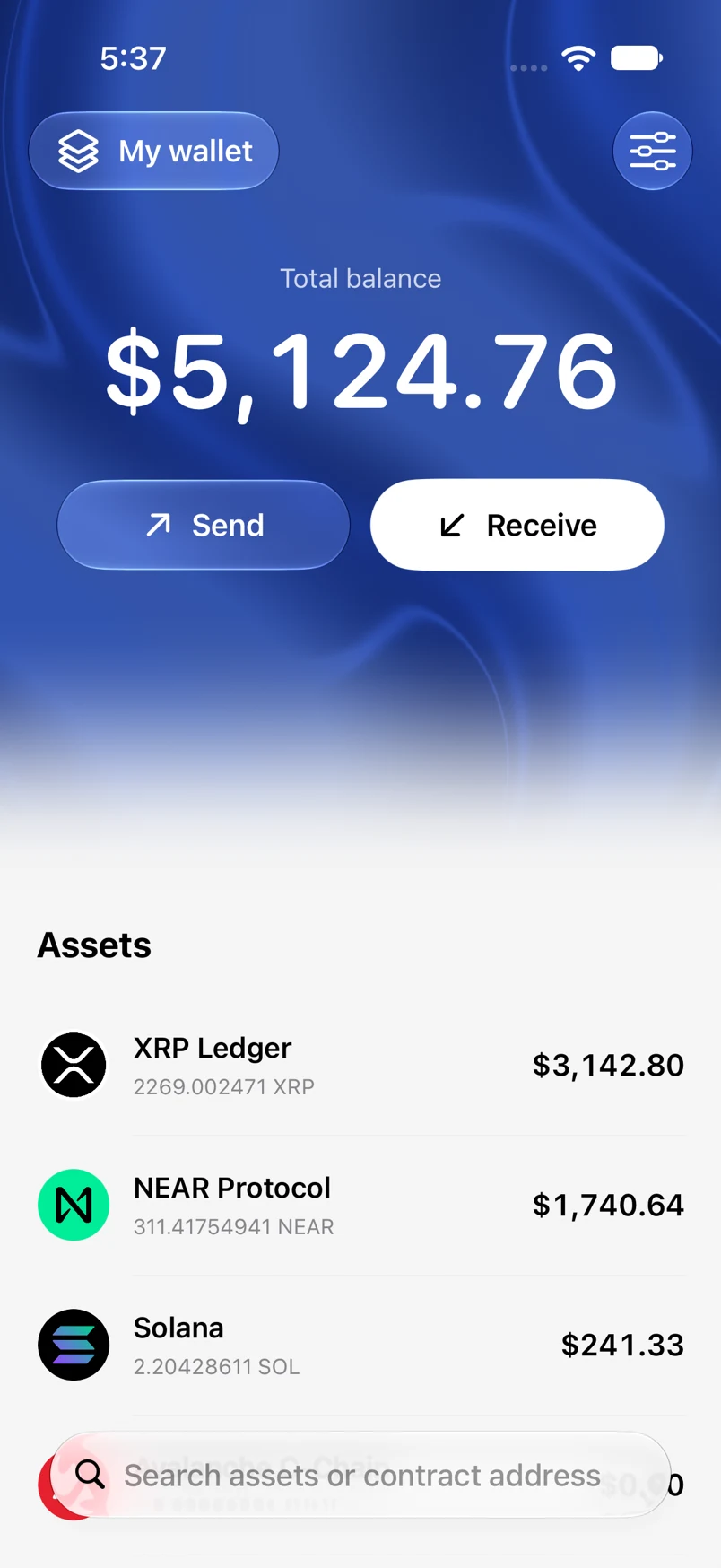
Where to find it
Home or an asset screen → pull down
How to do it
- Scroll to the top of Home or the asset screen.
- Pull down and release to start a refresh.
- Wait for the Oath refresh animation to complete.
- If data has not changed, check your connection and try again later.
Example addresses are for illustration. Do not send funds to them.