
Lock Oath immediately
End the current unlocked session without waiting for the automatic delay.
Oath Atmosphere · 1.0 (56)
Where to find it
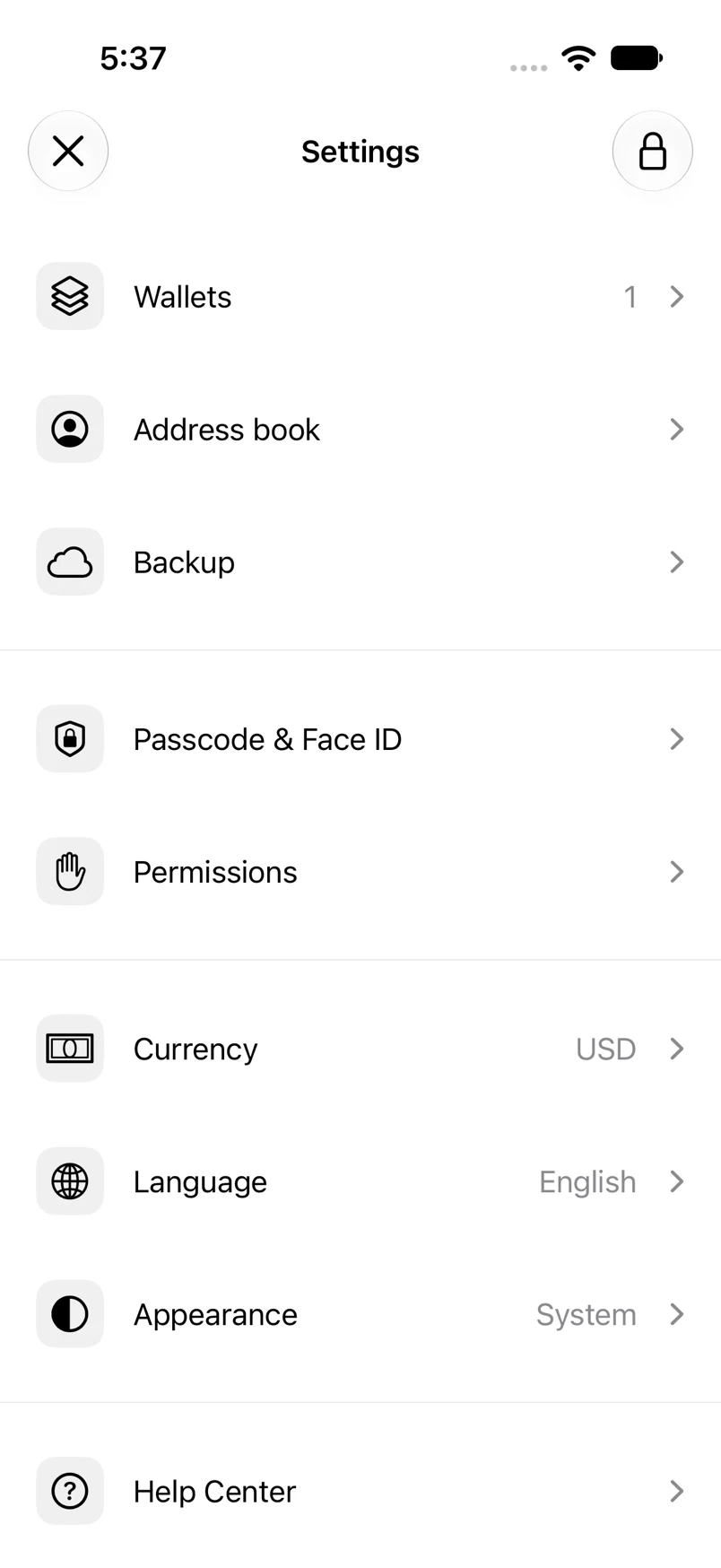
Settings → lock icon
How to do it
- Open Settings from Home.
- Tap the lock icon in the top bar.
- Oath presents the unlock screen.
- When you are ready, use the passcode or explicitly request biometric unlock.
Example addresses are for illustration. Do not send funds to them.