
Hide balances on screen
Temporarily replace visible amounts with dots.
Oath Atmosphere · 1.0 (56)
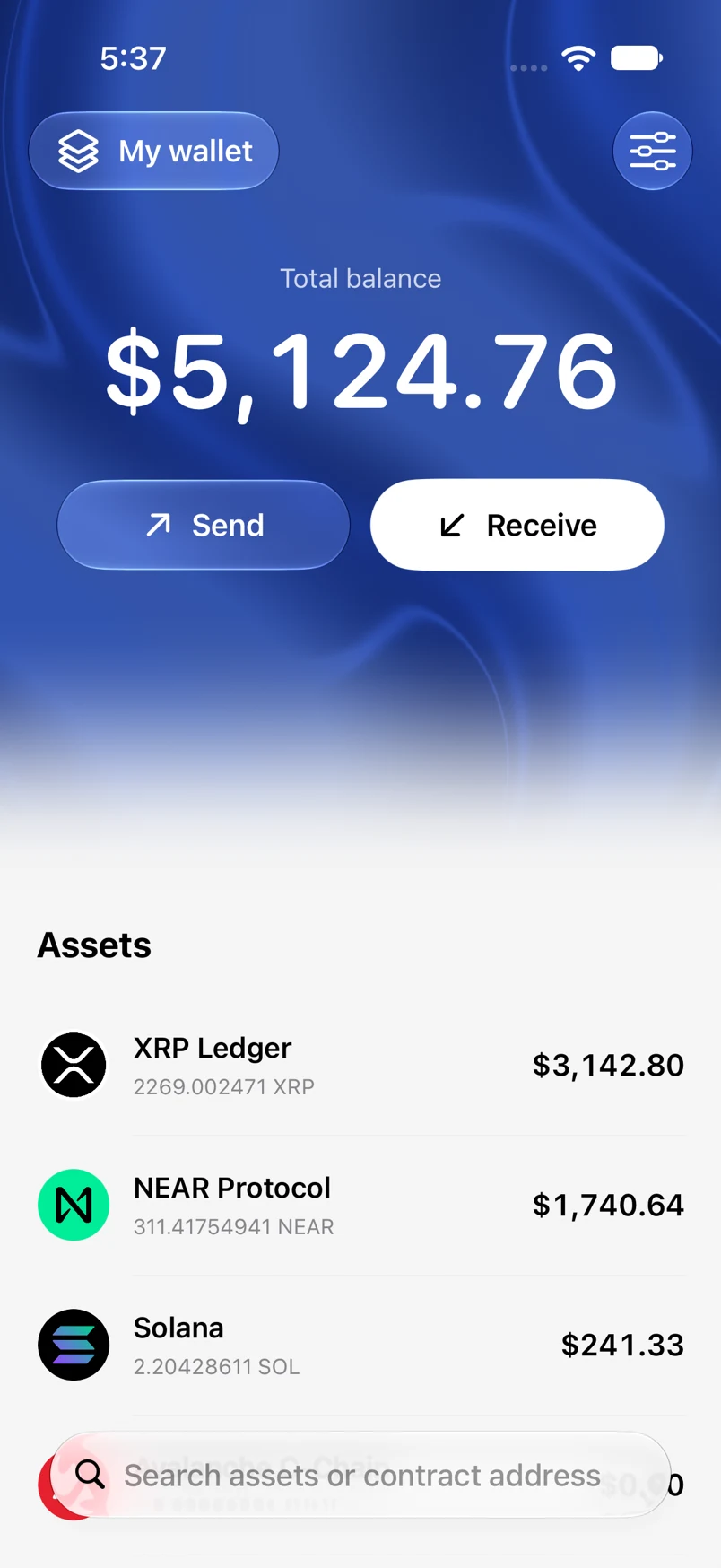
Where to find it
Home → total balance
How to do it
- Tap the large total balance on Home.
- The amount changes to dots, and linked balance displays respect the hidden state.
- Tap again to reveal amounts.
- Before sharing a transaction image, check whether the hidden-balance state is appropriate for the information you want to share.
Example addresses are for illustration. Do not send funds to them.