What if I forget my app passcode?
Keep recovery options separate from the app lock.
Guide checked for Oath 5.1.2 (112).
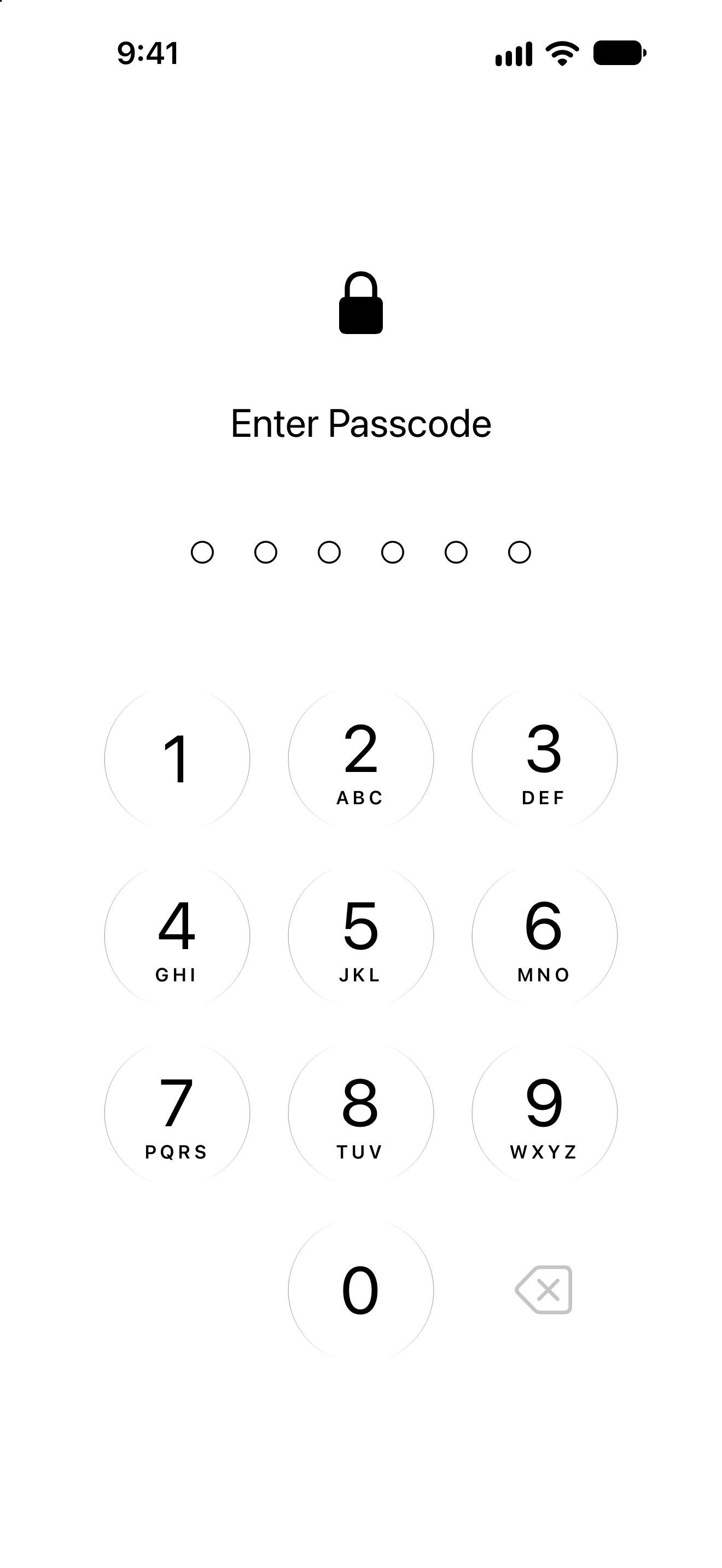
Unlock screen
How to do it
- If biometric unlock still works, use it to access the app and make sure your recovery backups are available.
- Locate your recovery phrase, private key or encrypted iCloud backup and its password. Include the BIP-39 passphrase for any passphrase wallet.
- Do not delete Oath until you have verified a usable recovery route.
- If needed, ask support for guidance without sending any secret recovery material.
Oath support cannot tell you your passcode or reconstruct a missing recovery phrase. Resetting the app is not a way to bypass decryption of the existing vault.
Do not remove the app or its final wallet while it holds your only usable recovery copy. Preserve the device and seek guidance using nonsecret information.
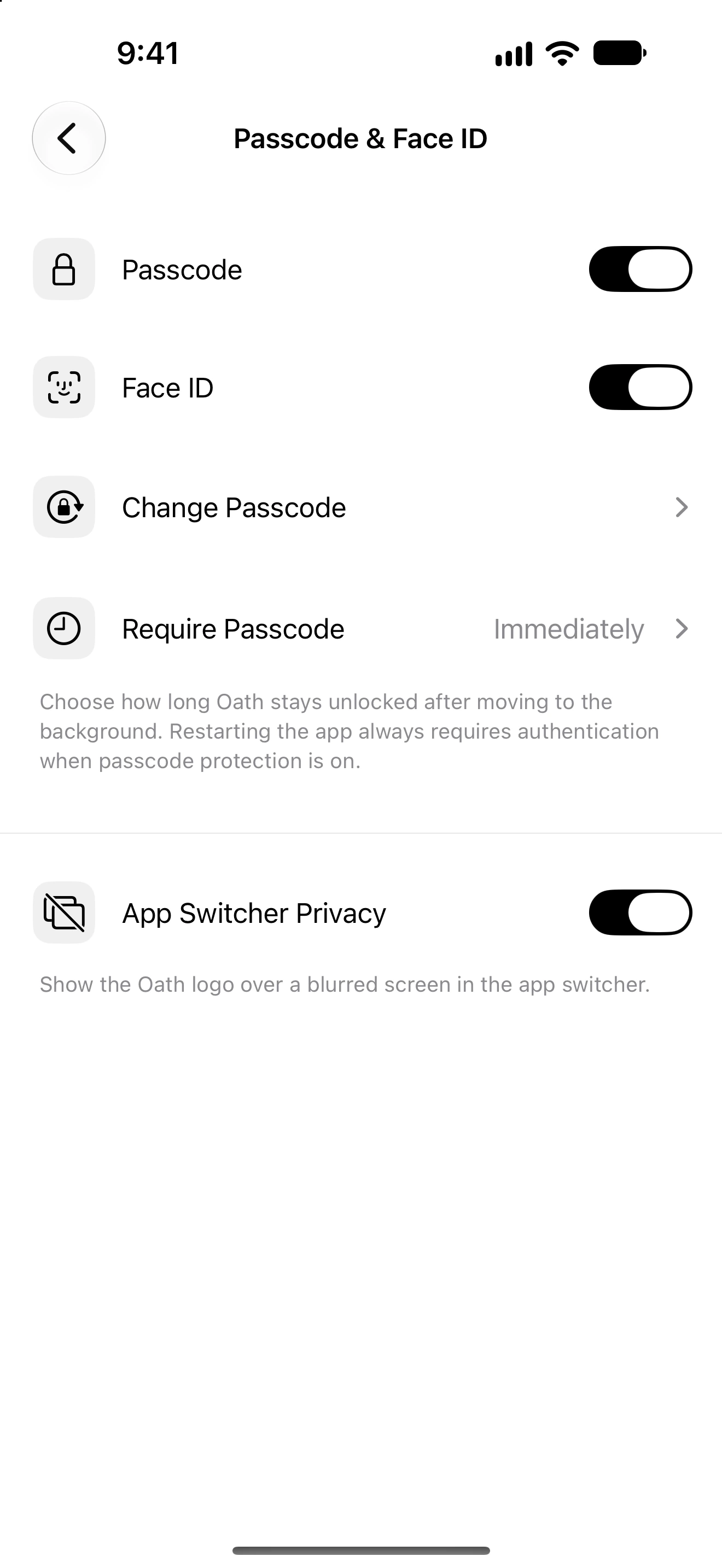
Review the resulting security setting before leaving. Public account activity remains visible on-chain even when the app is locked or its balance display is hidden.
Follow along in Oath
Real app screens with illustrative demo data from historical captures. Current release: Oath 5.1.2 (112); appearance and available options may differ from the images. No live funds were sent, swapped or revoked for these examples. Never send funds to an example address. Tap an image to inspect it at full size.