
Turn off Face ID or passcode protection
Change how Oath authenticates you from the security screen.
Oath Atmosphere · 1.0 (56)
Where to find it
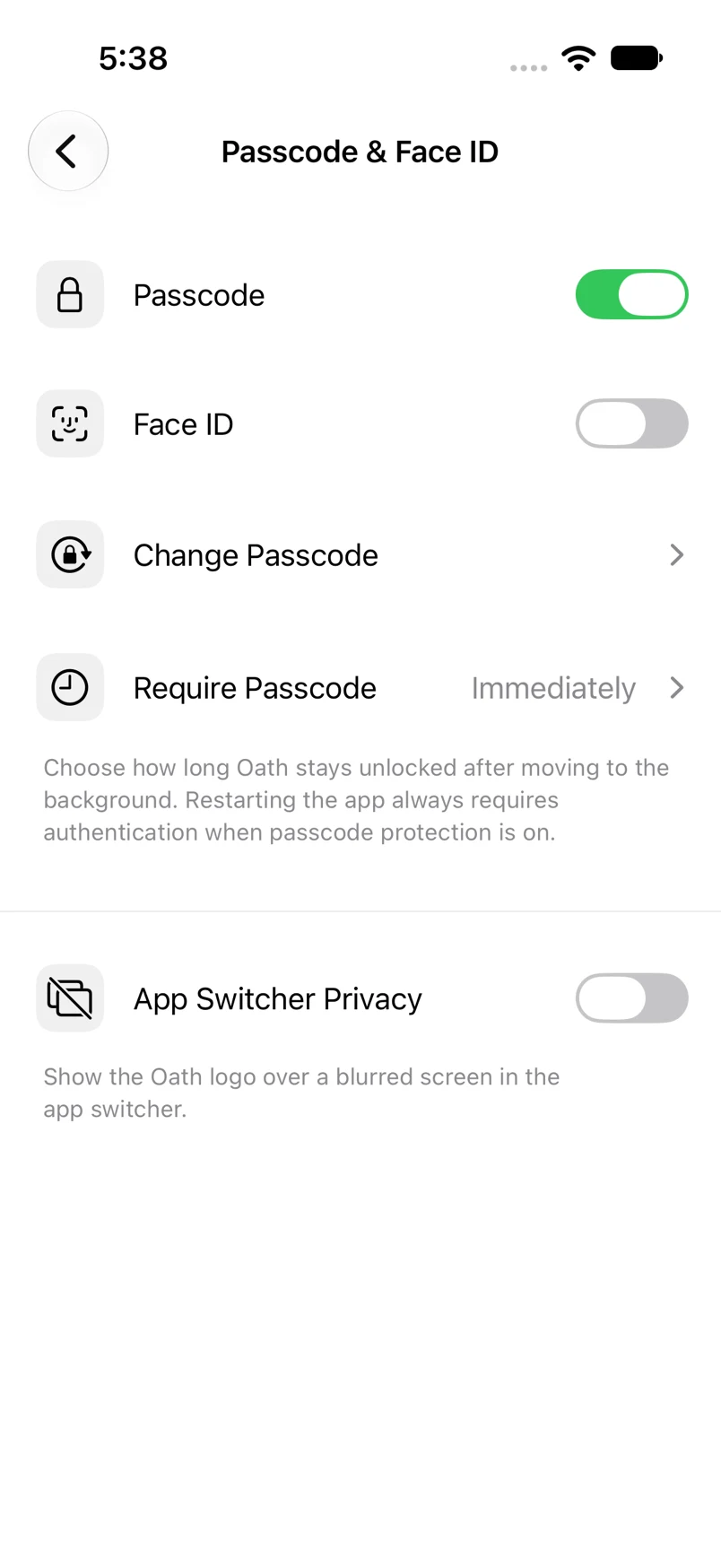
Settings → Passcode & Face ID
How to do it
- Authenticate to enter Passcode & Face ID.
- To stop biometric unlock, switch off Face ID or Touch ID.
- To turn off the app passcode, switch off Passcode and complete the required verification and confirmation.
- Review the resulting switches before leaving.
Example addresses are for illustration. Do not send funds to them.