Set Bitcoin transfer options
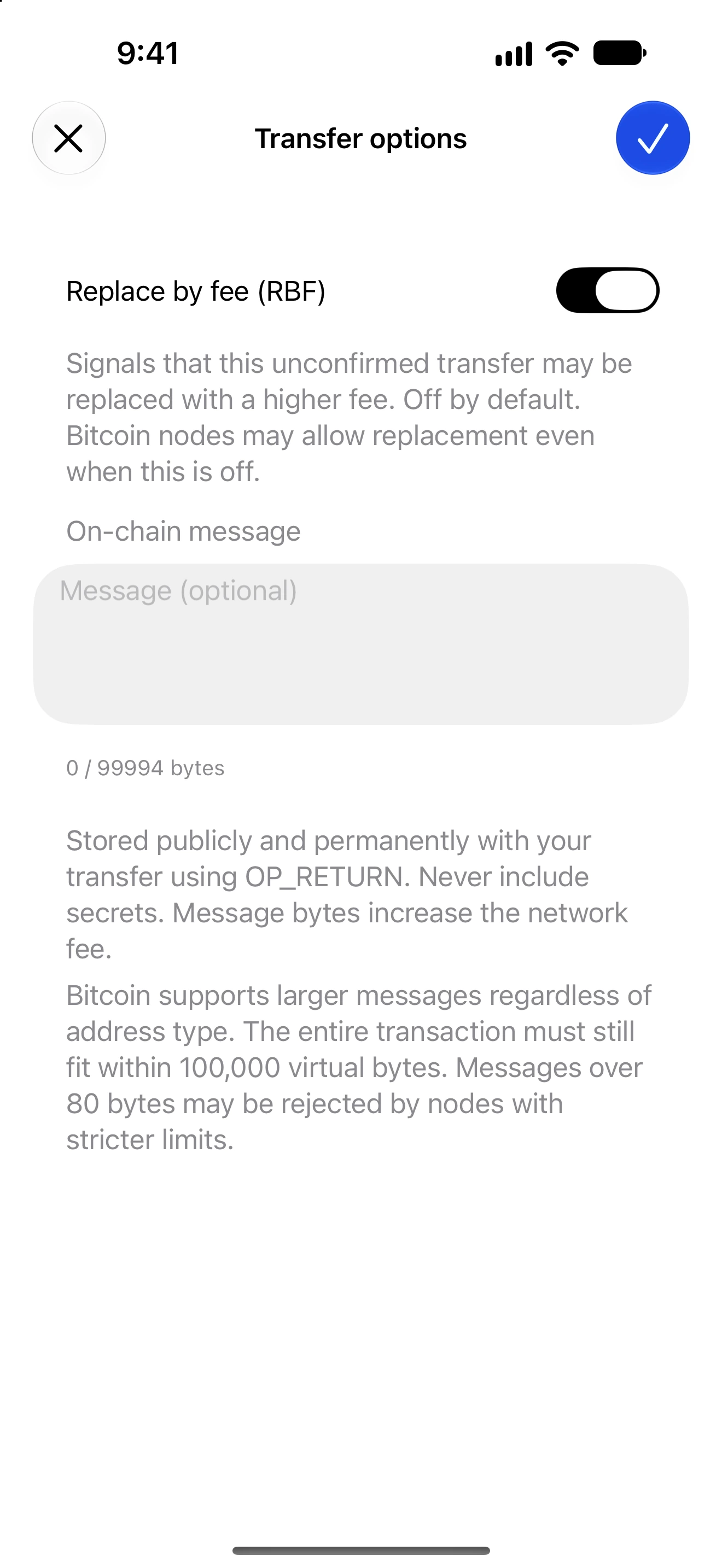
Understand Replace by fee and the optional public on-chain message before sending.
Oath 4.0.3
Bitcoin → Send → amount → transfer options
How to do it
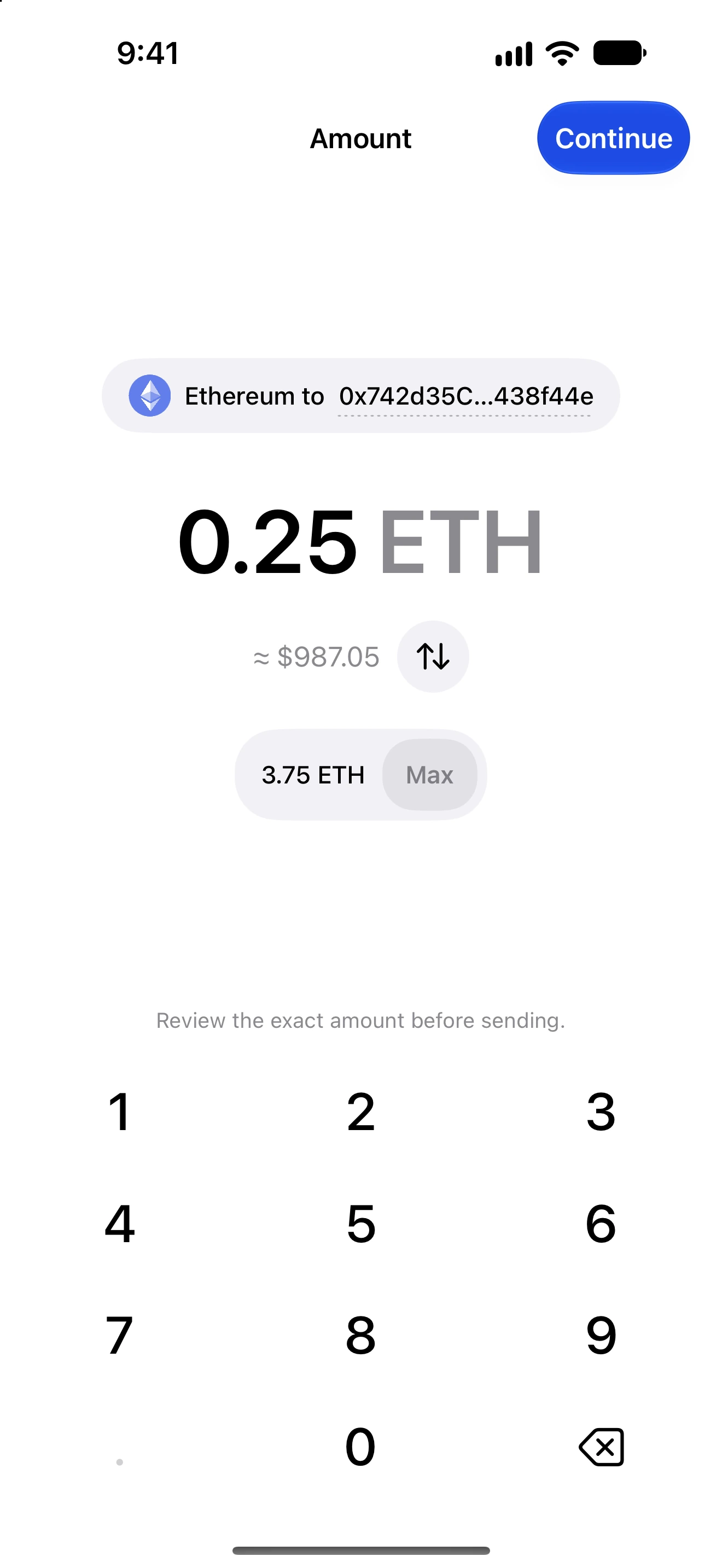
- Choose Bitcoin, enter the recipient and continue to the amount page.
- Open Transfer options from the amount page.
- Enable Replace by fee only if you want the transaction to signal replacement eligibility. The option is off by default.
- Optionally enter an on-chain message. Read the byte count and network-specific limit.
- Confirm the options with the checkmark, then review the updated transaction and fee.
- After broadcast, use the transaction’s status and explorer to follow it. Enabling RBF does not itself submit a replacement.
The message is stored publicly with the transfer using OP_RETURN and contributes to transaction size and fees. A byte count is not necessarily the same as a character count.
Bitcoin node policies differ. Larger messages can be rejected by stricter nodes even when they fit the app’s supported limit.
RBF signals replacement policy; some Bitcoin nodes allow replacement even when that signal is off. The switch is not a guarantee that an unconfirmed transaction cannot be replaced.
Follow along in Oath
Real app screens with illustrative demo data. No live funds were sent, swapped or revoked for these examples. Never send funds to an example address. Tap an image to inspect it at full size.