
Choose when Oath locks
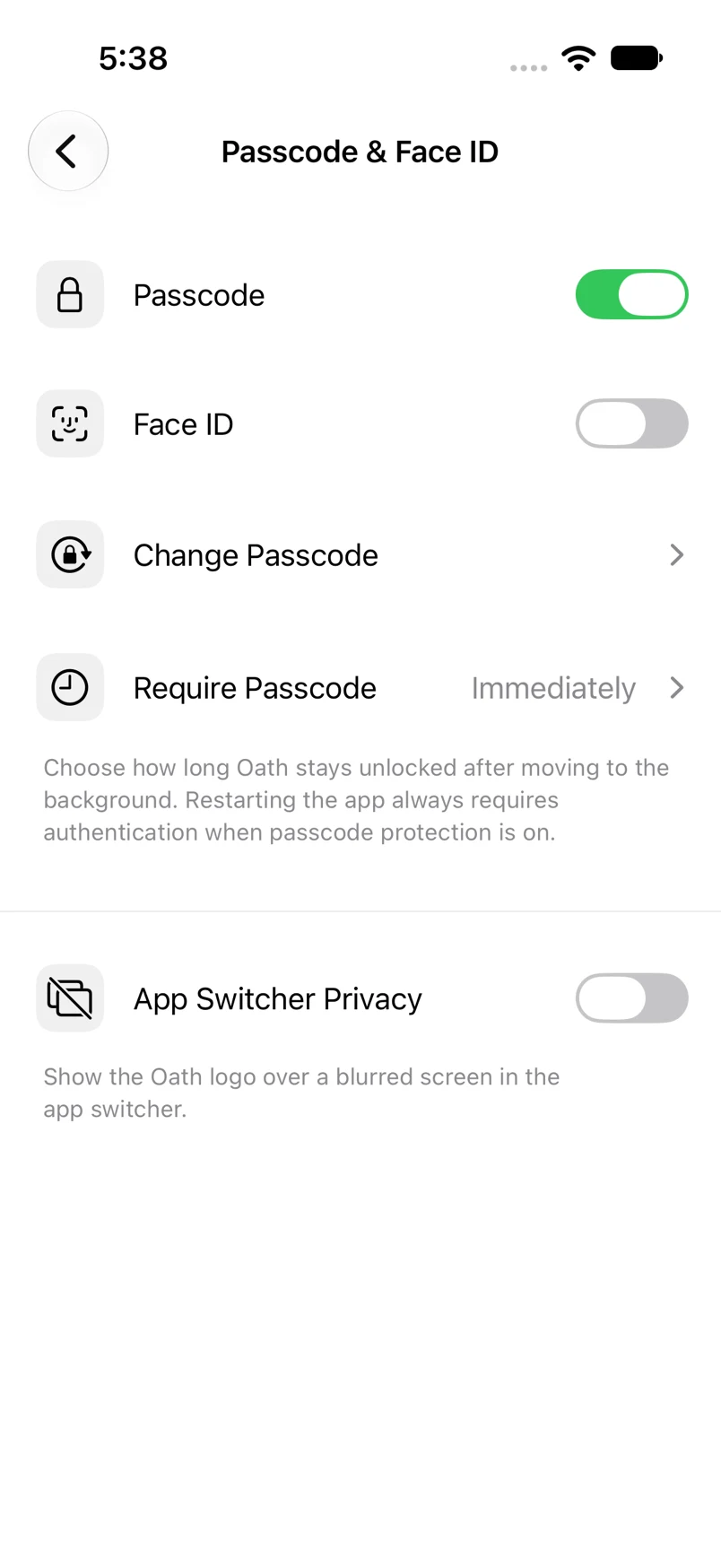
Control how long Oath stays unlocked after moving to the background.
Oath Atmosphere · 1.0 (56)
Where to find it
Settings → Passcode & Face ID → Require Passcode
How to do it
- Enable passcode protection if it is currently off.
- Tap Require Passcode.
- Select Immediately, 1 minute, 5 minutes or 10 minutes.
- Return to the security screen to see the saved selection.
Example addresses are for illustration. Do not send funds to them.