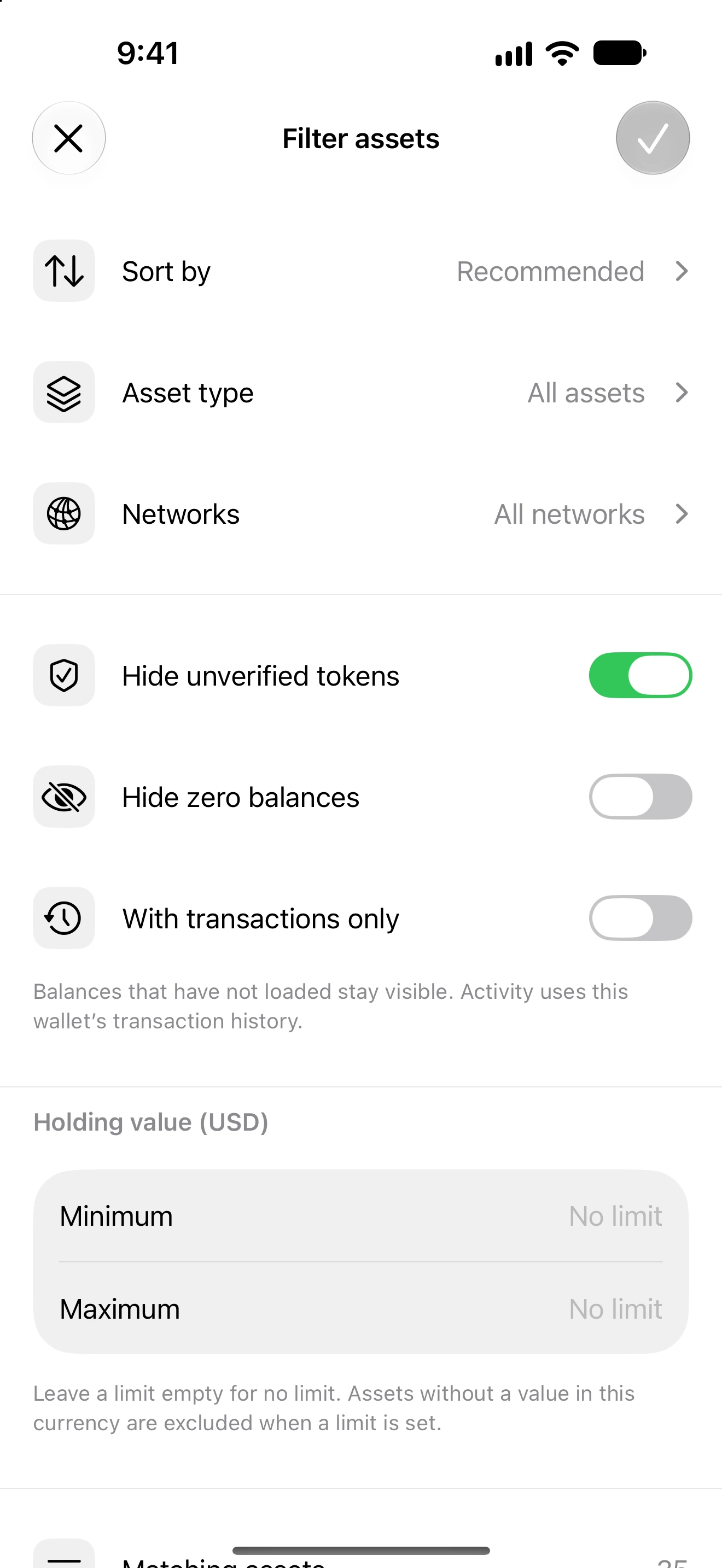
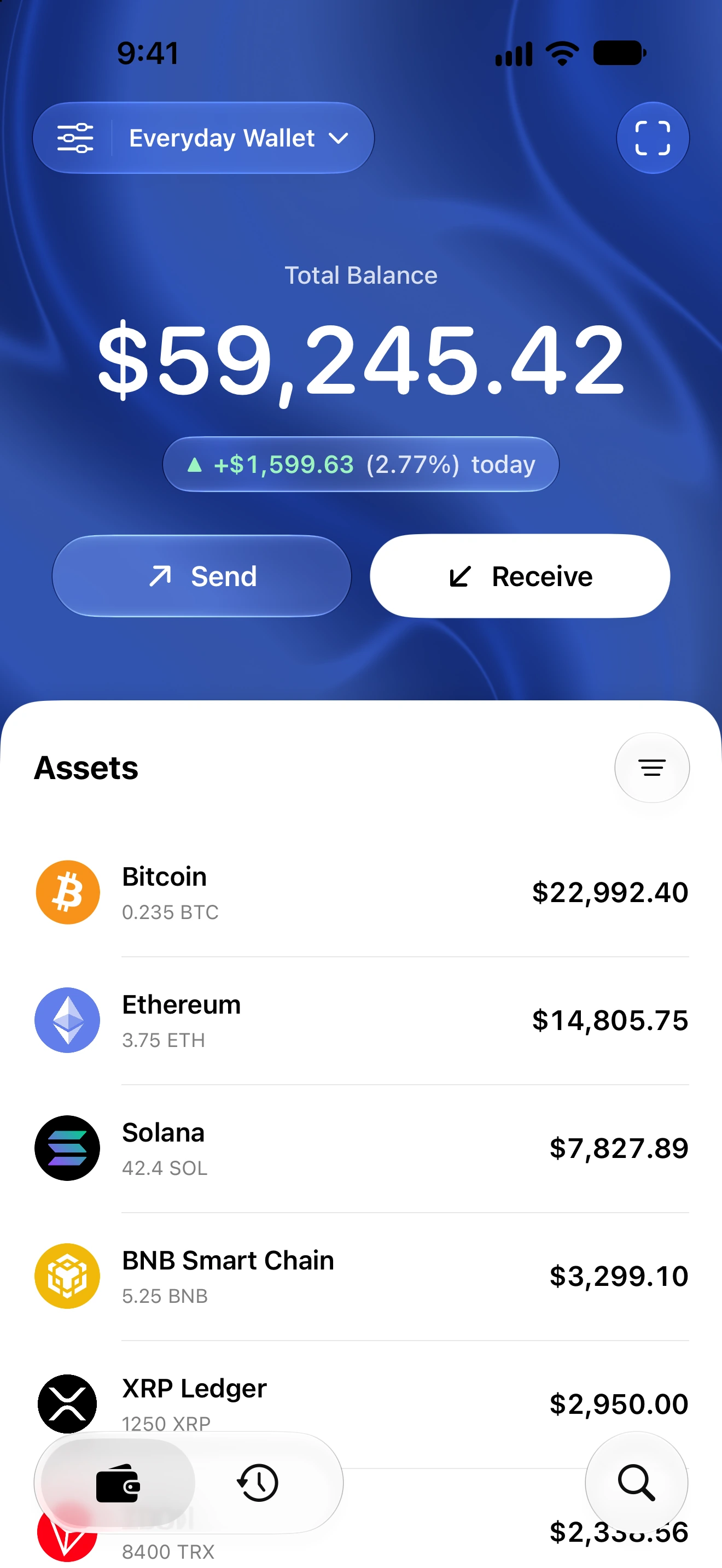
Filter the Home assets list
Narrow the portfolio by network and available asset filters without changing ownership.
Oath 4.0.3
Where to find it
Home → Assets → filter icon
How to do it
- Open Home and tap the filter icon beside Assets.
- Review the available network and asset-visibility choices.
- Select the criteria you want and apply the sheet’s confirmation action.
- Read the visible count and any active-filter indication when searching for an expected asset.
- Reopen filters and reset the choices when you want the full supported list again.
Filtering changes what is displayed; it does not sell a token, delete its key or revoke a contract allowance.
A token may be absent because of a filter, unavailable discovery or an unsupported identity. Compare the exact network and contract before concluding it was lost.
Use Search with a contract or mint to find a supported token independently of its displayed name.
Follow along in Oath
Real app screens with illustrative demo data. No live funds were sent, swapped or revoked for these examples. Never send funds to an example address. Tap an image to inspect it at full size.