
Hide the app preview in the app switcher
Cover the app’s preview when switching between apps.
Oath Atmosphere · 1.0 (56)
Where to find it
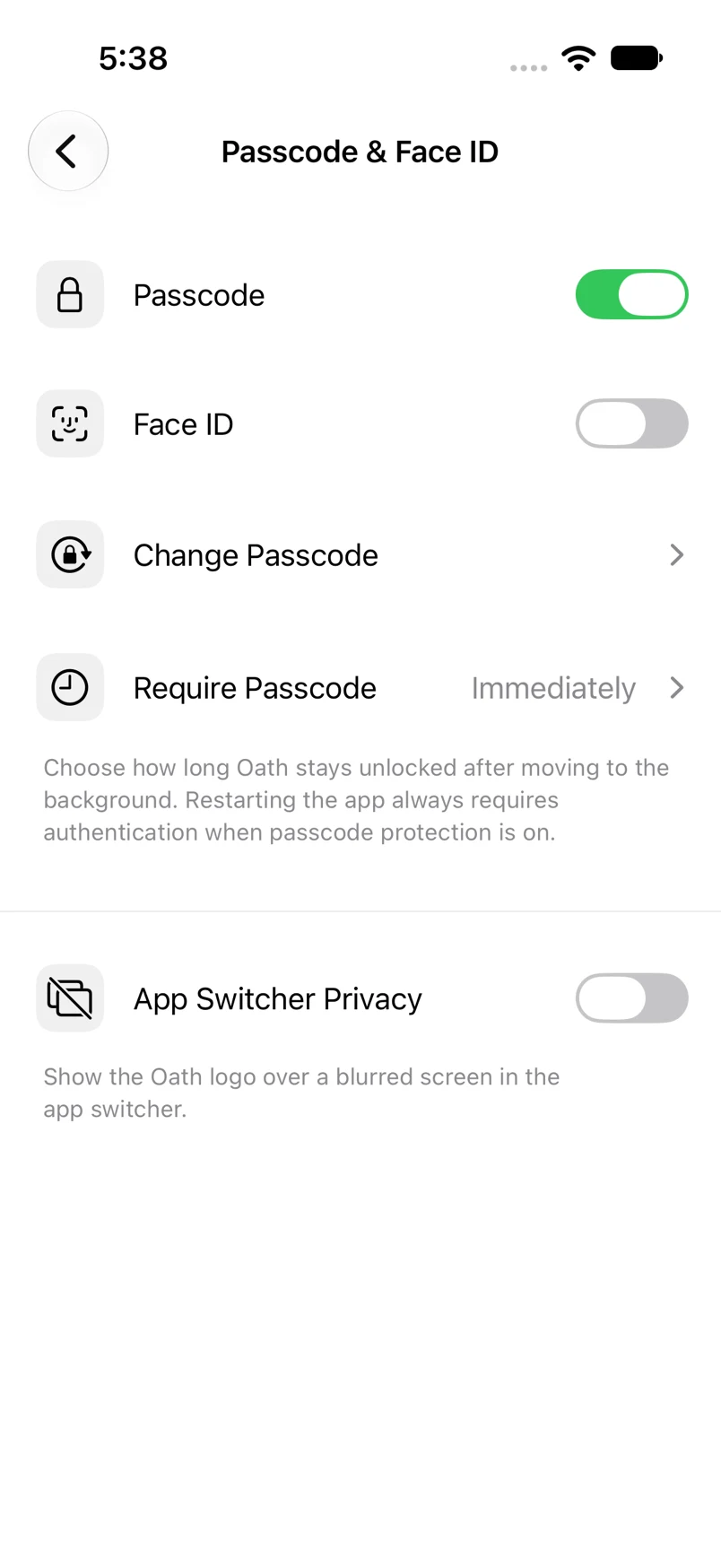
Settings → Passcode & Face ID → App Switcher Privacy
How to do it
- Open the security screen and authenticate if asked.
- Turn on App Switcher Privacy.
- When Oath moves to the background, its app-switcher preview is covered with a blurred screen and the Oath logo.
- Return to Oath and unlock if required by your lock settings.
Example addresses are for illustration. Do not send funds to them.