Review account-control and permanent delegates
Recognize permissions that affect more than a single token allowance.
Oath 4.0.3
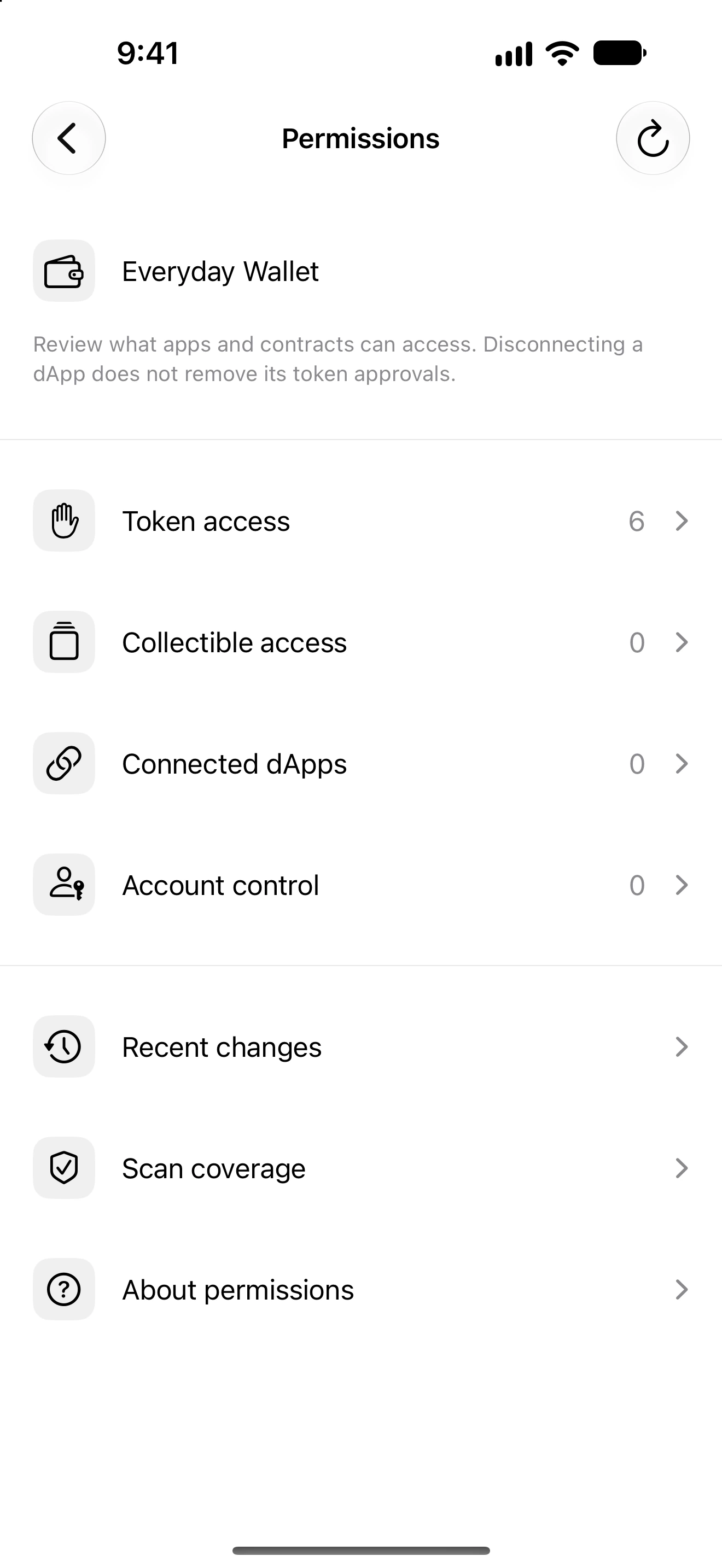
Settings → Permissions → Account control
How to do it
- Choose the intended wallet and open Account control.
- Read the network, delegate or permission key and the scope shown for the entry.
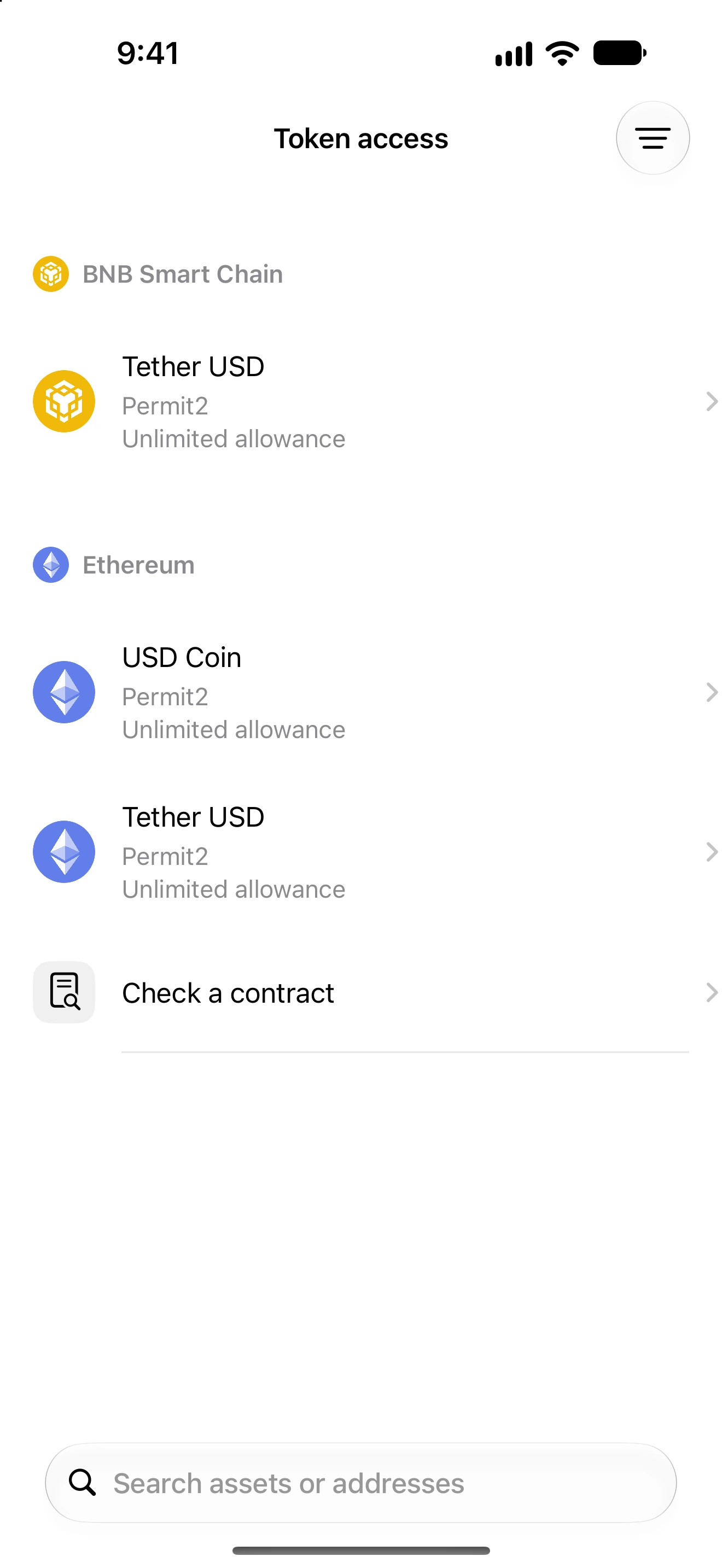
- Distinguish an account-control delegation from a token spending allowance.
- If removal is offered, review exactly what it changes and whether the current wallet can authorize it.
- Confirm only after checking the fee and result you expect. Verify the updated state after confirmation.
- If the permission is permanent, unsupported or cannot be safely changed by this account, do not assume a token-level revoke will remove it.
Supported account-control inspection includes network-specific cases such as EVM delegation and TRON permission keys. These do not share one universal removal operation.
A Token-2022 permanent delegate is part of the mint’s authority design; an individual holder cannot simply revoke that authority like an ordinary token-account delegate.
A familiar asset logo or a small current balance does not make broad account control harmless. Read the scope before acting.
Follow along in Oath
Real app screens with illustrative demo data. No live funds were sent, swapped or revoked for these examples. Never send funds to an example address. Tap an image to inspect it at full size.