Understand permission scan coverage
Use scan status to distinguish checked, partial, unavailable and unindexed network results.
Oath 4.0.3
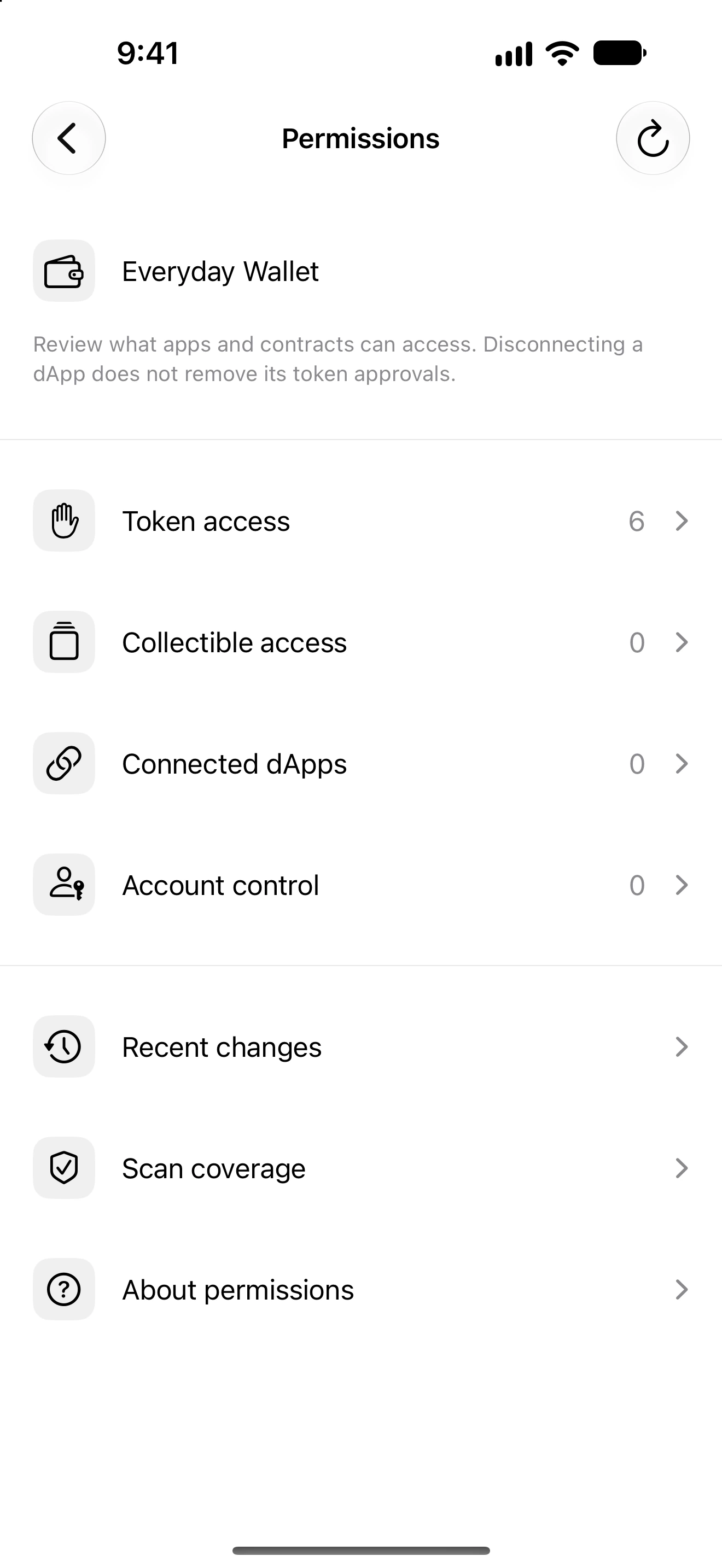
Settings → Permissions → Scan coverage
How to do it
- Select the wallet you want to inspect.
- Open Scan coverage and find the relevant network and last-check time.
- Read whether the scan is checked, partial, unavailable or not indexed. Retry a failed or incomplete scan after checking connectivity.
- Return to the access categories to inspect permissions that were actually discovered.
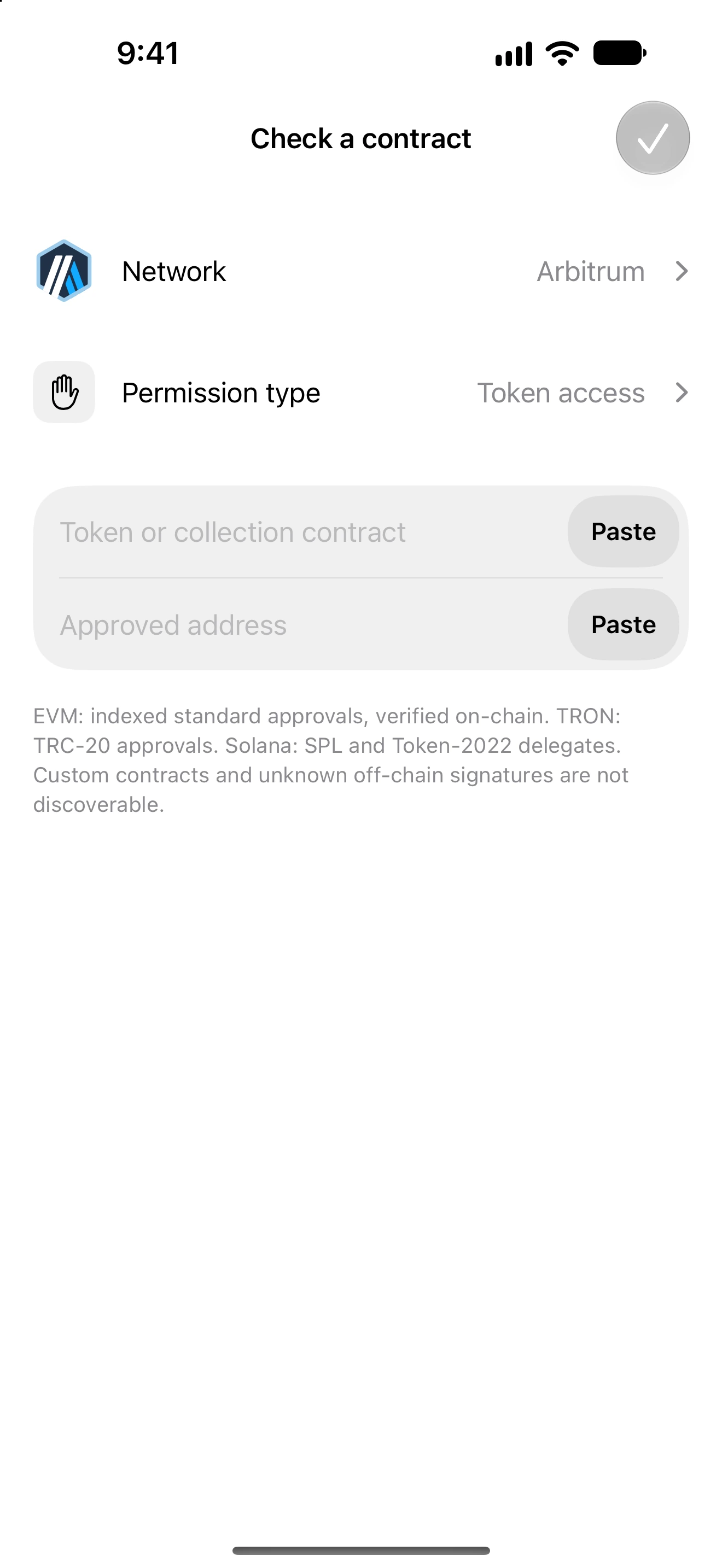
- If you know an exact token contract and approved address, use Check a contract on a supported network.
- Compare public on-chain state when needed and contact support with public network/contract details if a result remains unclear.
A checked scan covers the implemented discovery method, not every possible contract or historical off-chain signature in the world.
Partial results can still contain useful permissions. Missing rows are not proof that access is absent; provider limits, custom contracts and unindexed data can prevent discovery.
Solana delegates, TRON approvals and EVM standard approvals differ. Coverage is reported per network rather than treating all accounts as interchangeable.
Follow along in Oath
Real app screens with illustrative demo data. No live funds were sent, swapped or revoked for these examples. Never send funds to an example address. Tap an image to inspect it at full size.