Use Bitcoin Cash in Oath
Receive, send and inspect Bitcoin Cash assets using the correct account and network.
Guide checked for Oath 5.1.2 (112).
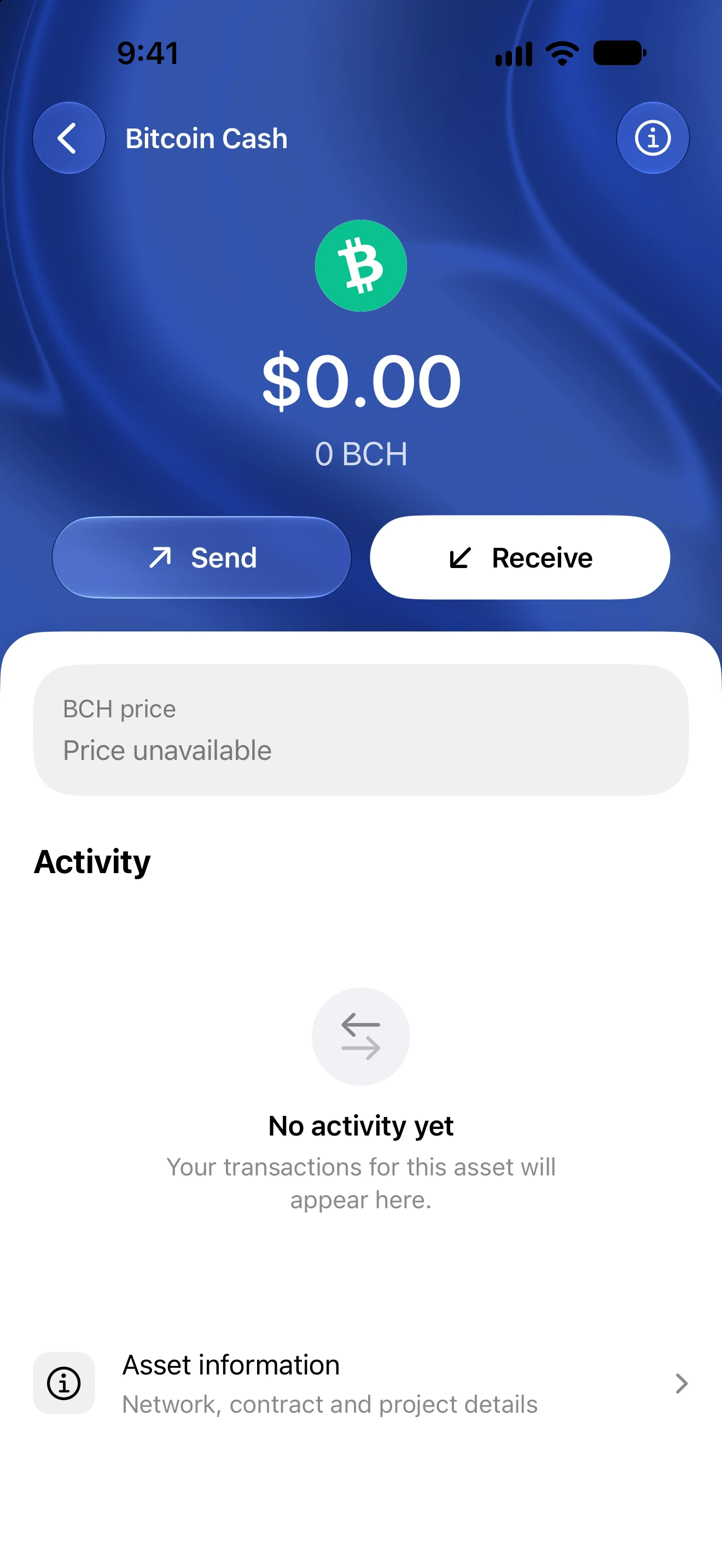
Home → Bitcoin Cash
How to do it
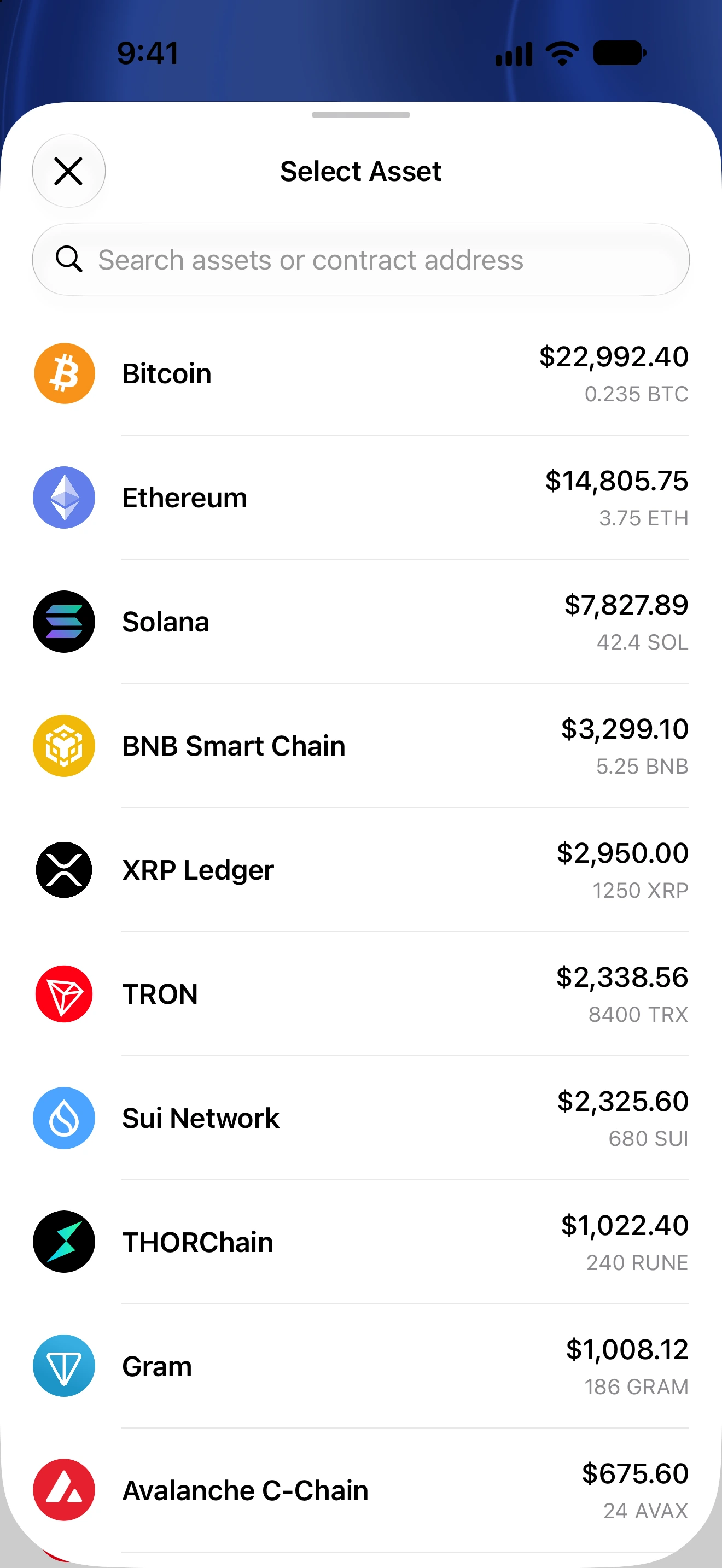
- Open Wallet → Search and find Bitcoin Cash or BCH. Select the intended native asset or token.
- Read the quantity, available price and Activity. Use Asset Information to verify a token’s full identity.
- Tap Receive, check the network notice and copy the complete public address. Confirm the sending service supports this exact network.
- For an outgoing transfer, tap Send, enter the recipient and any required memo or tag, then choose an amount.
- Review the fee and any account requirements before confirming. Complete authentication when requested.
- Check the transaction’s status and use the ellipsis → View on Explorer to verify its public outcome.
Use the Bitcoin Cash address and supported format. A Bitcoin transaction and a Bitcoin Cash transaction are separate; a familiar-looking address is not enough to select a network.
Discovery, activity and price coverage can differ between native assets and tokens. If a quote is unavailable, the token quantity can still be correct; do not interpret missing market data as a zero price.
Check the active wallet before every action. Imported private keys may expose fewer accounts or address types than a full recovery-phrase wallet.
Follow along in Oath
Real app screens with illustrative demo data from historical captures. Current release: Oath 5.1.2 (112); appearance and available options may differ from the images. No live funds were sent, swapped or revoked for these examples. Never send funds to an example address. Tap an image to inspect it at full size.