Open existing wallets after an Oath update
Unlock normally and let Oath prepare compatible existing wallets without creating replacements.
Oath 4.0.3
Install update → launch → unlock
How to do it
- Install the Oath update over the existing app; do not uninstall an app that contains your only usable recovery copy.
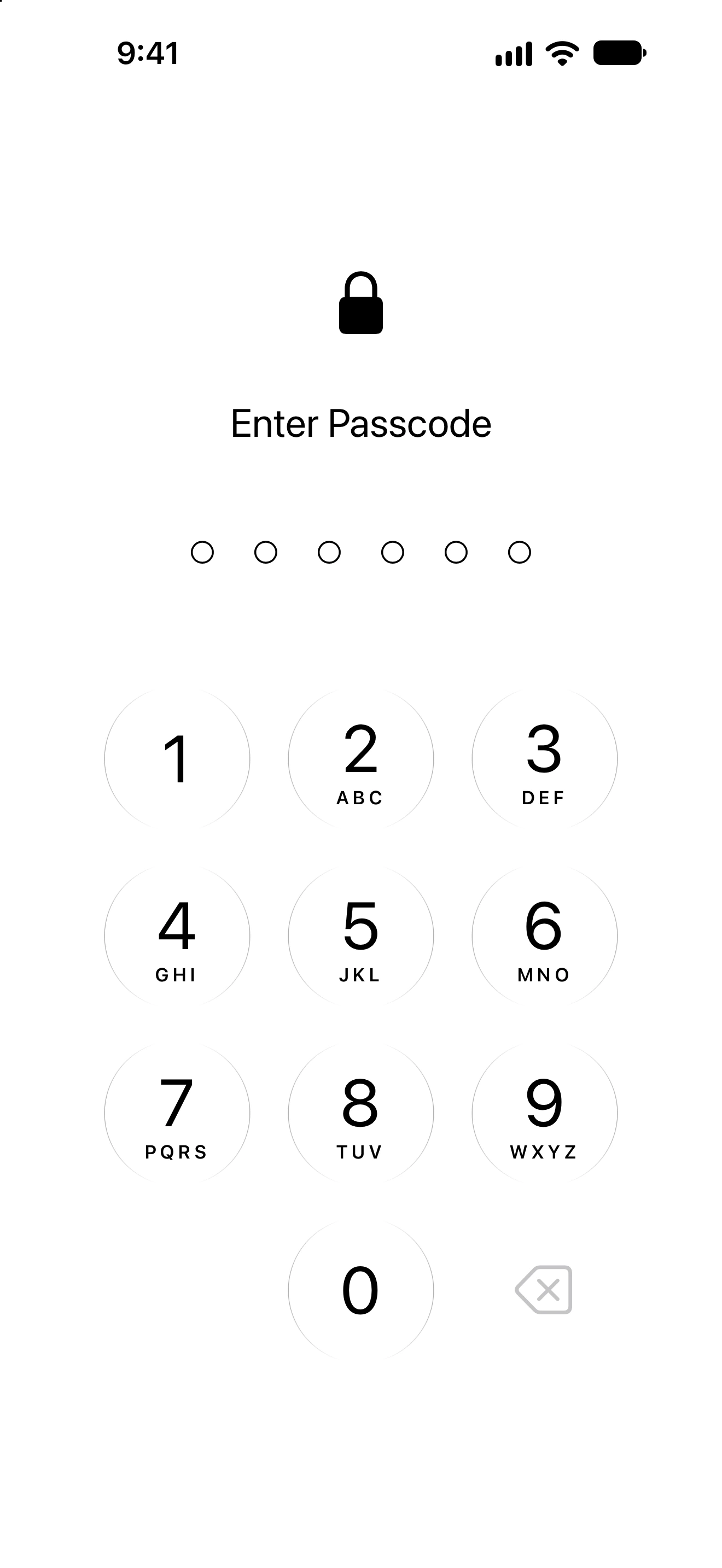
- Open Oath and enter your existing app passcode if requested. Let the loading/unlock flow finish.
- If biometric authorization needs to be renewed, enable it when offered or explicitly continue with passcode protection.
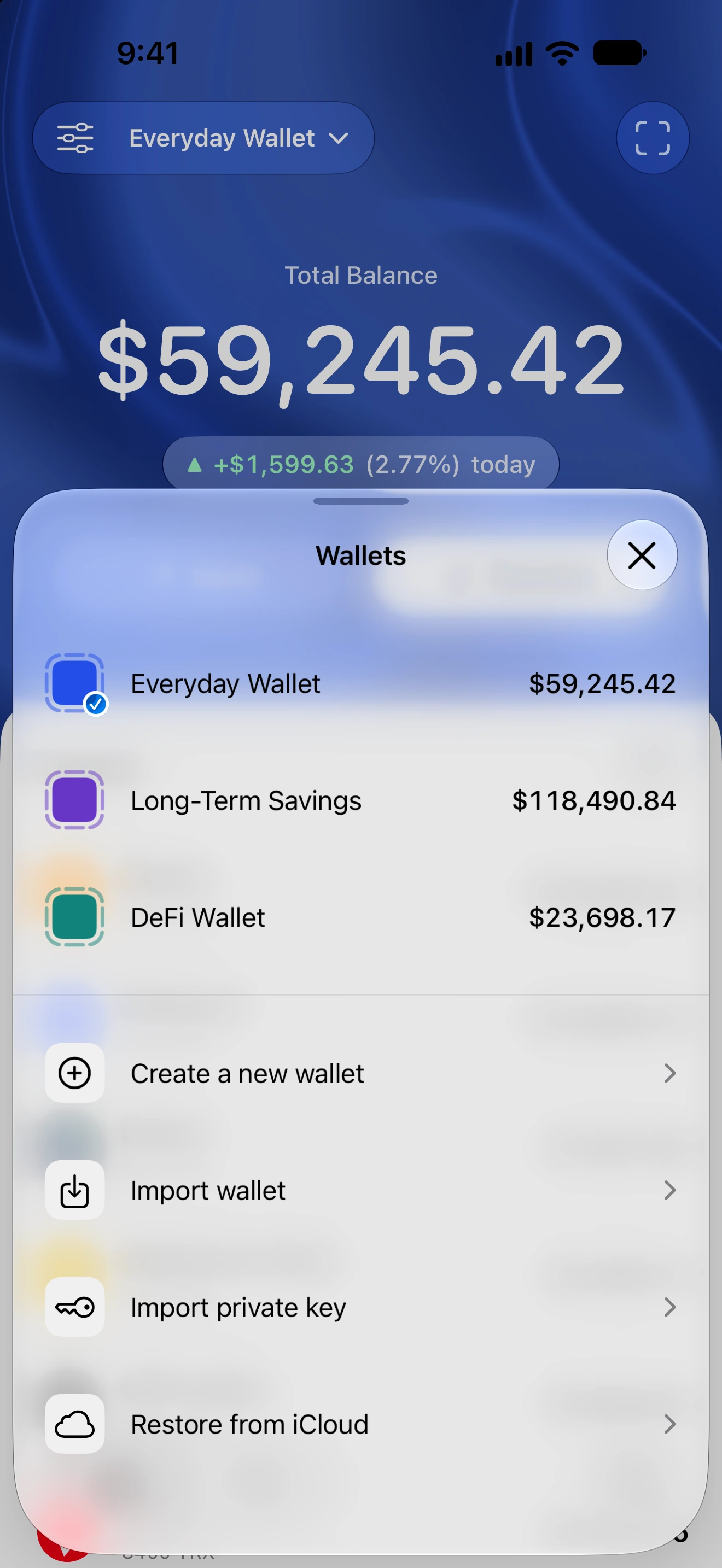
- On Home, check the selected wallet and open Wallets to review the names of your other wallets.
- Compare receiving addresses on the intended networks before transferring. Balances and history may take time to refresh.
- If the upgrade cannot safely import a wallet type, stop and follow the error guidance rather than resetting or creating a replacement wallet over it.
The upgrade preserves compatible wallet material and names using the new wallet rules. Unsupported multisig or multi-key collections are stopped safely rather than silently reduced to a different wallet.
An existing passcode is preserved where compatible. Biometric authorization can require a fresh system prompt; it must not be assumed from an old toggle alone.
Cached blockchain information is disposable and fetched again. An initially loading value is different from loss of the underlying wallet.
Follow along in Oath
Real app screens with illustrative demo data. No live funds were sent, swapped or revoked for these examples. Never send funds to an example address. Tap an image to inspect it at full size.