Resolve a transfer that cannot be sent
Work out whether the problem is validation, fees, authorization, provider access or an uncertain submission.
Oath 4.0.3
Send → review or result
How to do it
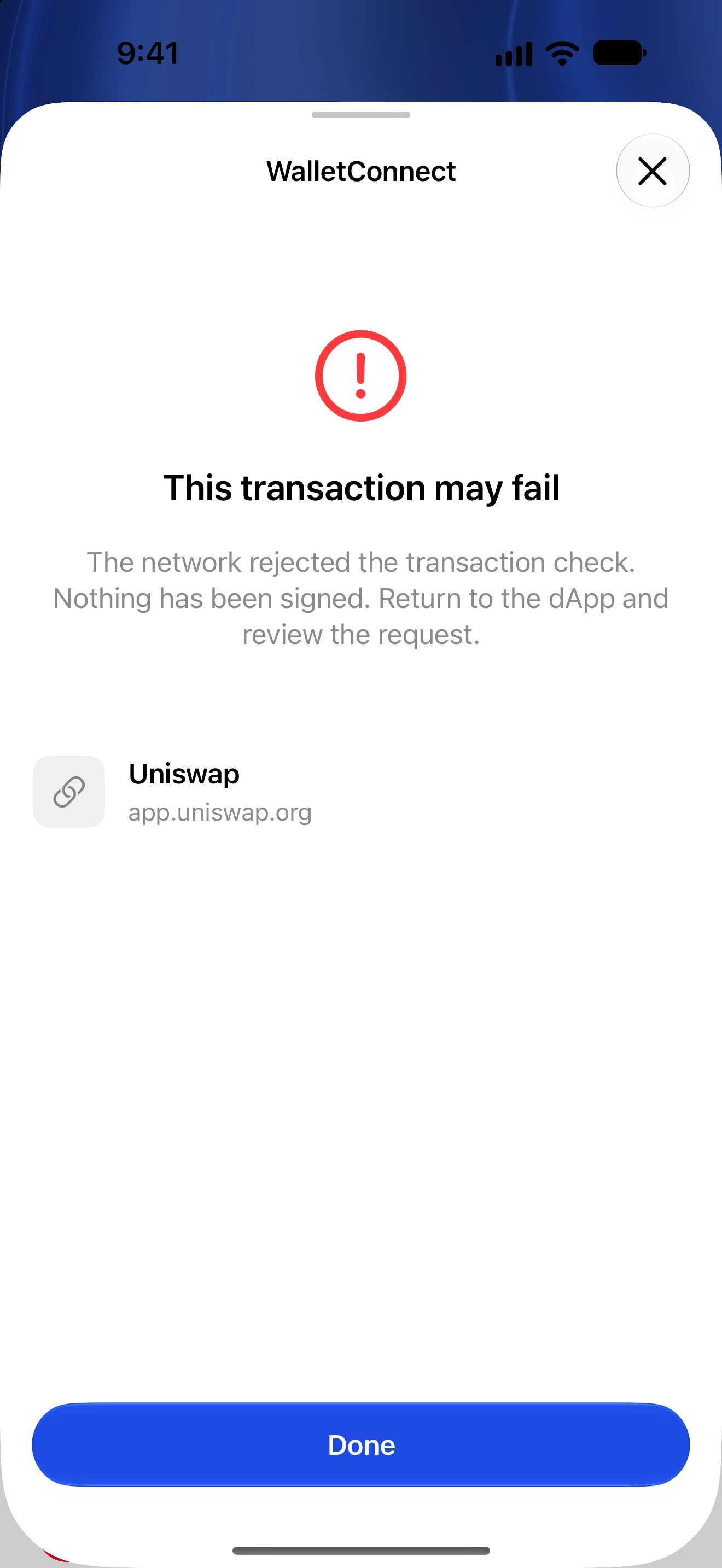
- Read the error and identify whether it occurred before authorization, during submission or while waiting for confirmation.
- Check the selected wallet, recipient network, token identity and any required memo or tag.
- Check the native fee balance and account activation, reserve or registration guidance. Reduce the amount if needed.
- If authentication was canceled, return to the review and authenticate again. Never enter your recovery phrase into a dApp or support form.
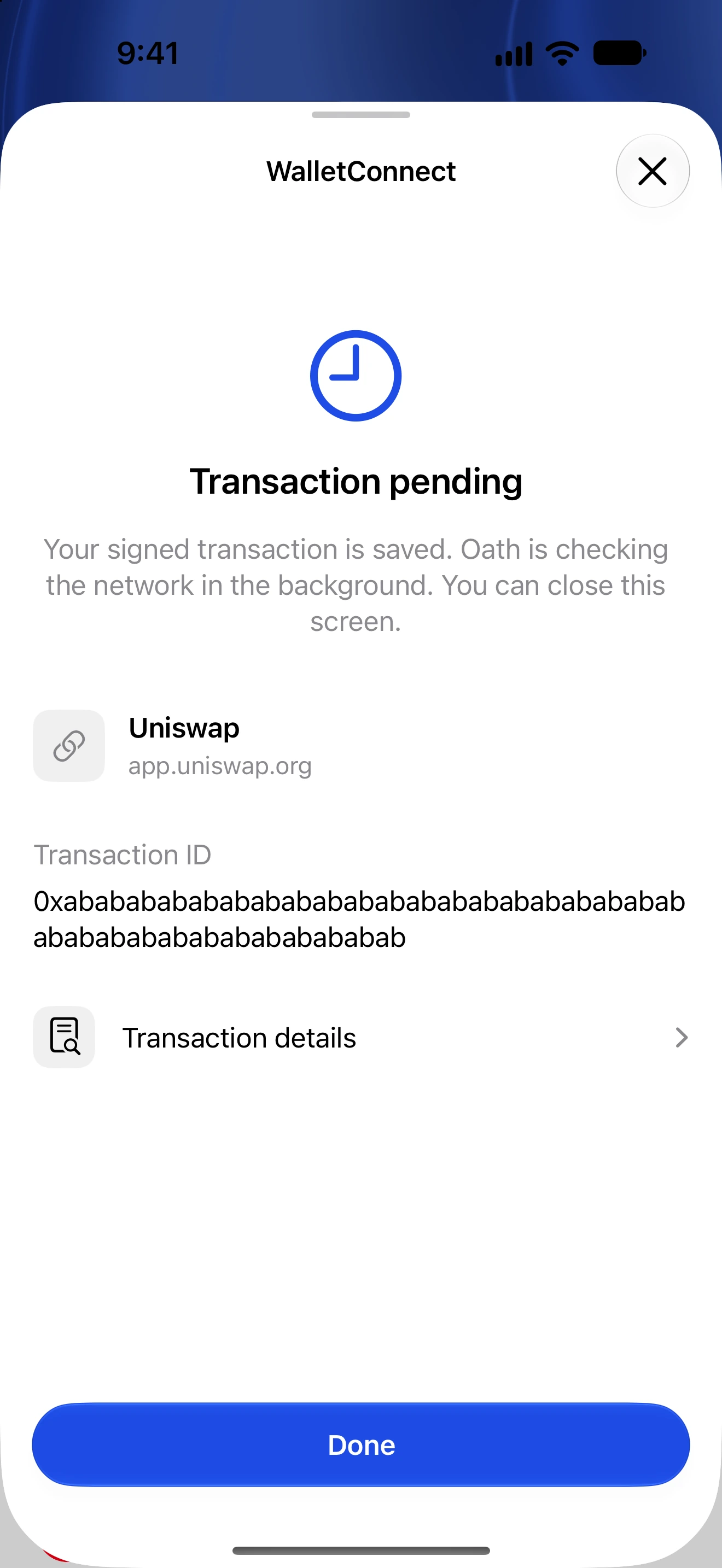
- If Oath has a transaction ID or reports a pending/uncertain submission, inspect that same transaction in History or its explorer before attempting another transfer.
- If it is definitely failed or rejected, correct the reason and make a fresh review. Contact support with the network, public transaction ID and error text if needed.
A local validation error normally means a transfer has not been prepared. A lost response after broadcast is different: the network may already have the transaction.
Simulation and preflight failures can reflect insufficient funds, slippage, a changed allowance or contract conditions. Repeatedly confirming unchanged data does not fix those conditions.
Keep Oath available for status checks. Background work can pause when iOS suspends the app; reopening and unlocking lets pending work resume.
Follow along in Oath
Real app screens with illustrative demo data. No live funds were sent, swapped or revoked for these examples. Never send funds to an example address. Tap an image to inspect it at full size.