Use Max and understand spendable balance
See why the maximum you can send may be lower than the total displayed on Home.
Oath 4.0.3
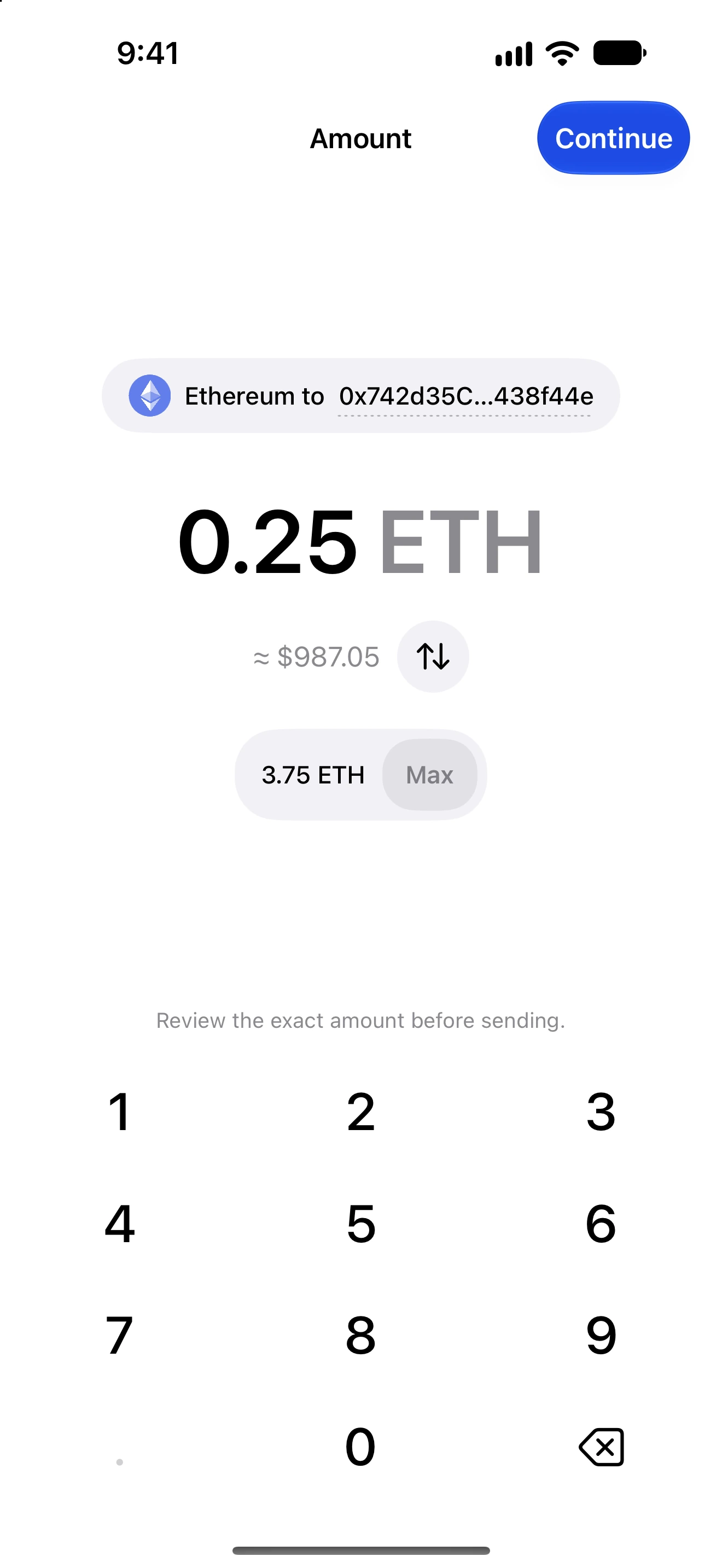
Send → amount → Max → review
How to do it
- Select the intended asset and enter the recipient first.
- Tap Max on the amount page. Read the resulting quantity in asset units.
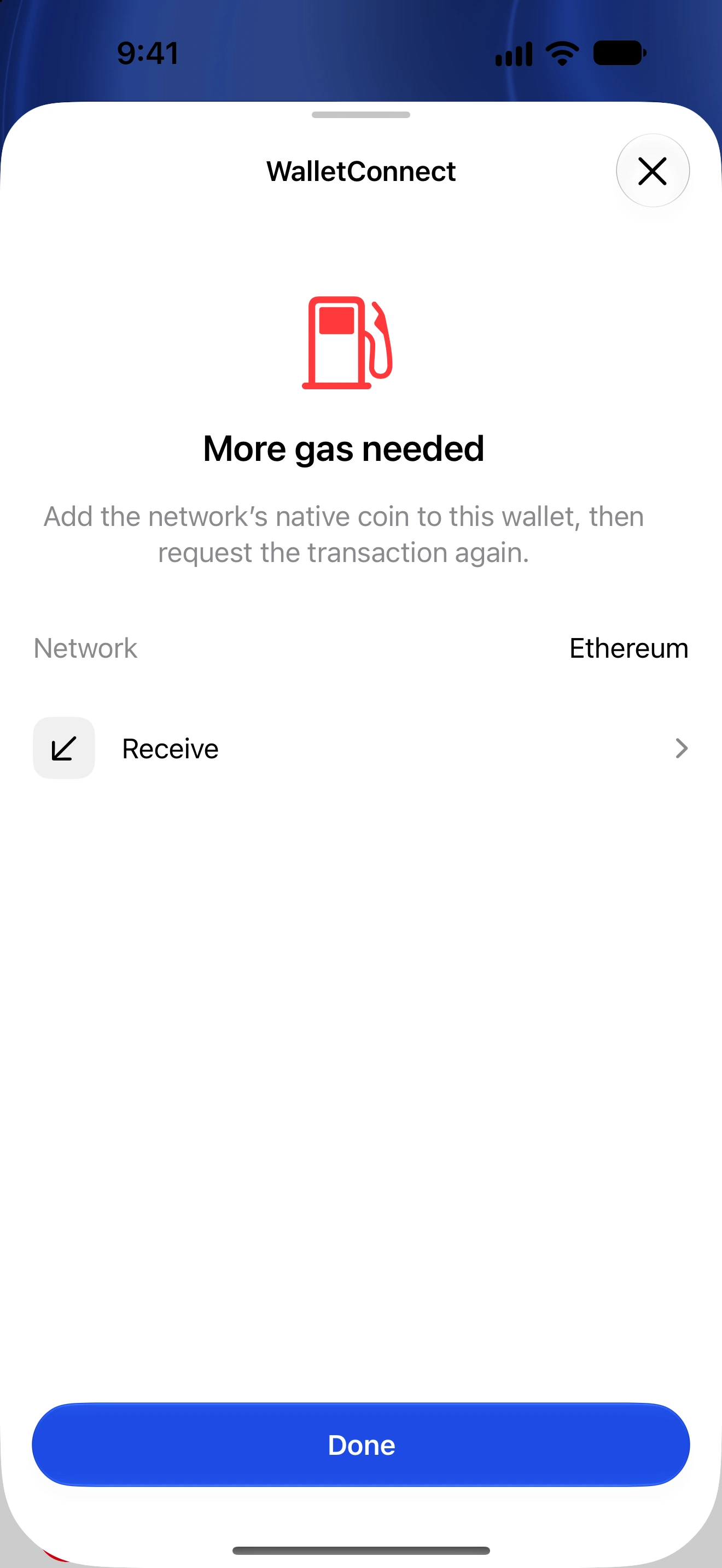
- For token transfers, check that you also hold the network’s native fee asset.
- Continue to review and read the network fee plus any activation, reserve or storage requirement.
- If the available amount changes, return to amount and calculate Max again. Confirm only after reviewing the updated total.
- Check History after submission; do not repeatedly send because a balance refresh is delayed.
Native-coin Max needs to leave enough for transaction costs. UTXO fees depend on inputs and transaction size; account-based networks may retain mandatory balances or reserves.
For a token, the entire token balance may be transferable while a different native asset pays gas. A token with no reliable quote can still be entered in asset units.
Fee estimates are network-specific and can change. A maximum fee is a spending limit or estimate used in that review, not a promise that the exact amount will be charged.
Follow along in Oath
Real app screens with illustrative demo data. No live funds were sent, swapped or revoked for these examples. Never send funds to an example address. Tap an image to inspect it at full size.