Request a feature
Suggest a specific improvement and explain how it would help.
Guide checked for Oath 5.1.2 (112).
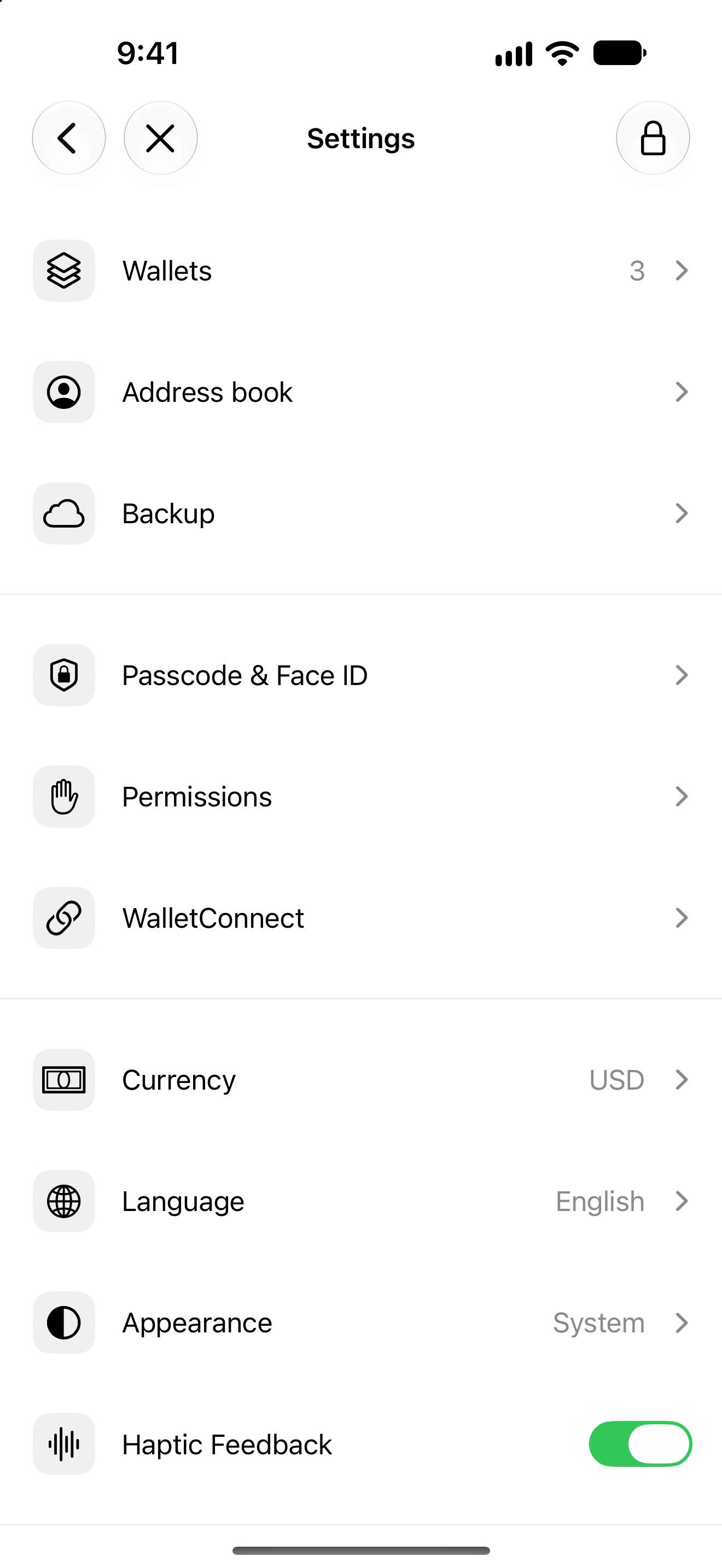
Settings → Request a Feature
How to do it
- Tap Request a Feature to open the Oath GitHub issues page in the app.
- Search existing issues to avoid duplicating a request.
- If you have a GitHub account, open an issue describing the feature and the problem it solves.
- Include non-sensitive examples and the app version where useful.
Return to the relevant screen to confirm the setting or saved entry. Canceling an edit should not be treated as an applied change.
Describe the problem you want to solve, where in Oath it happens and what outcome would help. Include the current app version when relevant.
A feature request is a proposal, not a promise of availability. Continue to use the supported flow described by the current guide until a release adds the feature.
Follow along in Oath
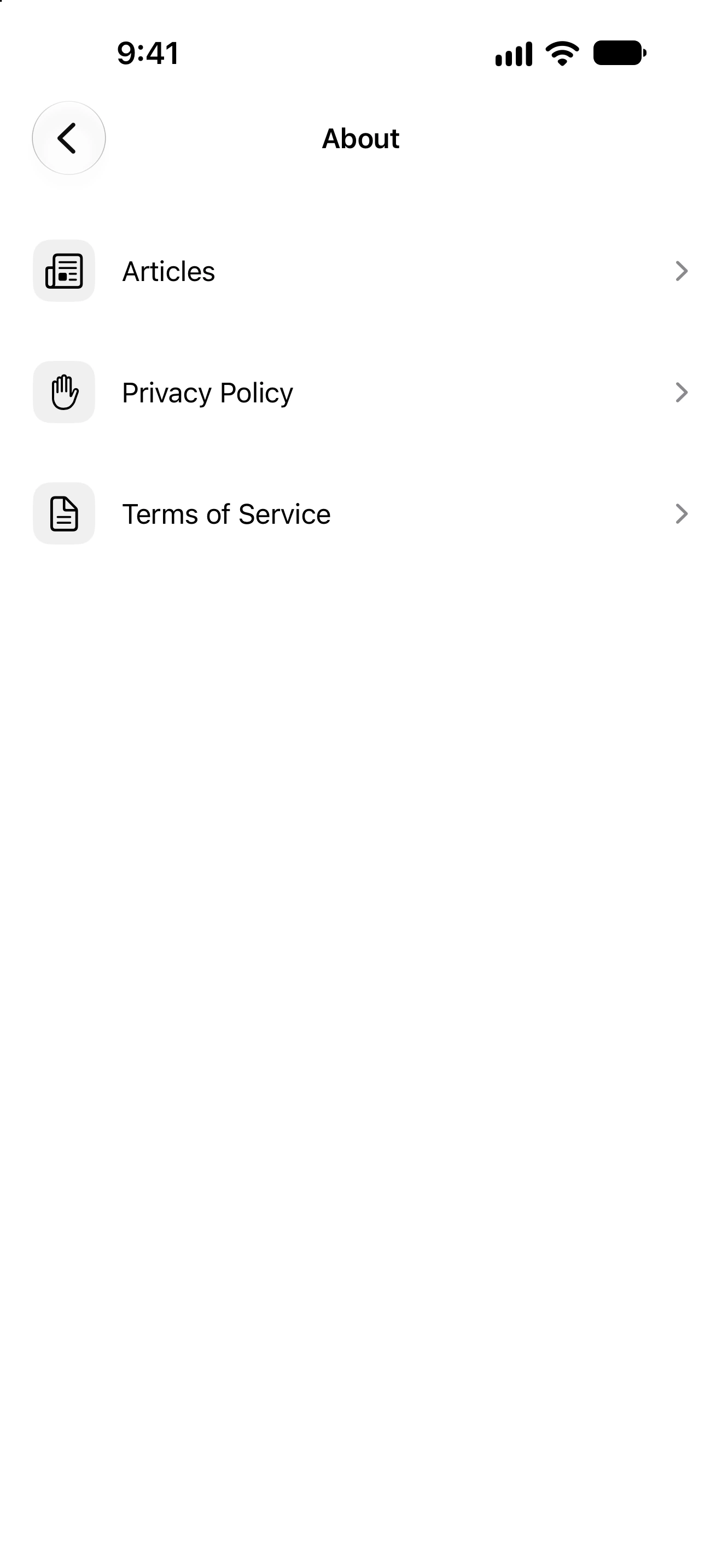
Real app screens with illustrative demo data from historical captures. Current release: Oath 5.1.2 (112); appearance and available options may differ from the images. No live funds were sent, swapped or revoked for these examples. Never send funds to an example address. Tap an image to inspect it at full size.