
Create a contact in the address book
Save a person’s name first, then add network-specific addresses.
Oath Atmosphere · 1.0 (56)
Where to find it
Settings → Address book → plus
How to do it
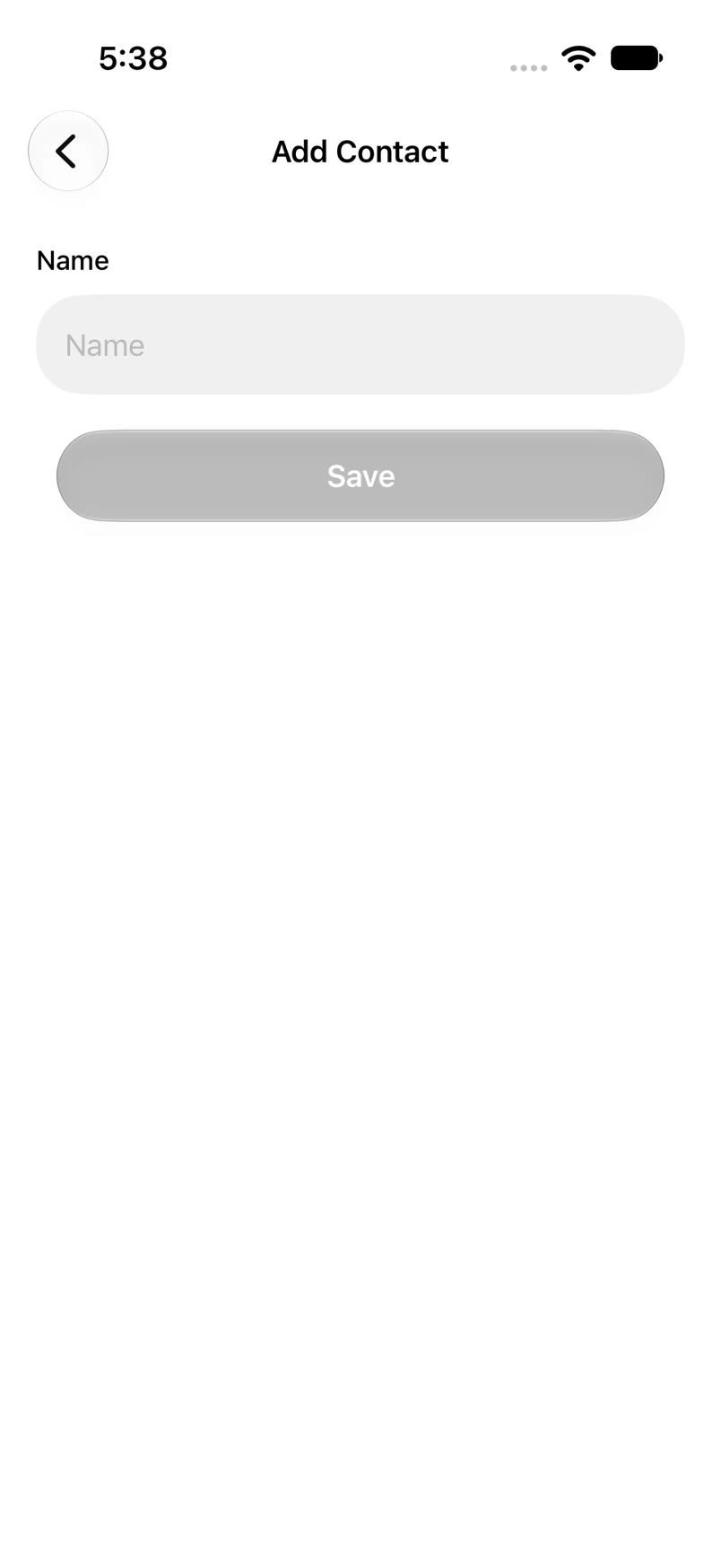
- Tap the plus button in Address book.
- Enter the contact’s name and tap Save.
- Oath returns from the name form and opens the new contact.
- Tap Add Address when you are ready to save a receiving address for them.
Example addresses are for illustration. Do not send funds to them.