Report a bug
Give enough detail for the problem to be reproduced without exposing secrets.
Guide checked for Oath 5.1.2 (112).
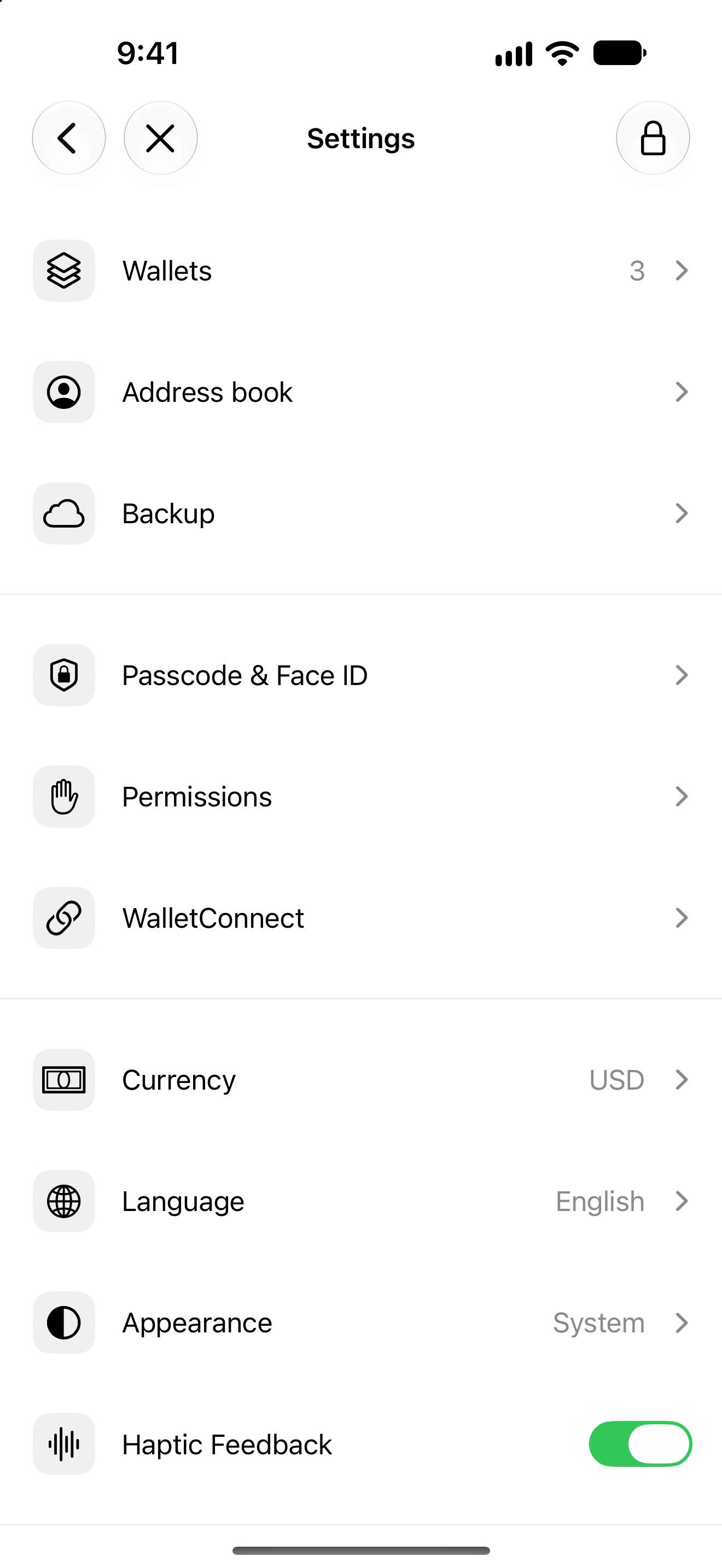
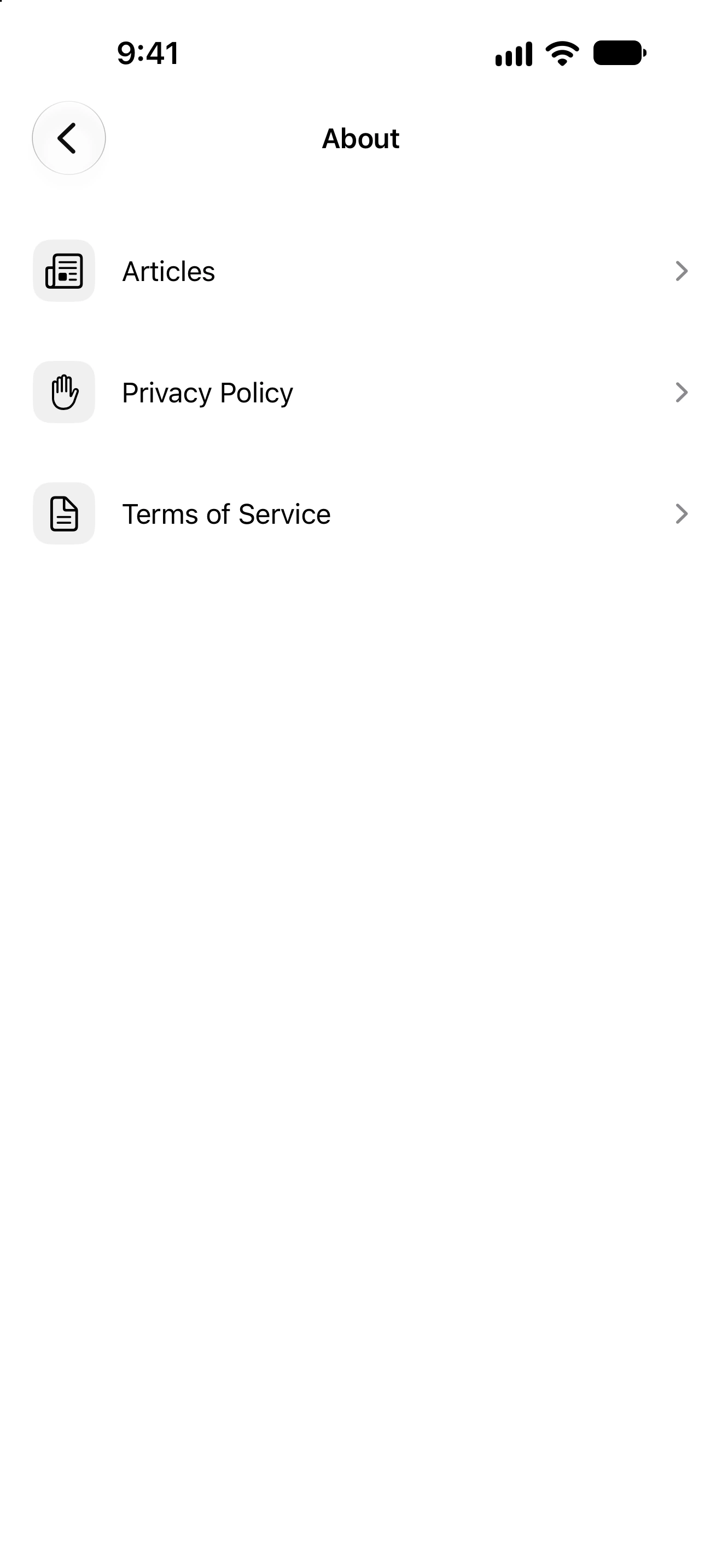
Settings → Submit a Bug
How to do it
- Tap Submit a Bug to open the GitHub issue tracker.
- Describe what you expected, what happened and the shortest sequence of steps that reproduces it.
- Include the app version, iOS version and affected network when relevant.
- Attach a screenshot only after checking it for private information.
Return to the relevant screen to confirm the setting or saved entry. Canceling an edit should not be treated as an applied change.
Include the app version, device/iOS version, screen, exact steps and nonsecret error text. For a transaction issue, add its network and public transaction ID if one exists.
A screenshot can help, but review it first for balances, names and other private information. Never attach recovery phrases, keys, passwords, pairing URIs or raw signed payloads.
If a submission is pending or uncertain, check its existing transaction before attempting another transfer while waiting for support.
Follow along in Oath
Real app screens with illustrative demo data from historical captures. Current release: Oath 5.1.2 (112); appearance and available options may differ from the images. No live funds were sent, swapped or revoked for these examples. Never send funds to an example address. Tap an image to inspect it at full size.