Remove the last active wallet
Understand the final-wallet reset and clear Recently Deleted only after protecting your recovery options.
Oath 4.0.3
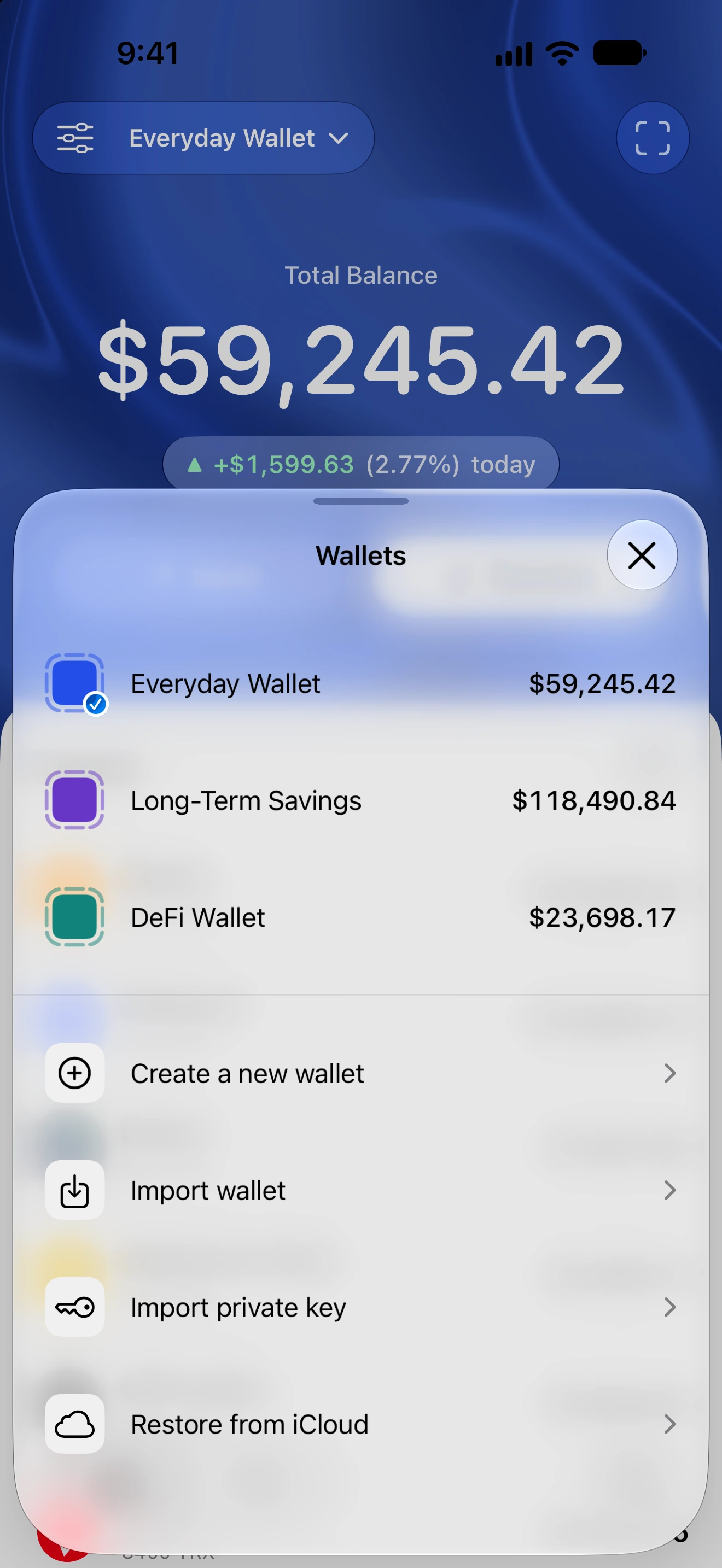
Settings → Wallets → Edit → remove final wallet
How to do it
- Confirm you can recover the final wallet and any wallets in Recently Deleted before starting.
- Choose remove for the last active wallet. Complete the applicable security authentication when asked.
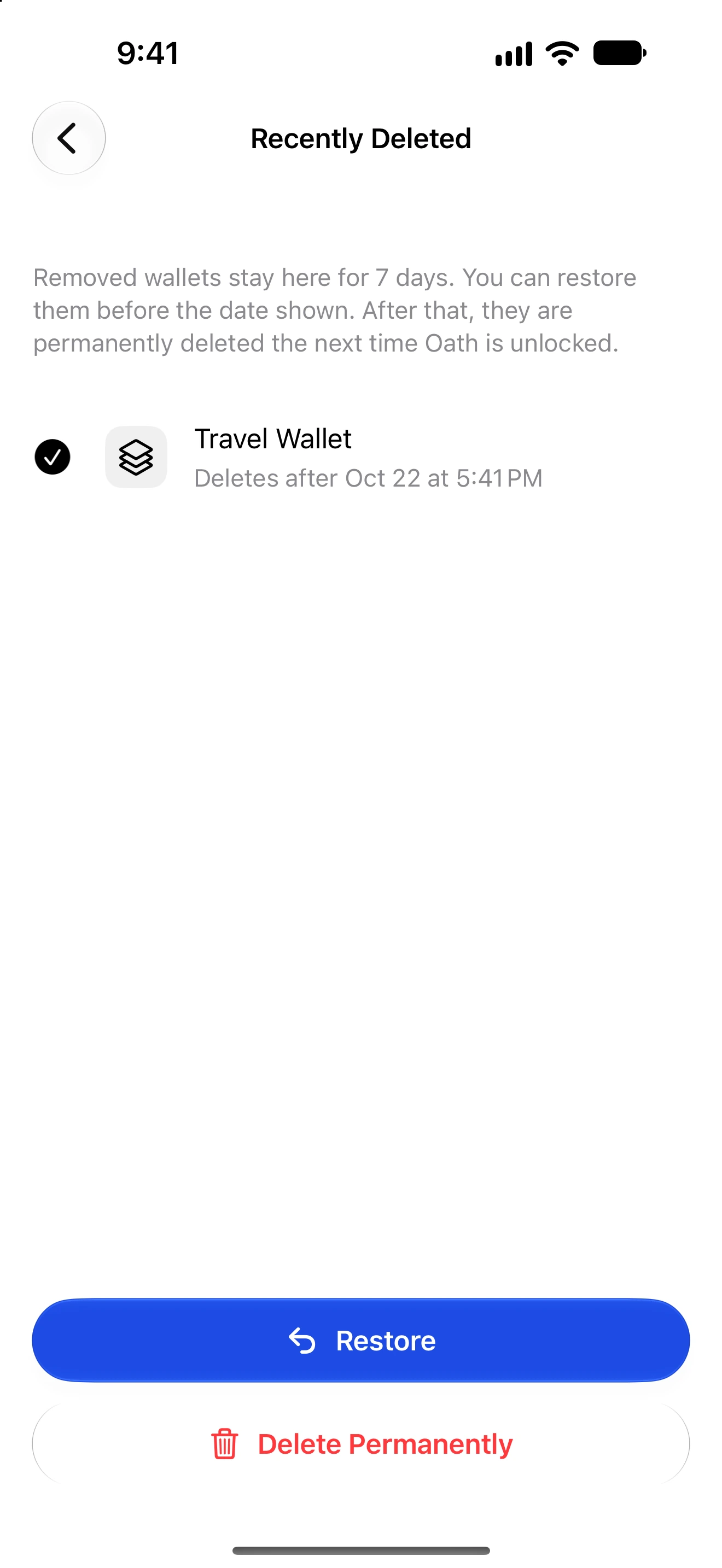
- If Recently Deleted contains wallets, review the first prompt and agree to include those wallets in permanent removal only if you have their required recovery material.
- Read the final reset confirmation. Both confirmations must be accepted before deletion starts; cancel here if you need to preserve any wallet.
- Confirm the final removal and wait for the local reset to finish. Do not interpret the first confirmation alone as completed deletion.
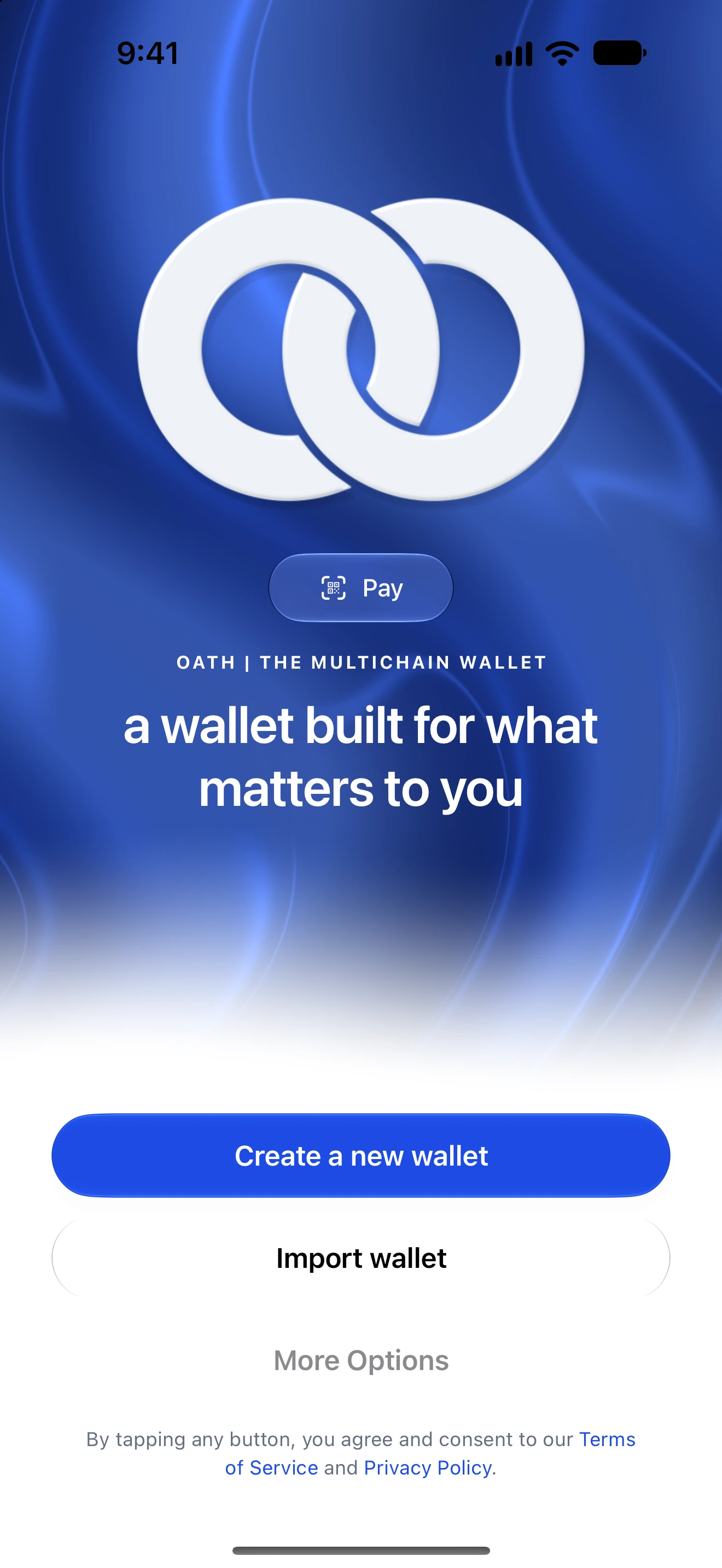
- Oath returns to Welcome. To use a wallet again, import its recovery material or restore an encrypted backup.
The final wallet is not left as the only item in Recently Deleted. The flow clears retained wallets before resetting the installation to its no-wallet state.
This removes local access and app data. Blockchain funds and previously granted on-chain permissions are unaffected; deleting a wallet does not revoke access.
Existing cloud backup files are separate. Keep the correct password and any extra recovery passphrase needed to restore them.
Follow along in Oath
Real app screens with illustrative demo data. No live funds were sent, swapped or revoked for these examples. Never send funds to an example address. Tap an image to inspect it at full size.