Use Ethereum and EVM networks
One wallet can show the same public address across EVM networks while tracking each network separately.
Guide checked for Oath 5.1.2 (112).
Home → network or token
How to do it
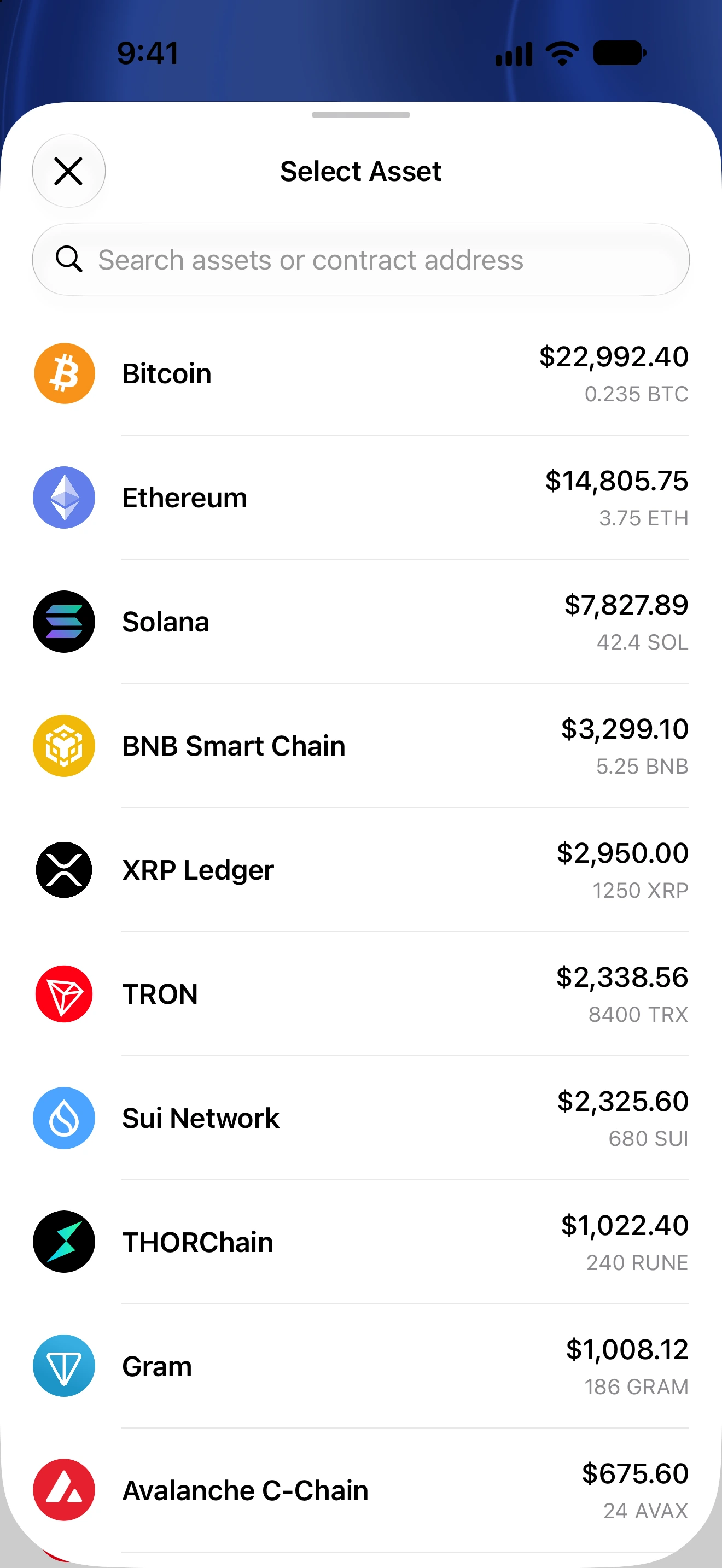
- Select Wallet, then Search, and look for the intended network or select it through Receive.
- Check the network name before sharing its address.
- View tokens on that network or search by an exact token contract address.
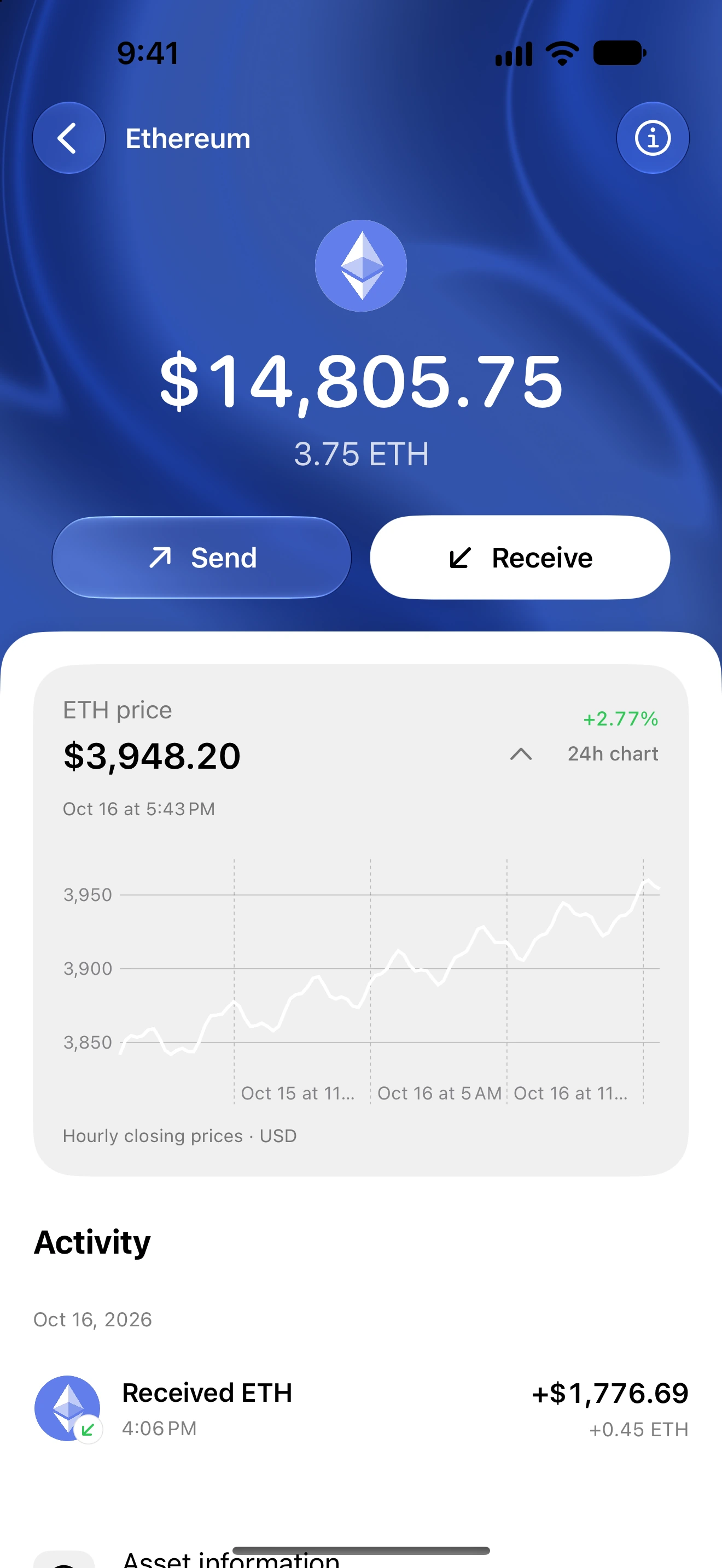
- Open transactions from the relevant asset’s Activity; their explorer links are network-specific.
The current EVM catalog includes Ethereum, Arbitrum, Arc, Avalanche C-Chain, Base, BNB Smart Chain, Fantom, Flare, Gnosis, HyperEVM, Linea, Monad, Optimism, Polygon, Robinhood Chain, Scroll, Somnia, Story, Taiko, Telos EVM, Unichain and X Layer.
A contract address is meaningful together with its network. Even when two chains use the same 0x account address, their coins, tokens, approvals and transaction histories remain separate.
Direct sends stay on the selected network. A dApp swap or bridge can involve separate approvals and transactions; review each request and never infer a destination chain from the token ticker alone.
Follow along in Oath
Real app screens with illustrative demo data from historical captures. Current release: Oath 5.1.2 (112); appearance and available options may differ from the images. No live funds were sent, swapped or revoked for these examples. Never send funds to an example address. Tap an image to inspect it at full size.