
Change your display currency
Show portfolio values, prices and available fees in your preferred local currency.
Oath Atmosphere · 1.0 (56)
Where to find it
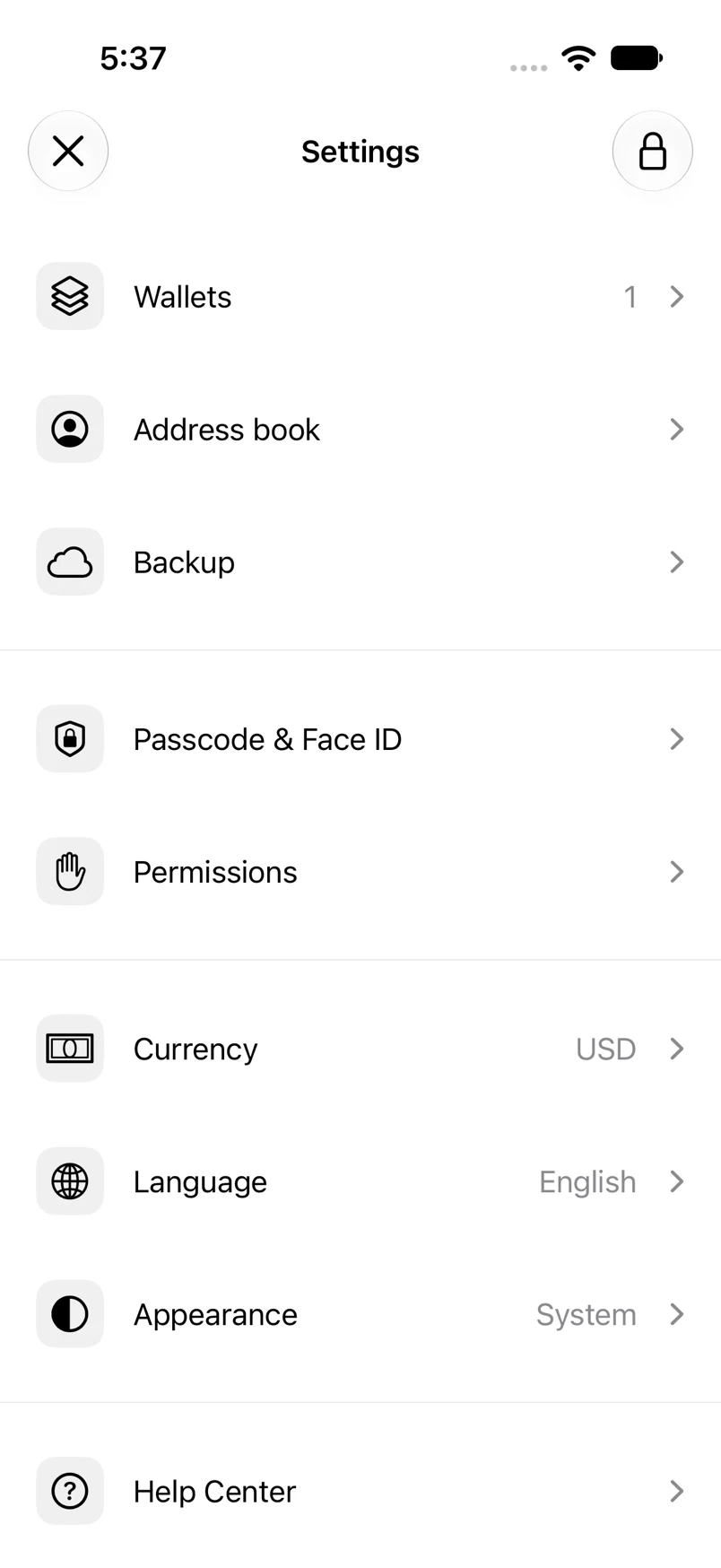
Settings → Currency
How to do it
- Tap Currency in the main Settings screen.
- Choose from the common currencies or search by currency name or code.
- Tap the available currency you want.
- Return to Home to see the updated formatting and valuation.
Example addresses are for illustration. Do not send funds to them.