Contact Oath support
Email the team at care@oathwallet.org.
Guide checked for Oath 5.1.2 (112).
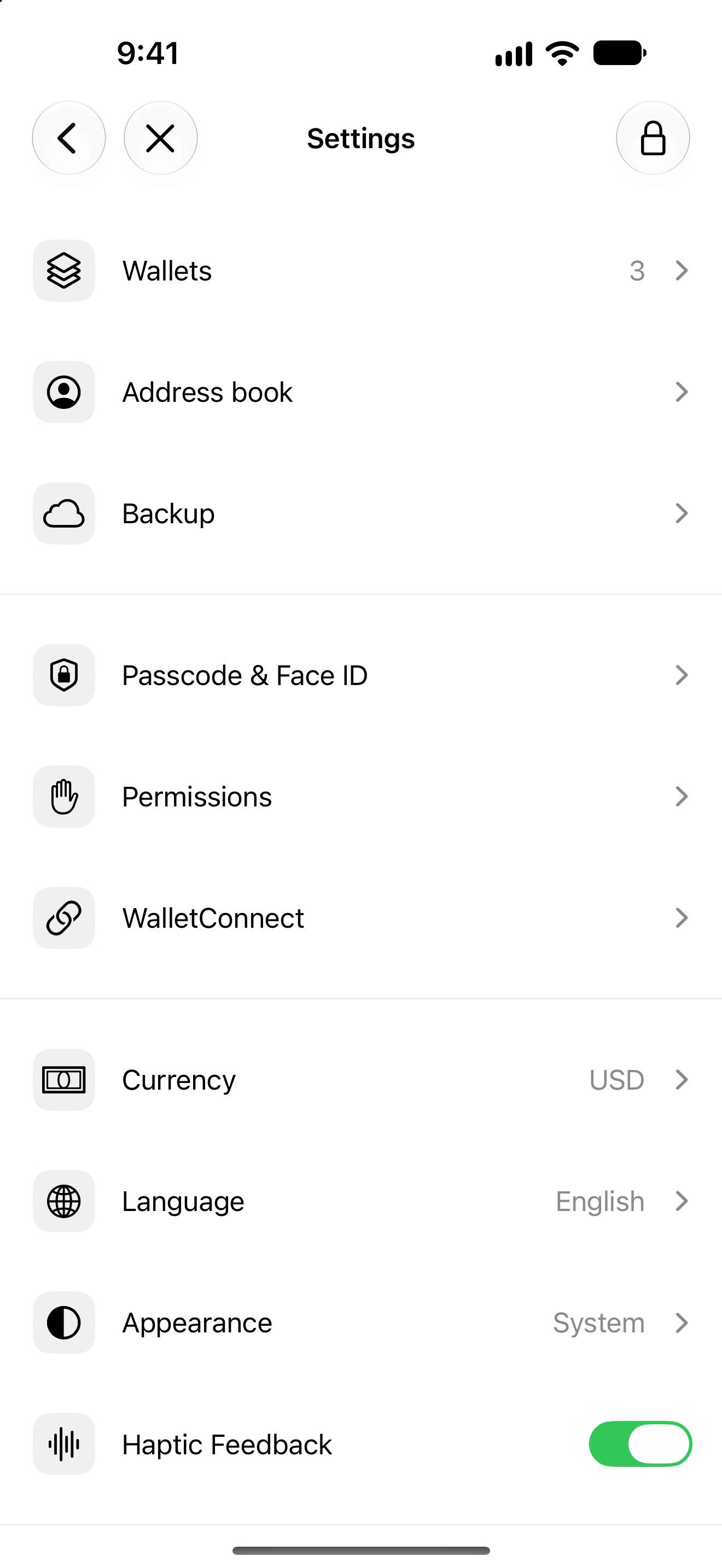
Settings → Contact Us
How to do it
- Tap Contact Us in Settings.
- Write your message in the native mail composer and review it before sending.
- If mail is not configured, copy the displayed address and send from your preferred email app.
- Describe the issue using public details such as network, transaction ID and error text when appropriate.
Return to the relevant screen to confirm the setting or saved entry. Canceling an edit should not be treated as an applied change.
Explain what you were trying to do and what happened instead. Public network and transaction identifiers can help diagnose a payment issue without exposing wallet secrets.
Opening an email draft does not send it. Review the recipients, body and attachments in your mail app before choosing Send.
Oath support cannot recover a forgotten recovery phrase or safely ask you to reveal a private key. Treat unsolicited requests for those secrets as untrusted.
Follow along in Oath
Real app screens with illustrative demo data from historical captures. Current release: Oath 5.1.2 (112); appearance and available options may differ from the images. No live funds were sent, swapped or revoked for these examples. Never send funds to an example address. Tap an image to inspect it at full size.