
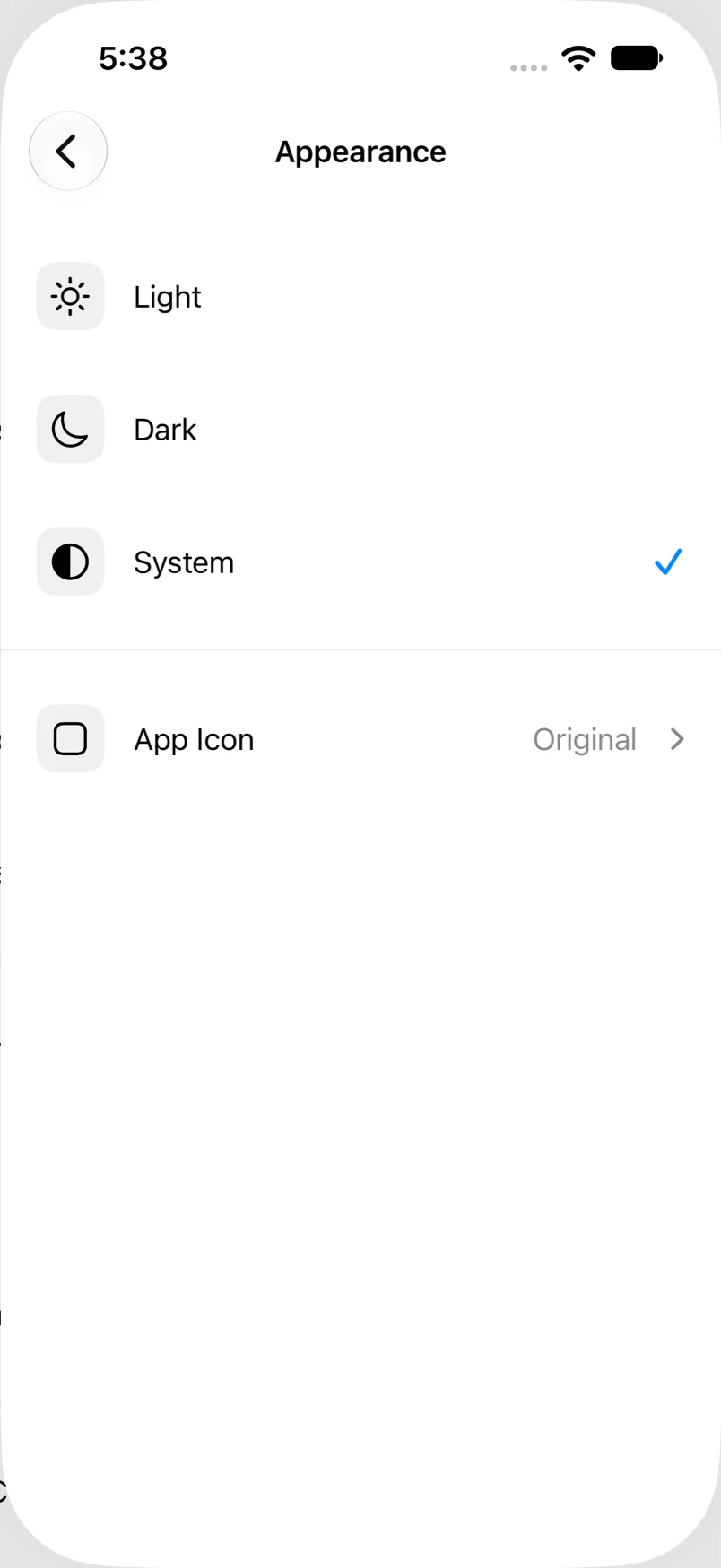
Use Light, Dark or System appearance
Choose a fixed appearance or follow the device’s setting.
Oath Atmosphere · 1.0 (56)
Where to find it
Settings → Appearance
How to do it
- Open Appearance in the main Settings screen.
- Select Light, Dark, or System.
- Return to Home to see the selected mode.
- Use Customize Wallet separately if you want to change the wallet artwork’s color.
Example addresses are for illustration. Do not send funds to them.